PH-0680Art & Image
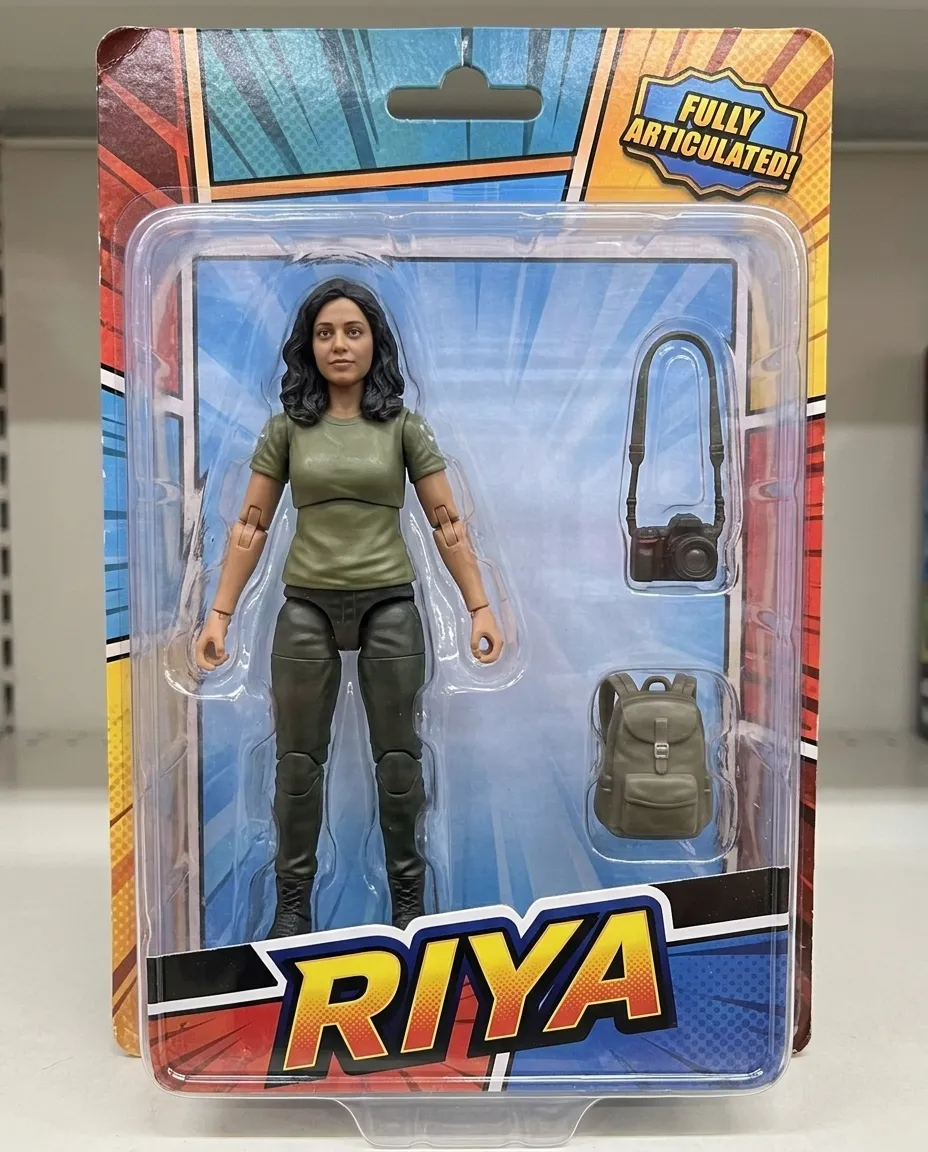
Action Figure Toy Box
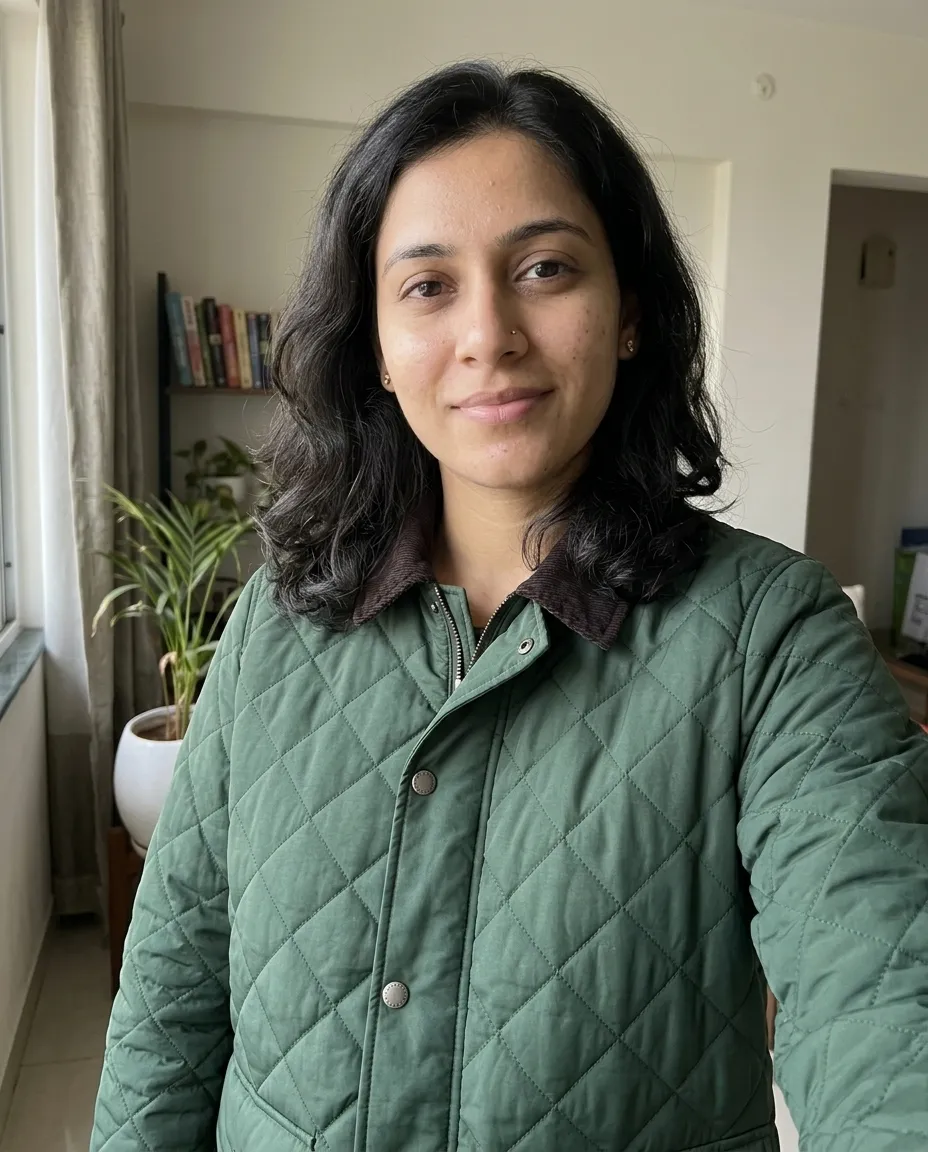
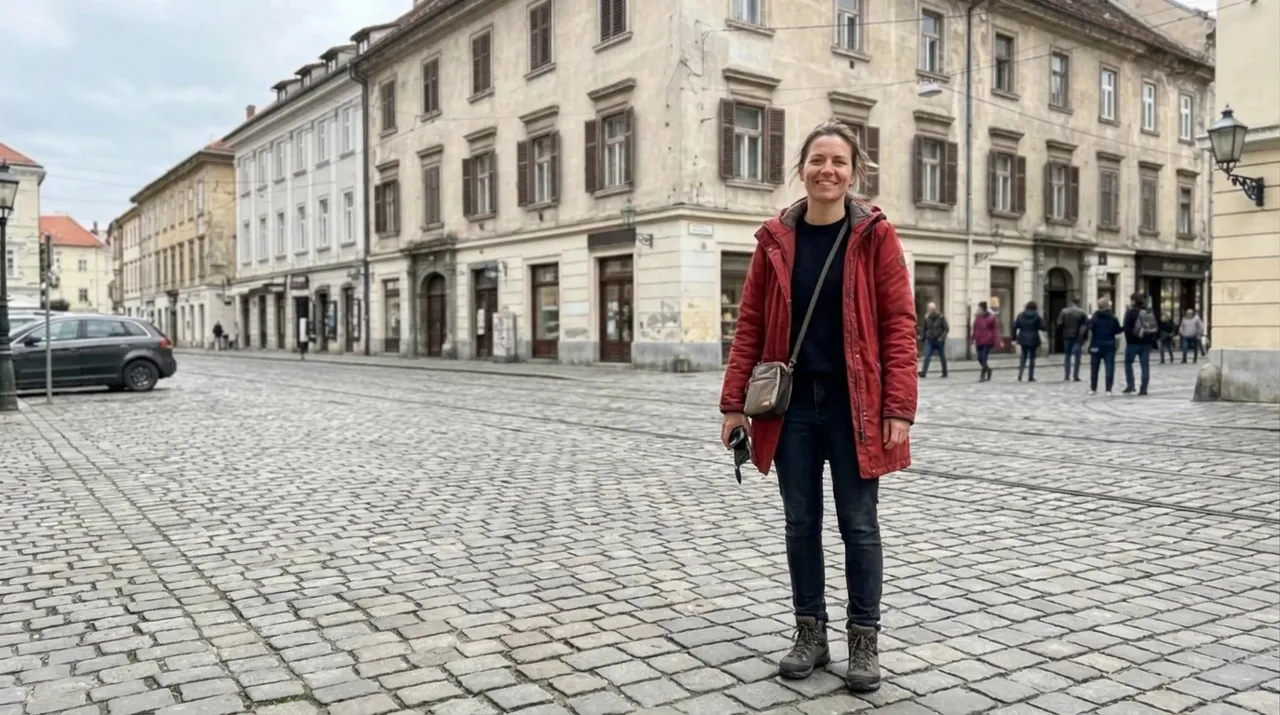
Turns you into an articulated action figure sealed in printed retail packaging.
You fill in accessorycolourname · add your photo
Nano Banana
Nano Banana is the name of Gemini's image model, and its strength is editing: it keeps a face across edits and can merge several uploaded pictures. These prompts lean on that, with the upload named at the top of each block.
Turns you into an articulated action figure sealed in printed retail packaging.
You fill in accessorycolourname · add your photo
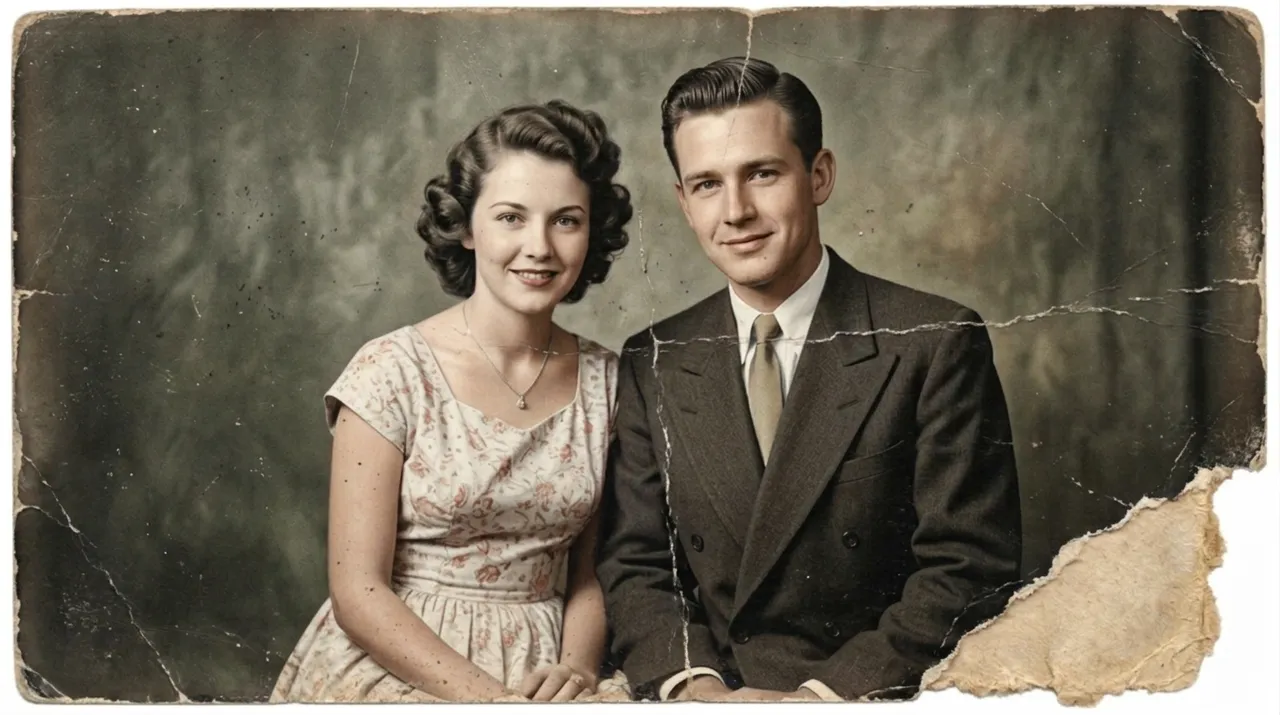
Adds believable period colour to a black and white photograph without smoothing away its grain.
Ready to paste
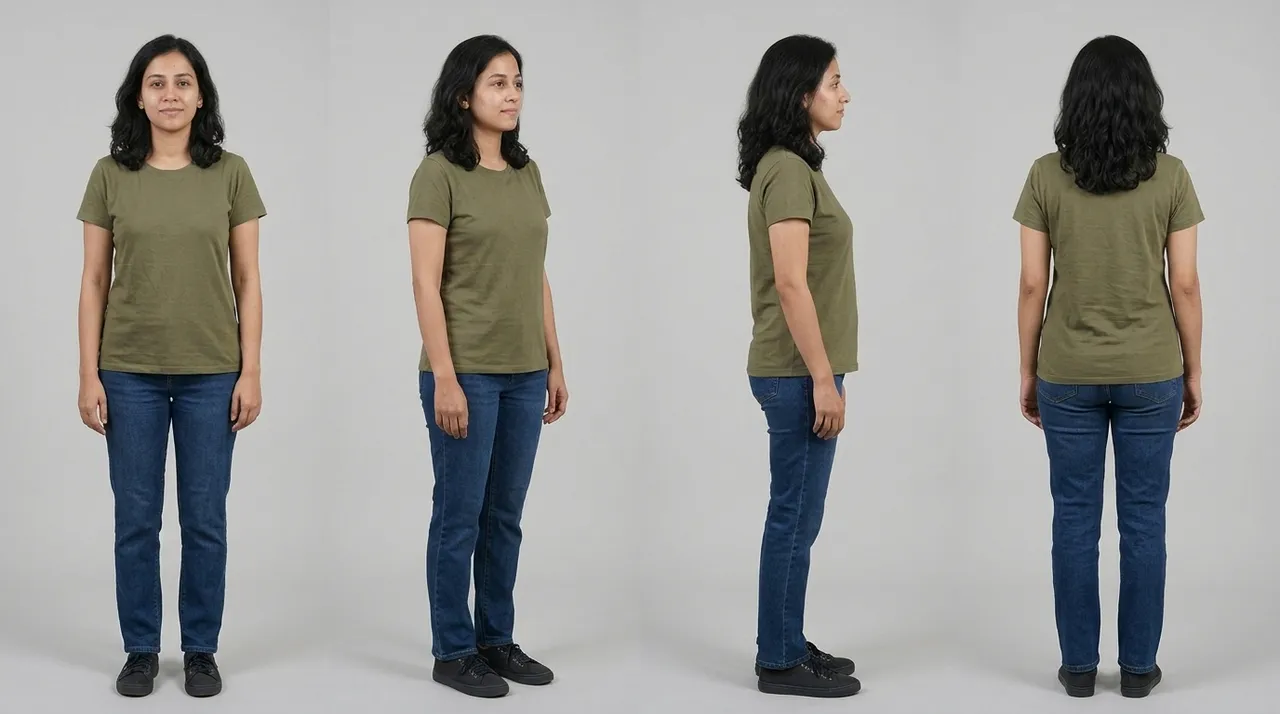
Builds a four view character sheet from one photo, with an identical face and outfit in every panel.
You fill in colour · add your photo
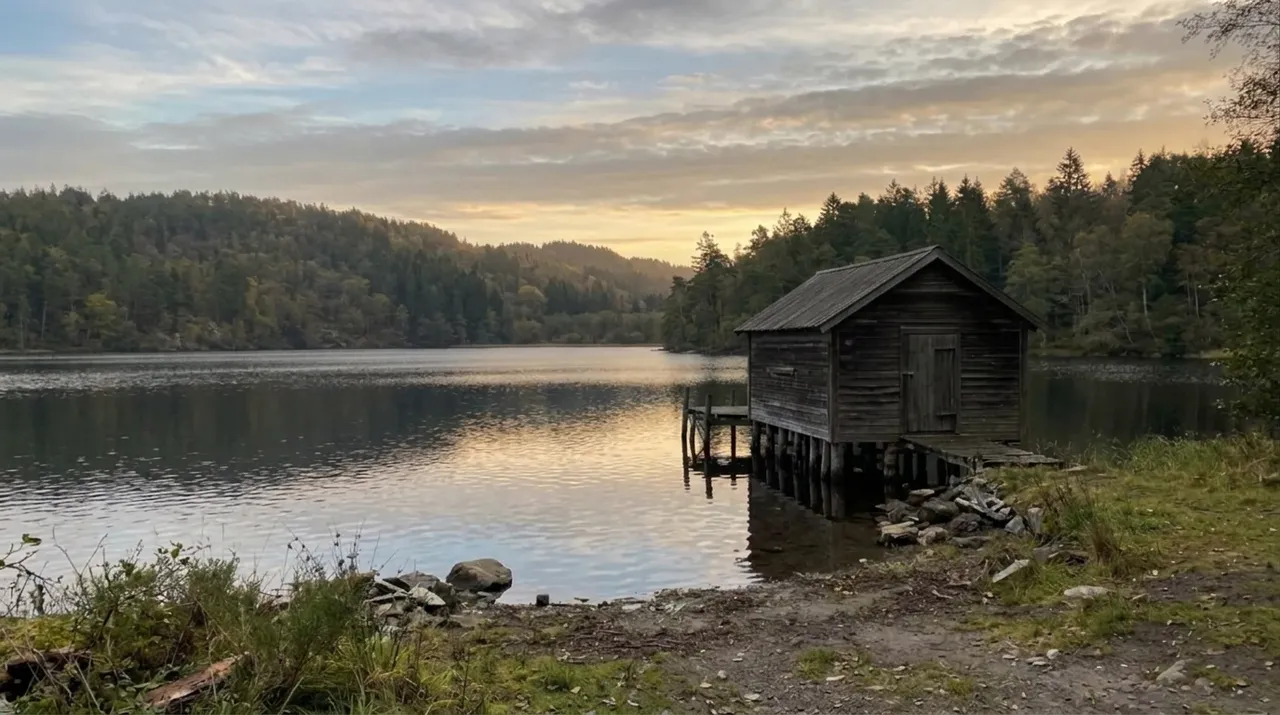
Replaces a dull sky in your photo and relights the whole scene to agree with it.
You fill in time of day · add your photo
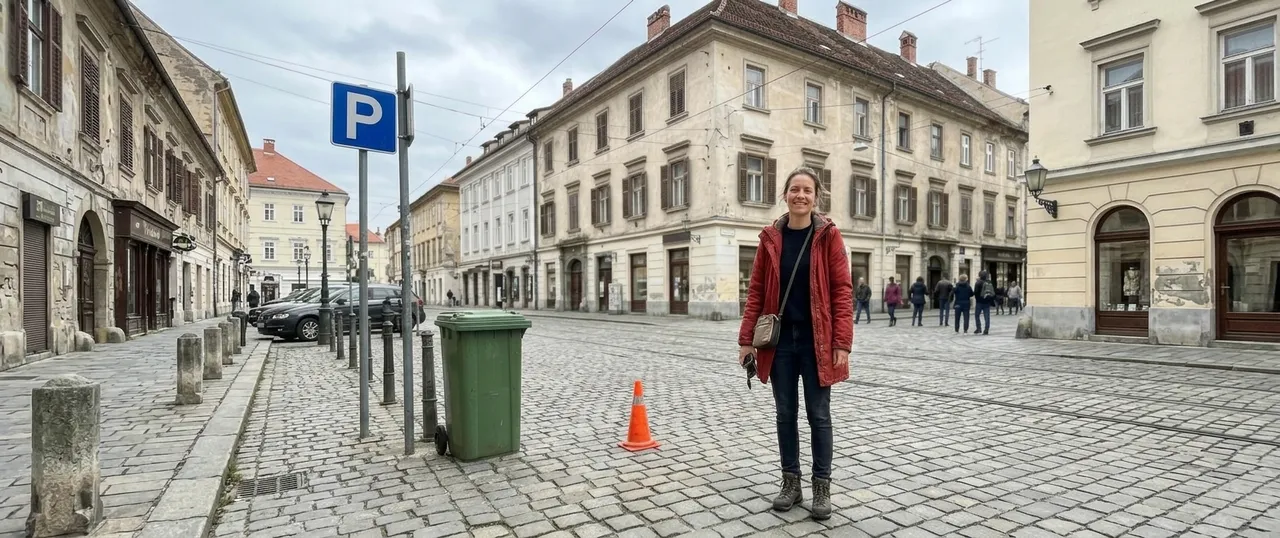
Widens a photo into a bigger frame, continuing the scene outwards in correct perspective.
You fill in aspect ratio · add your photo
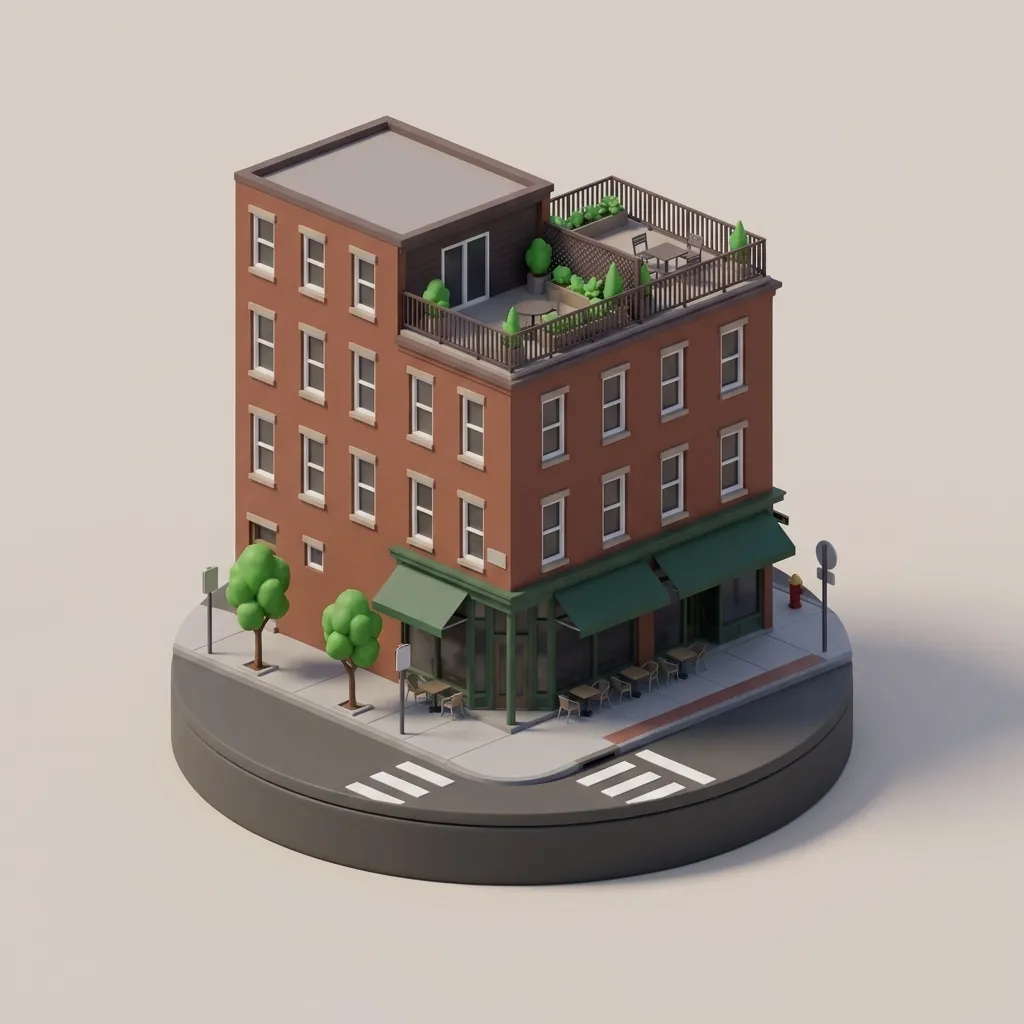
Rebuilds a real building from a photo as a tidy isometric miniature on a round base.
You fill in colour · add your photo
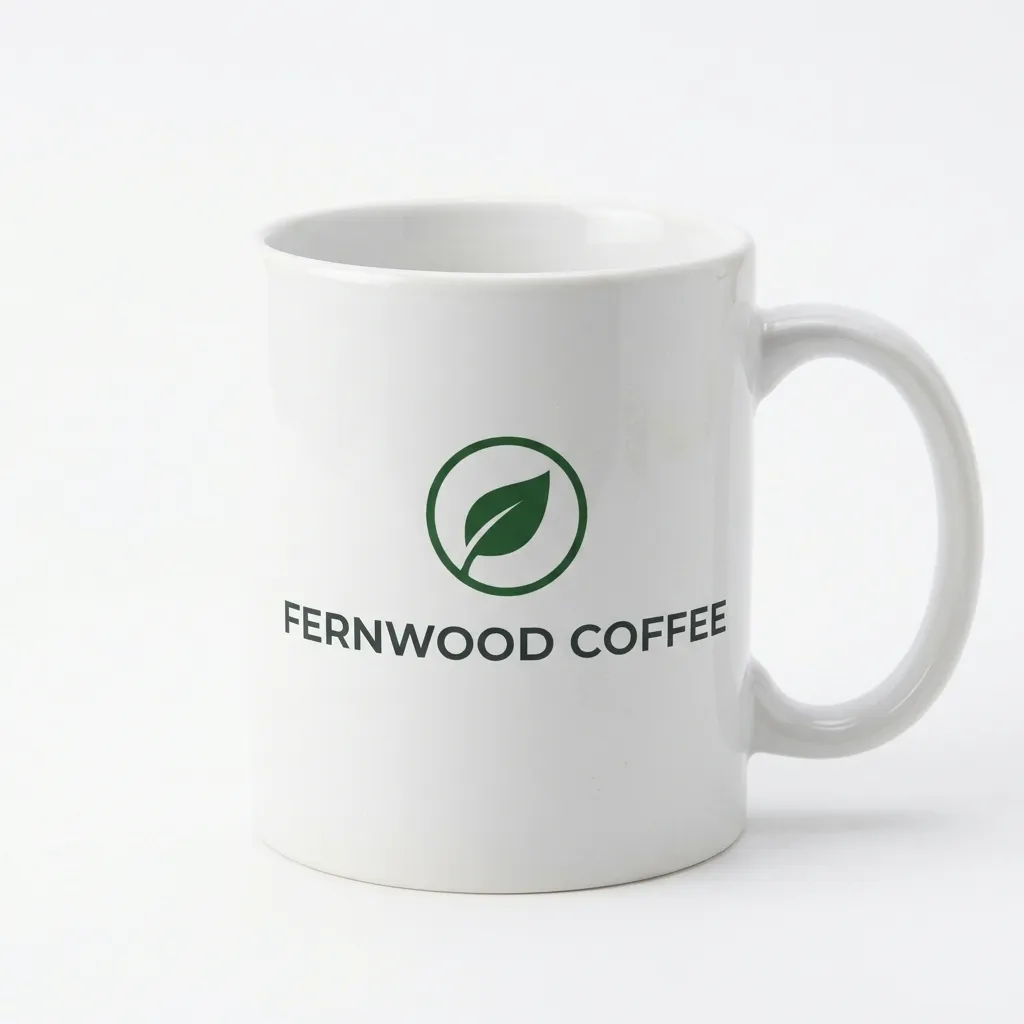
Wraps your own logo onto a photo of a plain mug at a realistic size and curve.
Ready to paste · add both photos
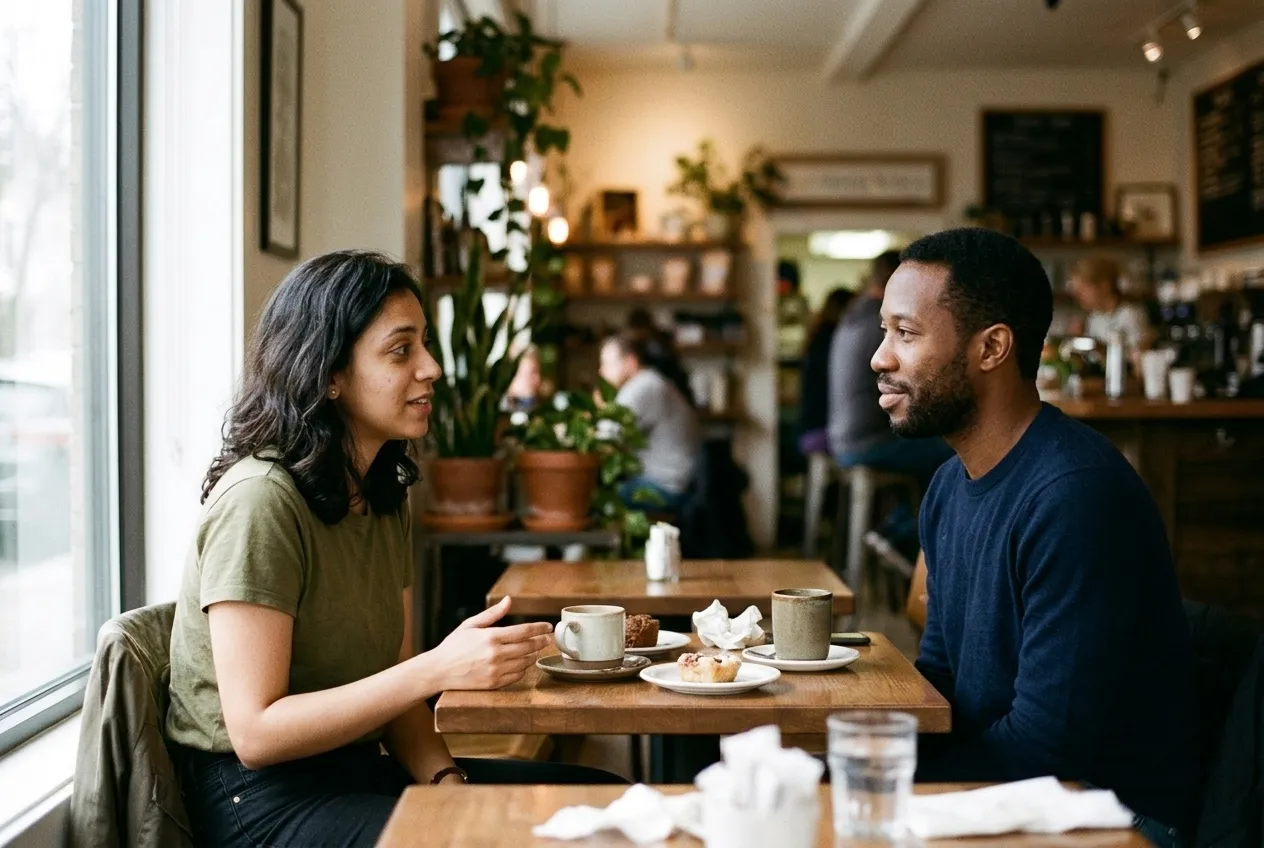
Merges two people from two separate photos into one cafe scene under a single light.
You fill in setting · add both photos
Puts a garment from a second photo onto the person in the first, with the pose and body unchanged.
Ready to paste · add both photos
Drops your product from one photo into a room from another at a believable size and light.
You fill in surface · add both photos
Removes clutter from a photo and rebuilds what was behind it, with the people and light untouched.
You fill in list what to remove · add your photo
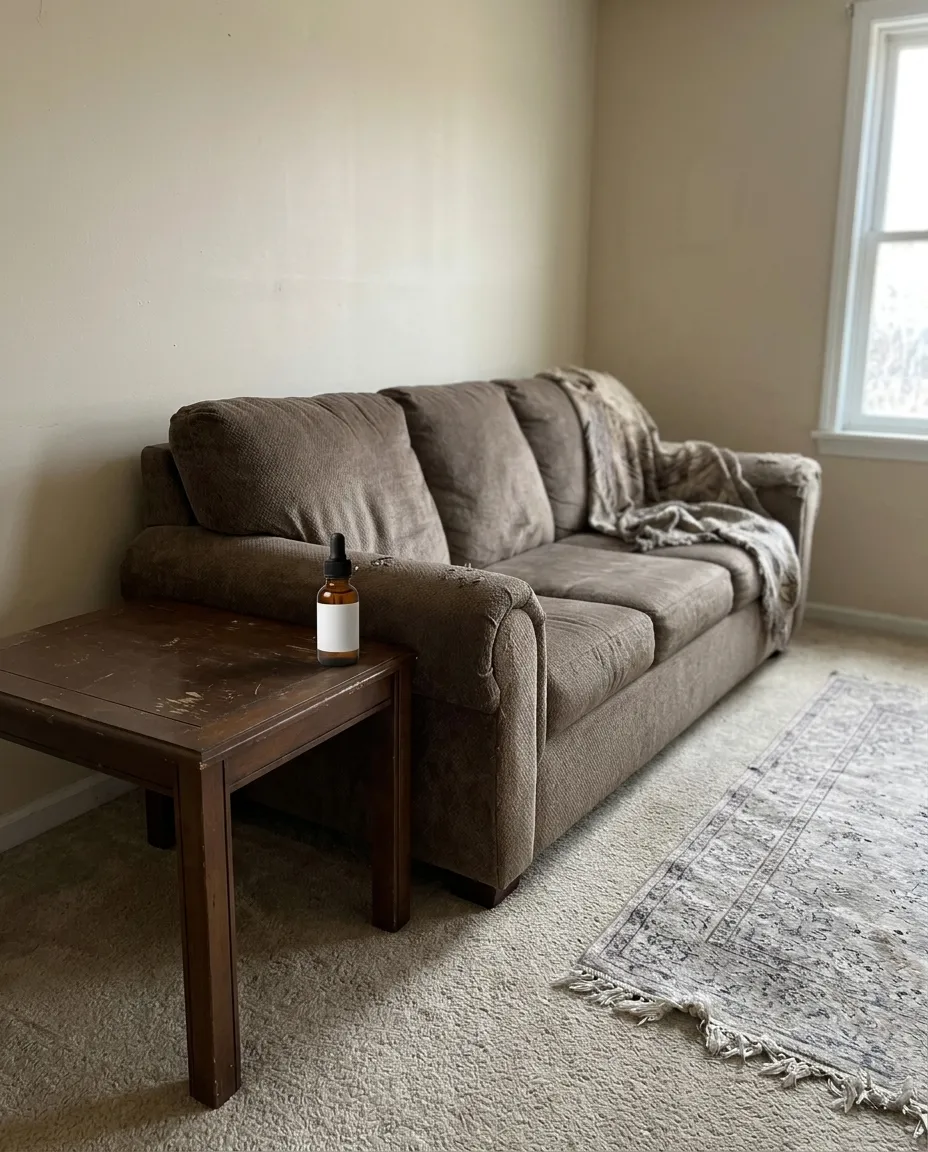
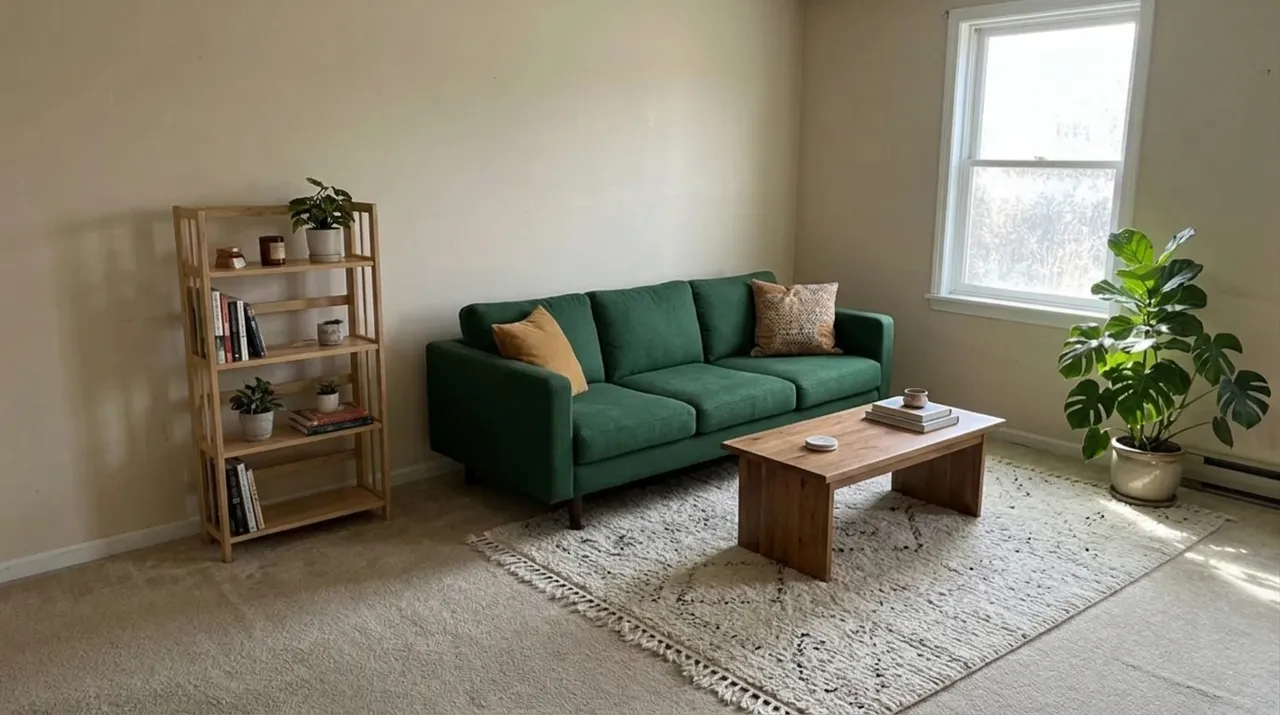
Replaces the furniture in a photo of your room while the walls, windows and camera angle stay fixed.
You fill in colour · add your photo
Turns a product sketch into a photographic studio render with the design kept exactly as drawn.
You fill in materialcolour
Repaints your photo in the style of a reference image without copying anything in it.
Ready to paste · add both photos
«Nano Banana» started as the nickname of one model and is now Google's name for a family of them. A prompt written for the first one still runs on the newer ones, but the newer models read text, hold characters and combine references differently, so it helps to know which one answered you. As of October 2026, Google's own documentation lists five:
| Name | Model | Where you meet it in the Gemini app |
|---|---|---|
| Nano Banana 2.1 | Built on Gemini 3.6 Flash | Rolling out from October 6, 2026; better edits, text and wide formats. What changed |
| Nano Banana 2 | Gemini 3.1 Flash Image | The default. Used when the Gemini model is set to Flash or Pro, and it accepts several reference images |
| Nano Banana 2 Lite | Gemini 3.1 Flash-Lite Image | Used when the model is set to Flash-Lite. Fast, and in Google's words not designed for multiple references or multiple edits |
| Nano Banana Pro | Gemini 3 Pro Image | Redo with Pro, in the three-dot menu under an image, on a paid Google AI plan |
| Nano Banana | Gemini 2.5 Flash Image | The original. Google's developer docs now call it the legacy model |
In practice, anything on this page that uses two uploads, or that you plan to refine over several messages, wants Nano Banana 2 or 2.1, or Pro. If the model menu says Flash-Lite, switch before you start.
The model works from sentences, so a list of comma-separated keywords leaves it guessing at how the pieces fit together. Google's own starting formula is a verb, a subject, an action and a scene, and the prompts here build on that with four more pieces.
Put together, a pattern you can type from memory:
Create an image of [subject] [doing what] in [setting].
[Shot type and angle]. [Light]. [Style].
It's for [what you'll use it for]. Aspect ratio [16:9].
The text "[exact words]" appears [where], in [font style].
Every prompt on this page names its uploads in the first line. The middle column tells you what to have ready before you paste.
| You want to | Uploads | Use |
|---|---|---|
| Put two people from separate photos in one scene | Two | Merge Two Photos Into One |
| Try on a garment you've seen | Two: you, then the garment | Outfit From Second Photo |
| Show a product in a real room | Two: product, then room | Product In Lifestyle Scene |
| Mock up your logo on merchandise | Two: logo, then mug | Logo On A Mug Mockup |
| Borrow the look of an artwork | Two: photo, then reference | Style Transfer From Reference |
| Keep one character the same across views | One full-length photo | Consistent Character Sheet |
| Turn a drawing into a product shot | One sketch | Sketch To Product Render |
| Restyle a room | One wide room photo | Room Furniture Makeover |
| Clean up a photo | One | Remove Unwanted Objects, Dramatic Sky Replacement, Extend The Photo Frame |
| Add color to an old print | One scan | Colourise a Vintage Photo |
| Make a toy or a miniature | One | Action Figure Toy Box, Isometric Building Miniature |
If you only want to restyle a selfie (film looks, new backgrounds, portraits), the Gemini photo prompts are written for exactly that.
Lettering is one of the things Google says got better. It lists better text rendering as a headline feature of Nano Banana 2, and says Redo with Pro adds detail especially for images with text and for infographics. Spelling can still slip, so a few habits help:
Read every letter at full size before you use the result. The Action Figure Toy Box prints your name on the packaging, which makes it a quick way to see how your model version handles a single line.
Here's a request of the kind people type for a quick flyer, and a rewrite of it. We wrote both to show the pattern at work; neither is model output.
make a poster for my bakery opening saturday
The model has to invent the bakery's name, the date, the style and the layout, and it will spell whatever it invents. You'll spend the next five messages undoing guesses.
Create a poster for the opening of a small neighborhood bakery.
A flat lay of three loaves and a few croissants on floured
parchment, shot from directly above, soft daylight, warm cream
and brown tones, simple and uncluttered. It's for a shop window
and an Instagram post. Aspect ratio 4:5.
Text: "Crumb & Co." at the top in a heavy serif, and
"Open Saturday, 8 am" across the bottom in a small clean
sans serif. No other text.
Every word that appears is one you wrote, the layout has two fixed places for type, and «No other text» stops stray lettering on the bread bags. If the type comes out wrong, that's the moment to try Redo with Pro.
Nano Banana edits conversationally, so the fastest fix is usually one line in the same chat. Google's prompting guide suggests small changes phrased as «keep everything the same, but change…», and that's the shape of every line below.
| The result | Reply with |
|---|---|
| A word is misspelled | Change only the text to read "[exact words]". Keep the layout and everything else. |
| It ignored the second upload | The second image is the [garment / room / style]. Use it for [what], and keep the first image's person unchanged. |
| The style reference leaked objects in | Take only the colors, brushwork and texture from the reference. Remove anything you copied from its scene. |
| A merged person looks pasted in | Relight both people from one source, [window light from the left], and match their scale to the table. |
| Something you wanted kept changed | Restore the [background / face / layout] from the original upload. Change only the [one thing]. |
| Looks glossy and fake | Make it look like a real photograph: natural texture, slight imperfections, no glow. |
| Wrong shape | Same image at [9:16]. Extend the scene to fill the frame; don't crop the subject. |
Most failures come from asking one image to do too many jobs. Others are limits Google documents itself.
These come from Google's Gemini help pages and hold as of October 2026.
Prices and the rest of the app are in our Gemini review.
It is the nickname that stuck to Gemini's image model, so you work inside Gemini rather than in a separate tool. Attach whatever pictures the block asks for, paste the text, and send both in one message so the instruction arrives with the files. If the reply comes back as words instead of a picture, say you want an edited image returned and it will usually comply.
By the order you attach them and by what the text says about each one. Outfit From Second Photo opens by stating that the first picture is you and the second is a garment, and Style Transfer From Reference does the same with a photograph and a style. Attach them in that order. If you need more than two, check what the interface currently accepts.
Because anything you do not protect is treated as open. Write the hold list out, as Remove Unwanted Objects and Room Furniture Makeover do, naming the background, the pose or the face as untouched. Then make one change per message and keep going in the same conversation, so each result builds on the last rather than starting again from your original upload.
Not usually. It generates a fresh image rather than patching your file, so the result comes back smaller than a modern phone photo and a touch softer. Plan for that before editing something you mean to print. Pictures from this family of models also carry an invisible marker identifying them as generated, which survives ordinary editing. Check the current documentation for size limits.
AI Photo Prompts AI Image Prompts Sora Prompts AI Video Prompts Midjourney Prompts
One email a week: the best new prompts and one short guide. Confirm by email and get the free Prompt Cheat Sheet (PDF). Unsubscribe any time. Privacy policy