PH-0681Art & Image
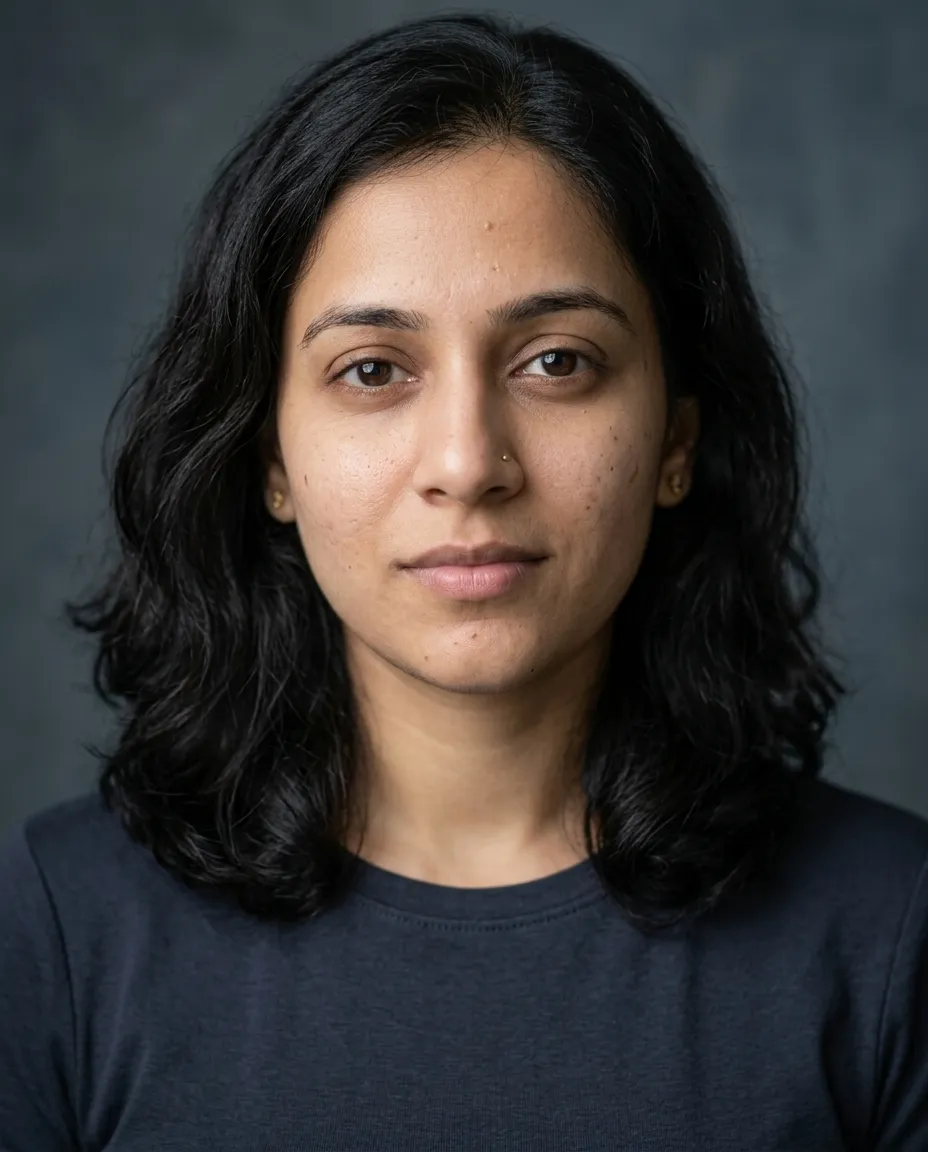
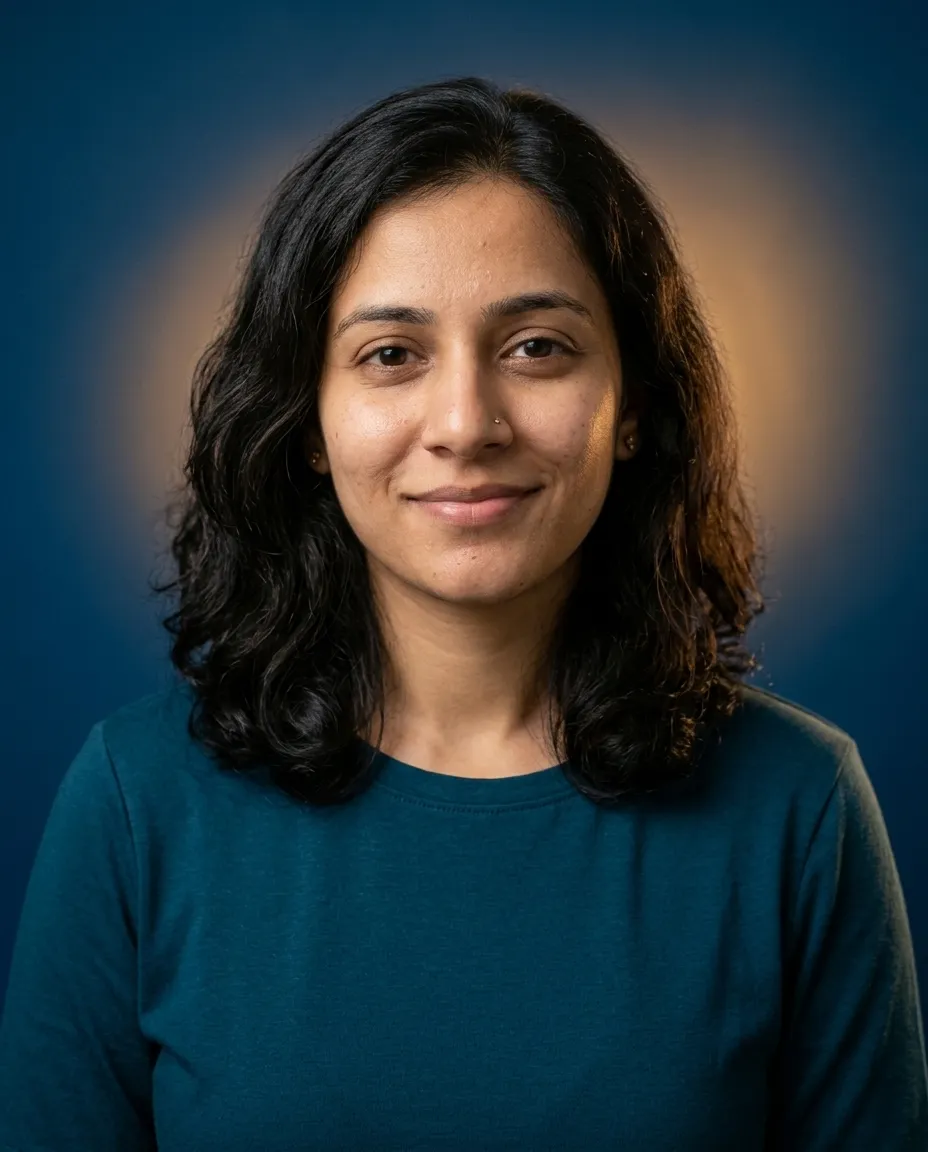
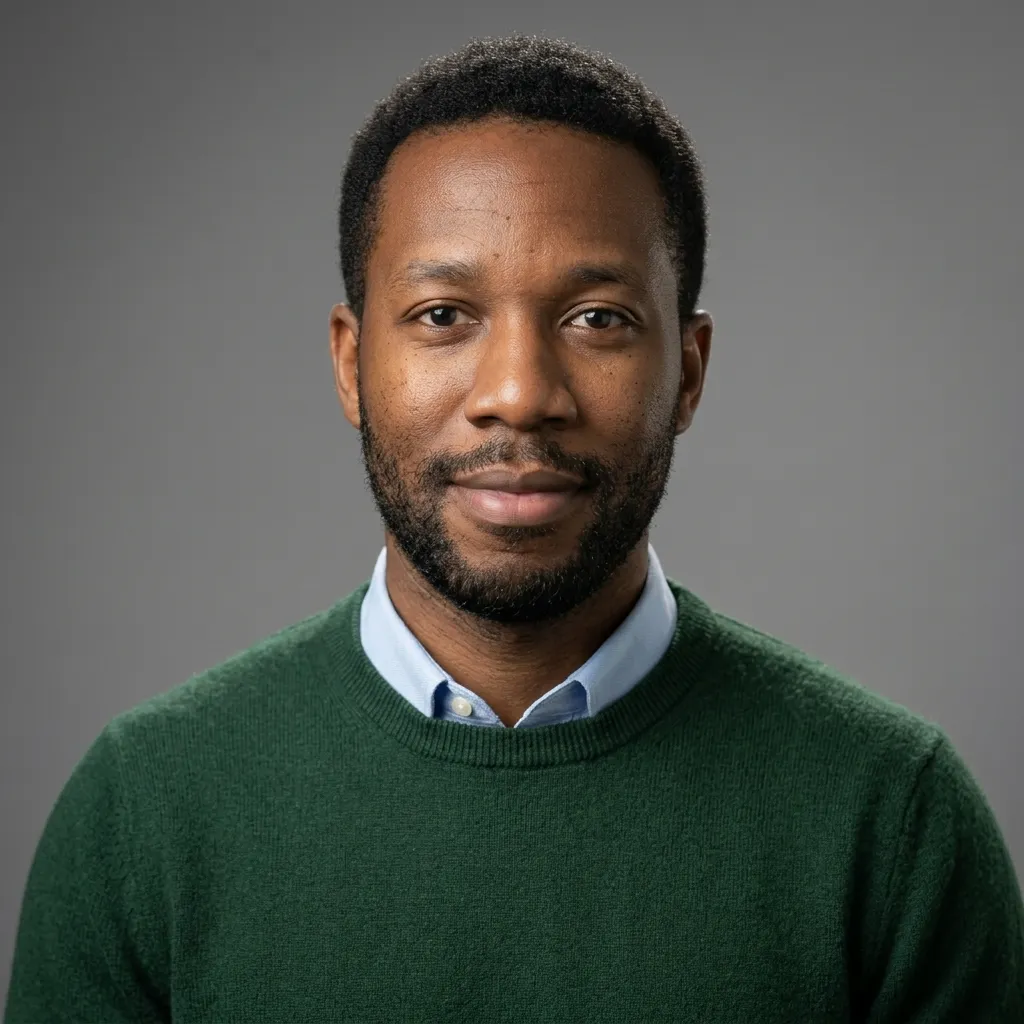
Actor Headshot Soft Light
Turns a selfie into a tight casting headshot with a soft key above the lens.
You fill in colourbackdrop colour · add a selfie
Gemini · ChatGPT
A headshot prompt has to keep your face and change the light, the backdrop and the clothes. Every block below says so explicitly and names a specific look: corporate, startup, medical, legal, academic, creative.
Turns a selfie into a tight casting headshot with a soft key above the lens.
You fill in colourbackdrop colour · add a selfie
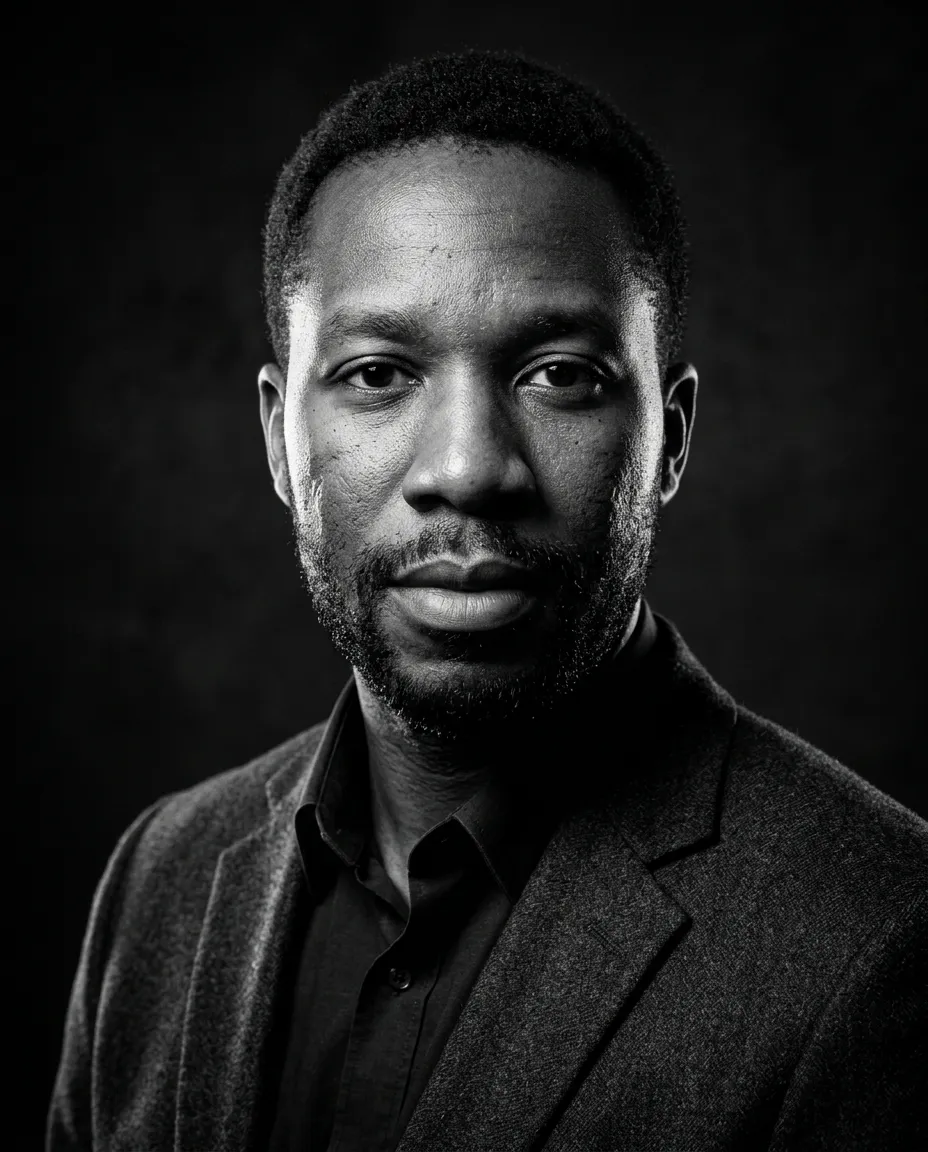
Turns a selfie into a hard lit monochrome executive portrait against a near black background.
You fill in colour · add a selfie
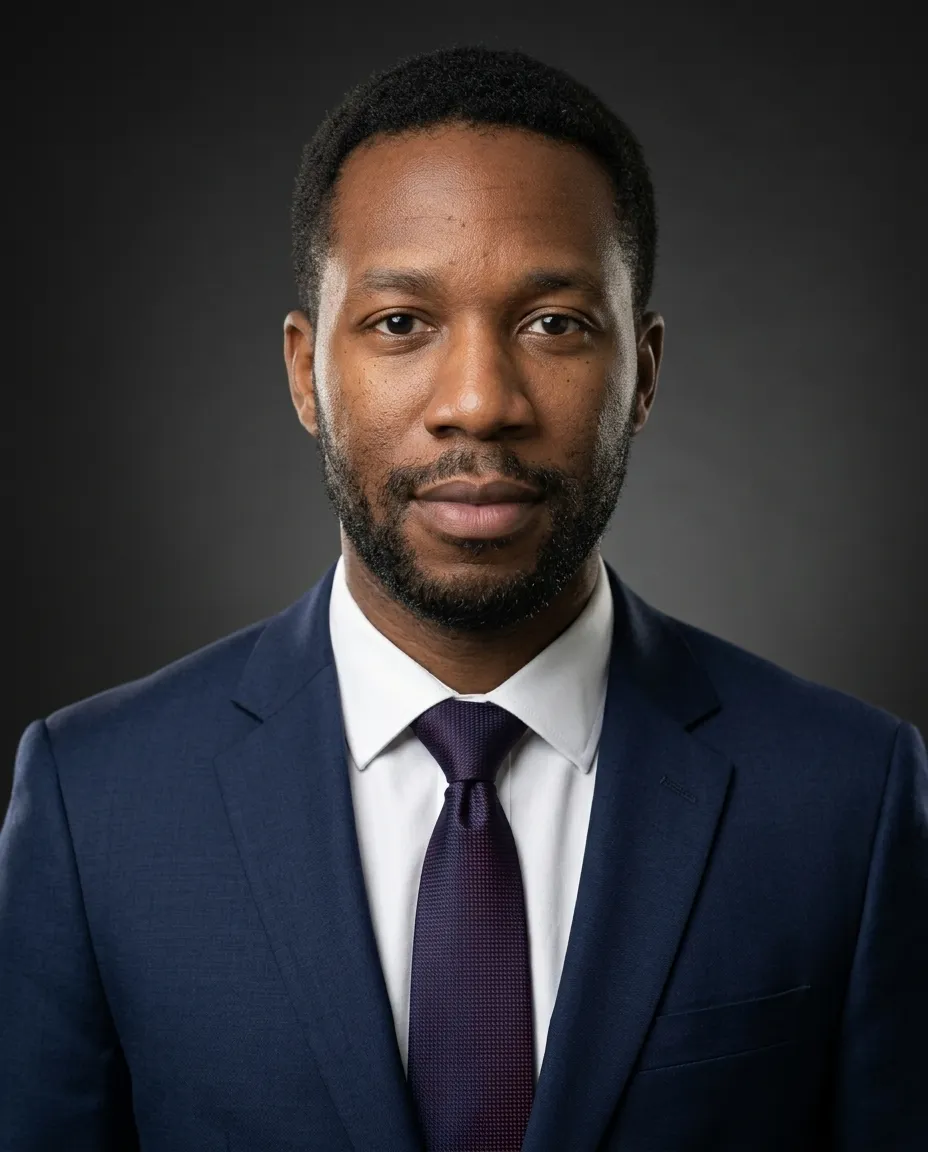
Turns a selfie into a corporate suit headshot with octabox key and rim light.
You fill in colour · add a selfie
Turns a selfie into a modern headshot on saturated paper with a gelled pool of light behind.
You fill in backdrop colourcolour · add a selfie
Turns a selfie into a medical headshot in a white coat against a blurred clinic corridor.
You fill in colour · add a selfie
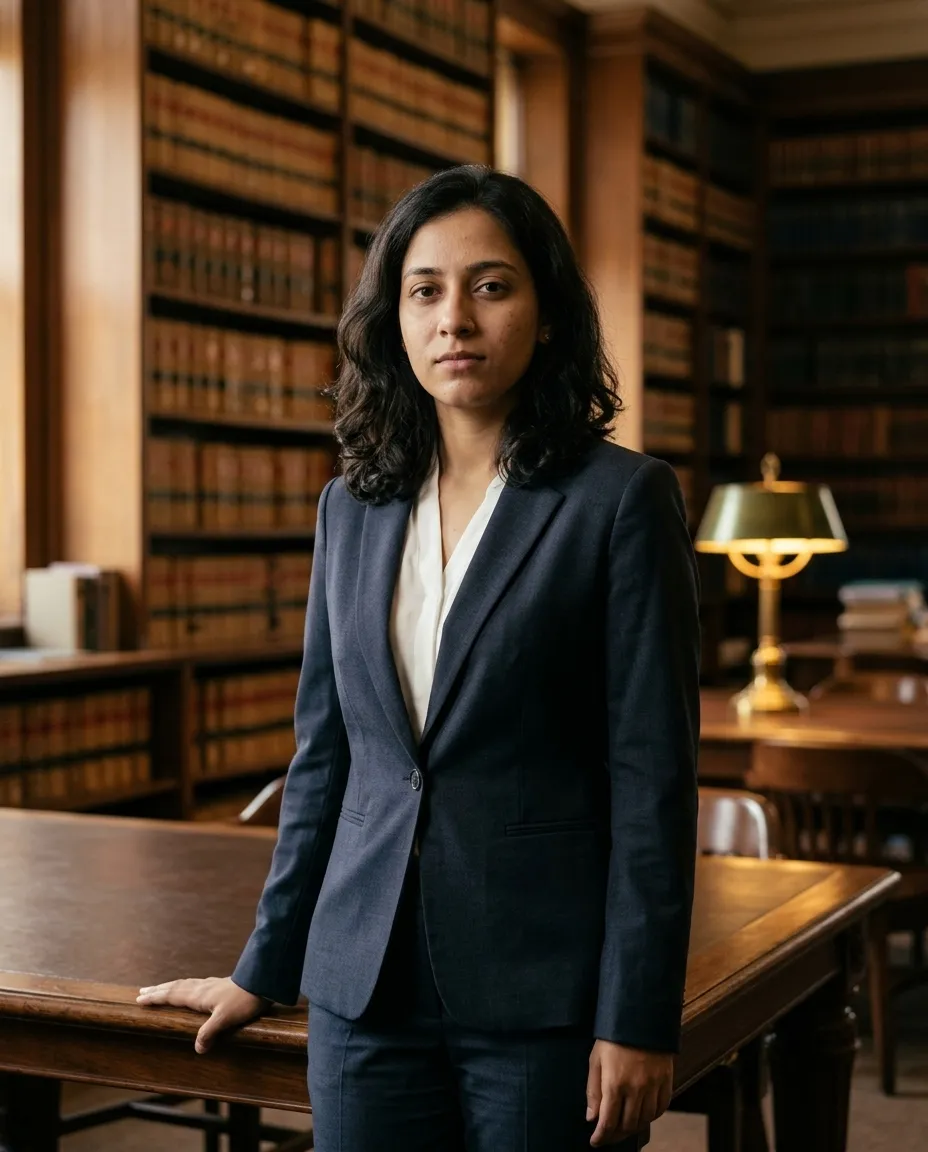
Turns a selfie into a law library portrait with warm window light and shelves behind.
You fill in colour · add a selfie
Turns a selfie into a LinkedIn headshot on neutral grey with softbox light and no retouching.
You fill in colour · add a selfie
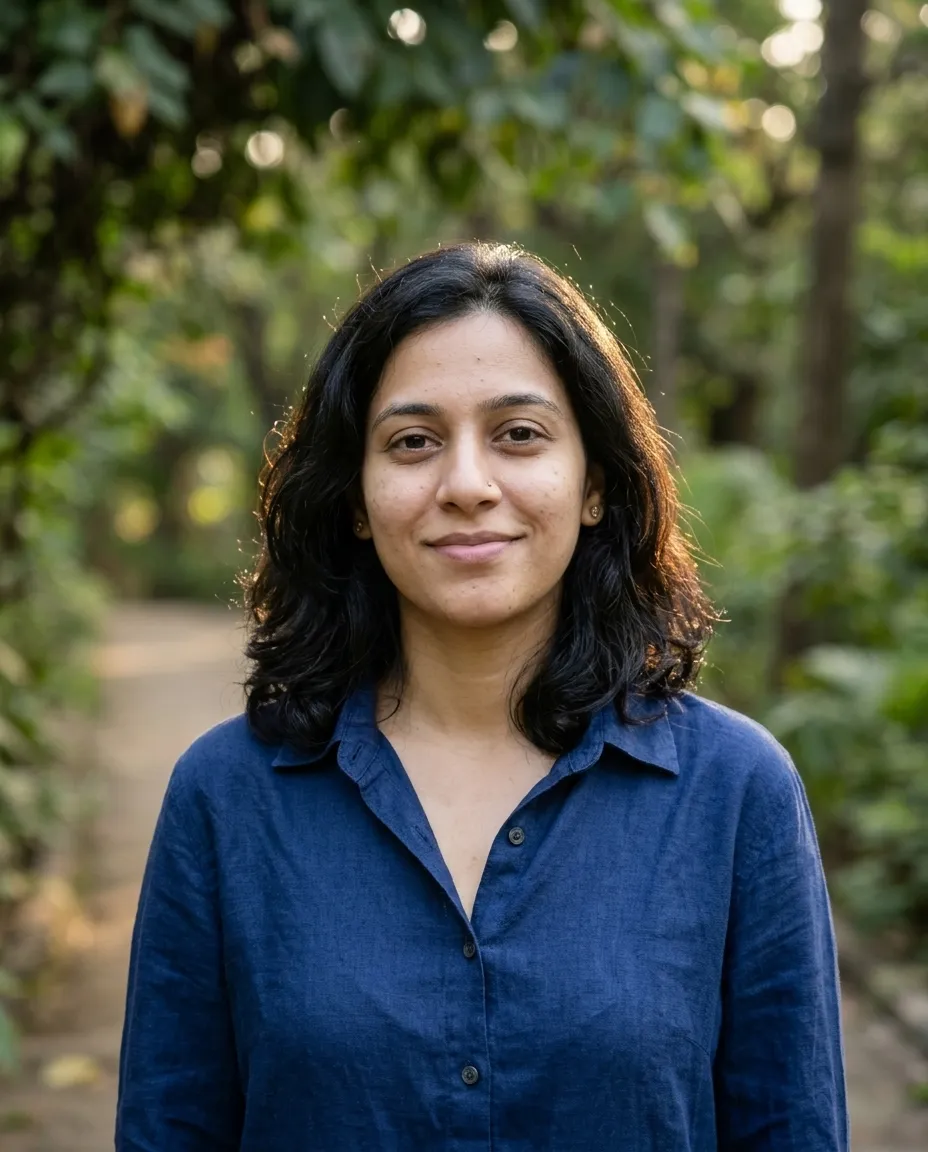
Turns a selfie into an open shade headshot with greenery melting into bokeh behind.
You fill in setting, for example a park…colour · add a selfie
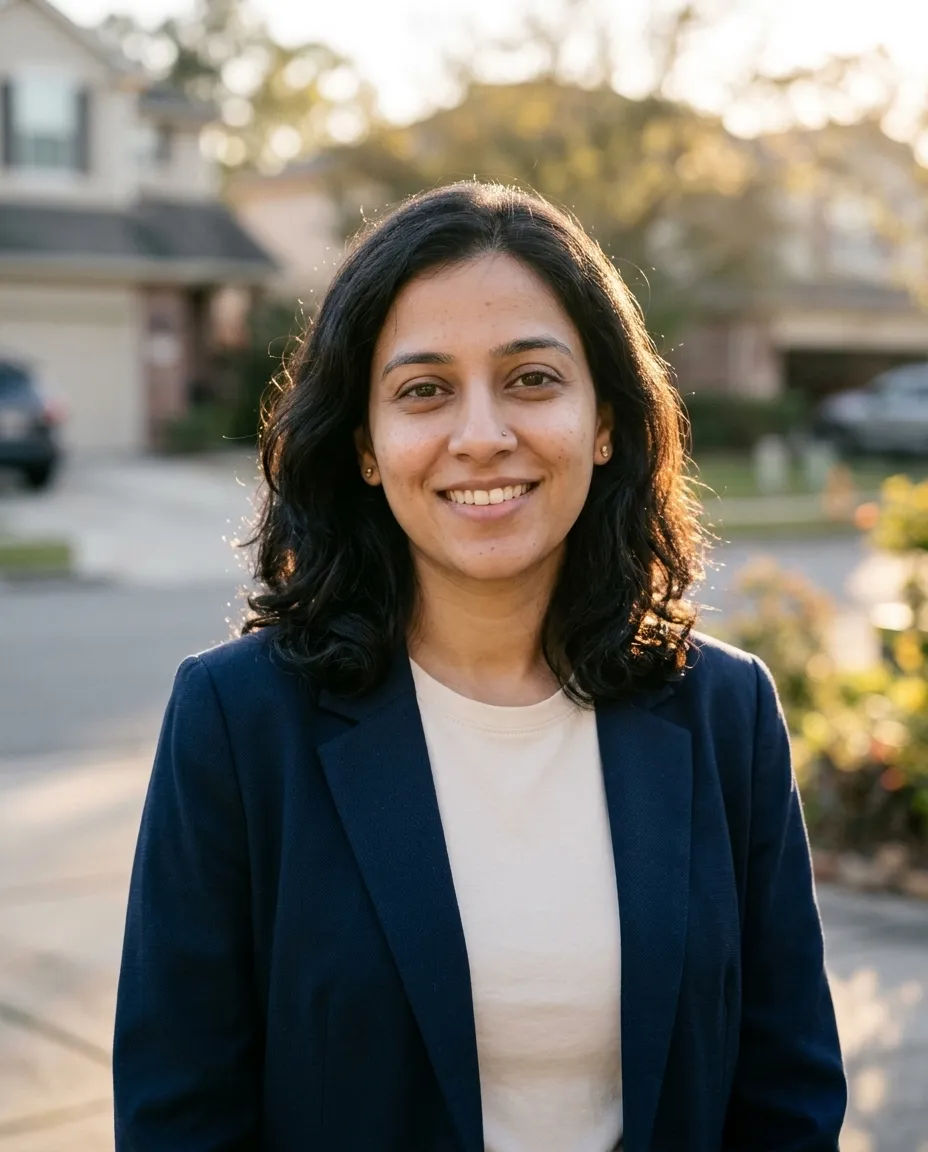
Turns a selfie into an approachable agent headshot outdoors with a blurred street behind.
You fill in colour · add a selfie
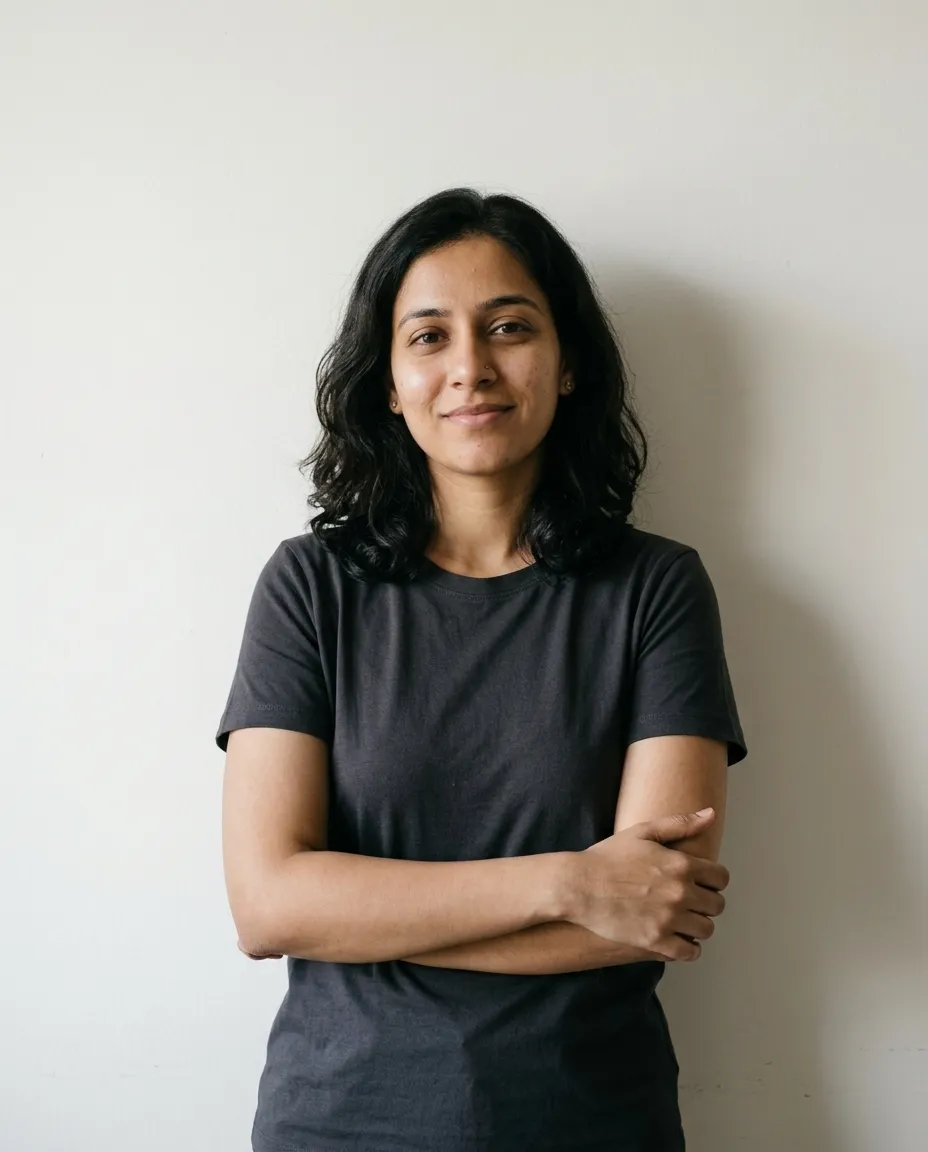
Turns a selfie into a relaxed founder portrait in a plain tee against an off white wall.
You fill in colour · add a selfie
A professional headshot has one job: show a stranger what you look like, clearly, before they meet you. That's why the good ones look so alike. A photographer settles the same five things every time, and a prompt that turns your selfie into a headshot has to settle them too, on top of keeping your face.
Add the hold line in front of those five and you have the whole request. Here it is in a form you can type from memory:
Use the attached selfie. Keep my face, skin tone, hair, glasses
and body exactly as they are. No retouching, keep natural skin texture.
A headshot from the chest up, in [clothes], against [plain background].
Soft light from the front [left], gentle fill on the right,
catchlights in both eyes. [Expression], eyes to the lens.
85mm look, aspect ratio [1:1 or 4:5]. No text, no watermark.
The «no retouching» line matters as much as the hold line. Without it, the model is free to smooth your skin, and smooth skin is the first thing that makes a headshot look generated.
Every block on this page fills in the pattern above for one kind of work. Pick by where the picture will be seen.
| You need | Use | What sets it apart |
|---|---|---|
| A LinkedIn photo that fits anywhere | LinkedIn Headshot On Grey | Neutral gray, square crop, friendly closed-mouth smile |
| A finance, law or consulting profile | Corporate Navy Suit Headshot | Navy suit, octabox key, a rim light on the shoulder |
| A founder or startup team page | Startup Founder Headshot | Plain tee, off-white wall, room left for a crop |
| A designer, writer or agency bio | Creative Colour Backdrop Headshot | Saturated paper with a pool of light behind the head |
| A board page or a speaker bio | Black And White Executive Headshot | Hard light, deep blacks, every skin line kept |
| Something warmer than a studio | Outdoor Natural Light Headshot | Open shade, greenery melting into blur |
| A local business card or listing site | Real Estate Agent Headshot | Blurred street behind, open smile, no squinting |
| A clinic or practice website | Doctor White Coat Headshot | White coat, bright corridor, no badges or logos |
| A firm's people page | Lawyer Library Portrait | Shelves behind, warm window light, waist up |
| A casting look to plan with your photographer | Actor Headshot Soft Light | Tight crop, neutral expression, background two stops darker |
| Your own clothes, a new background | Corporate Background Swap | Changes only what's behind you |
This is the request people usually start with. We wrote it and the improved version to show the method; neither one came from a model.
make me a professional headshot for linkedin
Read it from the model's side. «Professional» could mean a suit or a sweater, a studio or an office. Nothing protects your face, so the model is free to tidy it, and nothing says how much of you should be in the frame. Here is the same request with every decision made:
Use the attached selfie. Keep my face, skin tone, hair, glasses
and body exactly as they are. Do not smooth, reshape or whiten
anything; keep pores, lines and the small asymmetries of my face.
A headshot from the chest up in a plain charcoal sweater over a white
collared shirt, against a smooth pale blue-gray backdrop. One large
softbox from the front left, a reflector on the right, catchlights
in both eyes. Shoulders turned slightly, face to the camera, relaxed
closed-mouth smile. 85mm look at f/4, eyes sharp, aspect ratio 1:1.
No text, no watermark.
«Small asymmetries» is the line most people leave out. Real faces aren't symmetrical, and a model that evens yours out produces someone who looks like your cousin. «Whiten» is named because teeth are easy for a model to redraw. The pale blue-gray separates dark hair from the backdrop, and the square crop fits a profile circle without losing your chin.
Stay in the same chat and fix one thing per reply. If the face has already drifted, go back to the original selfie first.
| The result | Reply with |
|---|---|
| Skin looks airbrushed | Restore natural skin texture, pores, lines and marks from my photo. No smoothing at all. |
| Doesn't look like me | Start again from my original selfie. Keep the face exactly as in the photo and change only clothes, background and light. |
| Teeth too white or too even | Keep my teeth exactly as in the photo, same color and shape. Or: closed-mouth smile. |
| Ears, earrings or hairline changed | Keep my ears, hairline and jewelry exactly as in the original. Change nothing else. |
| Glasses gone or new frames | Put back my own glasses from the photo, same frames, with no glare on the lenses. |
| Looks younger or slimmer | Keep my age and build exactly as in the photo. Do not slim the face or the neck. |
| Eye color or shape changed | Restore my eyes from the original photo: same color, shape and spacing. |
| Cropped too tight | Zoom out to chest up with space above the hair. Keep the face the same. |
| Suit looks fake | Make the jacket fit naturally with realistic fabric texture and creases at the shoulders. |
A generated headshot can look polished and still be wrong in small ways that the people who know you notice. Check these before you upload one anywhere.
The quickest check is a person. Show the result to someone who sees you every week and ask what's different. They'll spot in seconds what you've stopped seeing after twenty regenerations.
These prompts keep your face and change the setting, which is fine for a lot of profiles. Some places expect a photograph of how you actually look, and a generated image is the wrong thing to give them.
Platforms set their own terms as well. LinkedIn's Professional Community Policies, as of October 2026, say not to use an image of someone else or any other image that isn't your likeness for your profile photo. A headshot built on your own face, unretouched, is the safe side of that line. One where the features have drifted is the risky side, which is one more reason to check the result against your selfie before you post it.
For a portrait made from nothing, with no face to keep, the AI photo prompts page builds editorial portraits from a written brief. For a picture of the two of you, see the couple photo prompts.
It should, because every block holds face, skin tone, hair and glasses fixed and alters only clothing, backdrop and light, with retouching switched off. What breaks a likeness is the input: a dim, distant or heavily filtered selfie leaves the model guessing. Look closely at the jawline, the teeth and the spacing of the eyes in what comes back, since a drift shows there first.
One picture of you alone, from the chest up, facing the camera, taken at arm's length or further so your features are not stretched. Even daylight from a window beats overhead ceiling light. Wear your usual glasses and current haircut, no hat, no sunglasses, a neutral or lightly smiling expression. Send the original file rather than a screenshot, and avoid anything cropped out of a group.
Your face is your own and these prompts change only the setting, which is what a studio does with a backdrop and a wardrobe rail. The line to watch is implied credentials: Doctor White Coat Headshot and Lawyer Library Portrait belong to people who actually hold those roles. Some employers and some platforms have their own rules about generated images, so look them up before uploading.
Yes, and it is mostly discipline. Pick one block, fix the backdrop colour, the lighting description, the lens wording and the ratio, then run it once per person with only the photo swapped. Keep everyone in the same clothing family so the row does not jump. Crop each result to identical framing afterwards, because head size varies more between runs than the backdrop does.
AI Photo Prompts Halloween Photo Prompts Christmas Photo Prompts Couple Photo Prompts
One email a week: the best new prompts and one short guide. Confirm by email and get the free Prompt Cheat Sheet (PDF). Unsubscribe any time. Privacy policy