PH-0687Art & Image
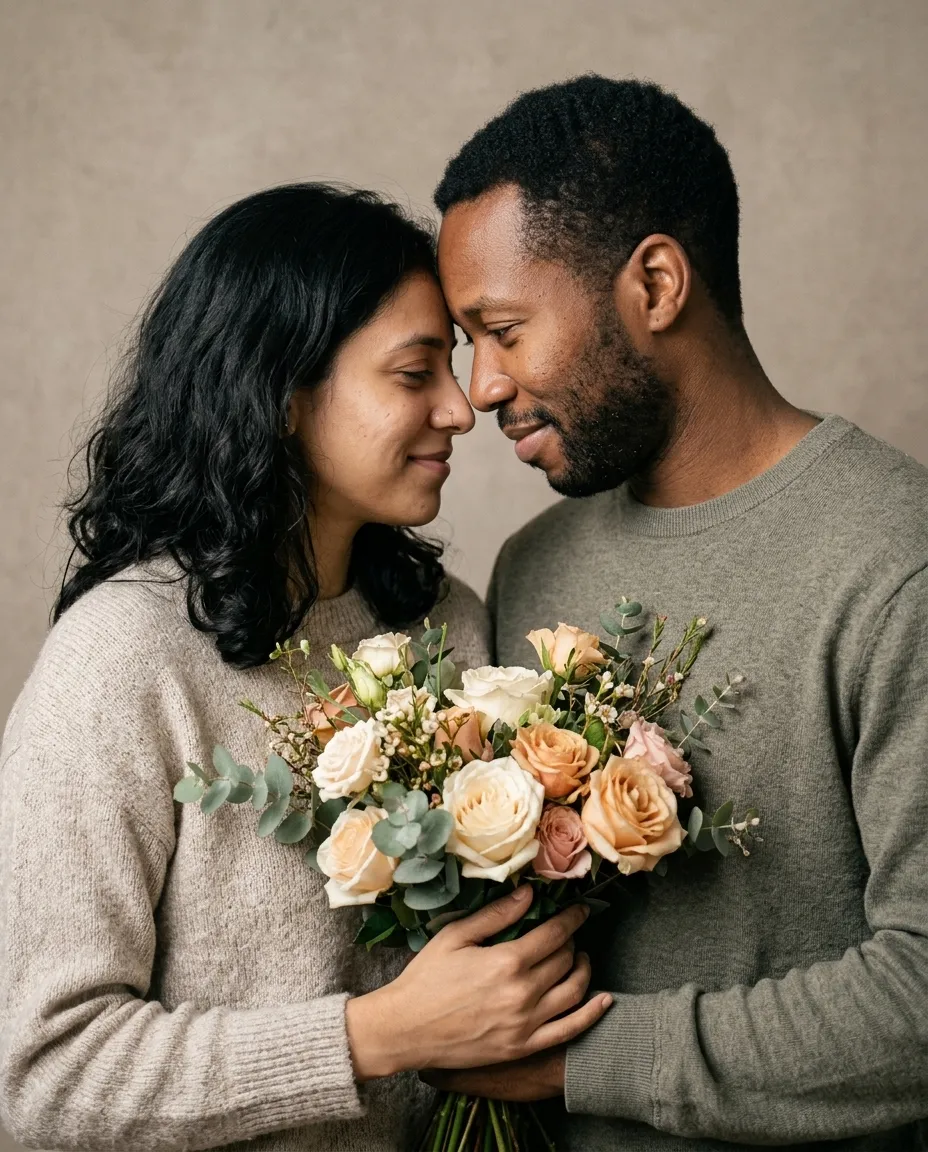
Anniversary Flower Portrait
A warm close portrait of the two of you holding an armful of flowers on a neutral backdrop.
You fill in flower typecolour · add both photos
Gemini · ChatGPT
Upload a photo of the two of you and each prompt below changes the setting, the light or the era while keeping both faces exactly as they are. Good for anniversaries, engagement posts and save-the-dates.
A warm close portrait of the two of you holding an armful of flowers on a neutral backdrop.
You fill in flower typecolour · add both photos
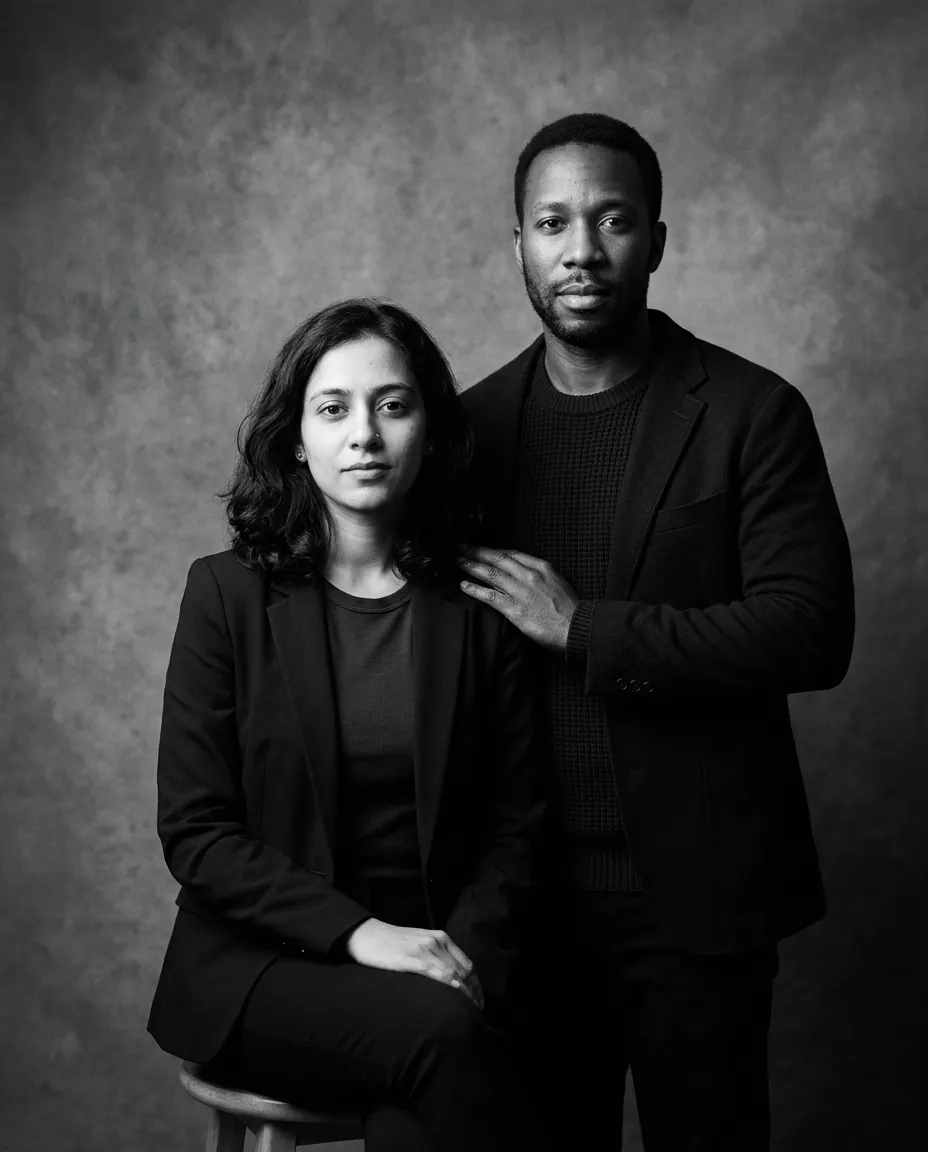
A high contrast monochrome studio portrait of the two of you against mottled grey.
You fill in colour · add both photos
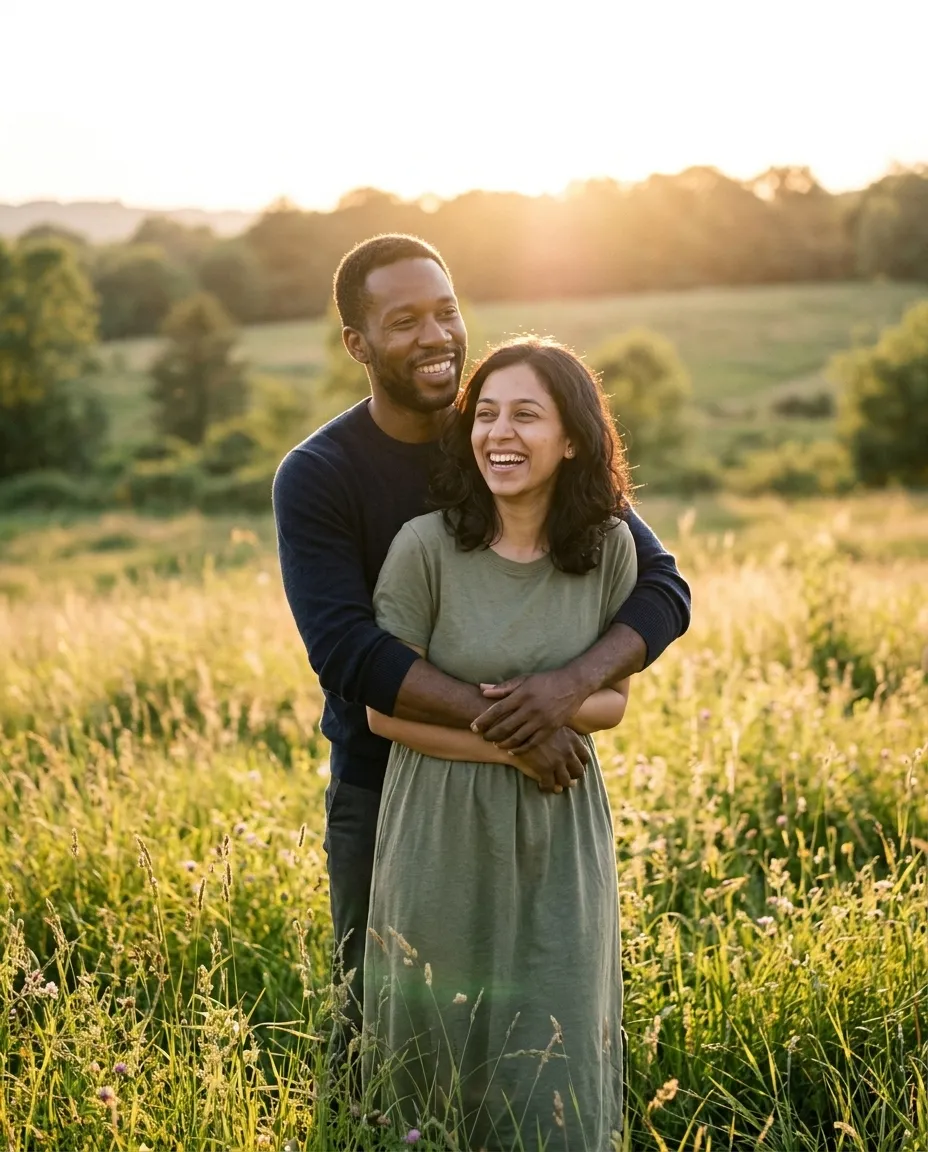
Builds an engagement style portrait in an open meadow forty minutes before sunset.
You fill in landscape, for example a… · add both photos
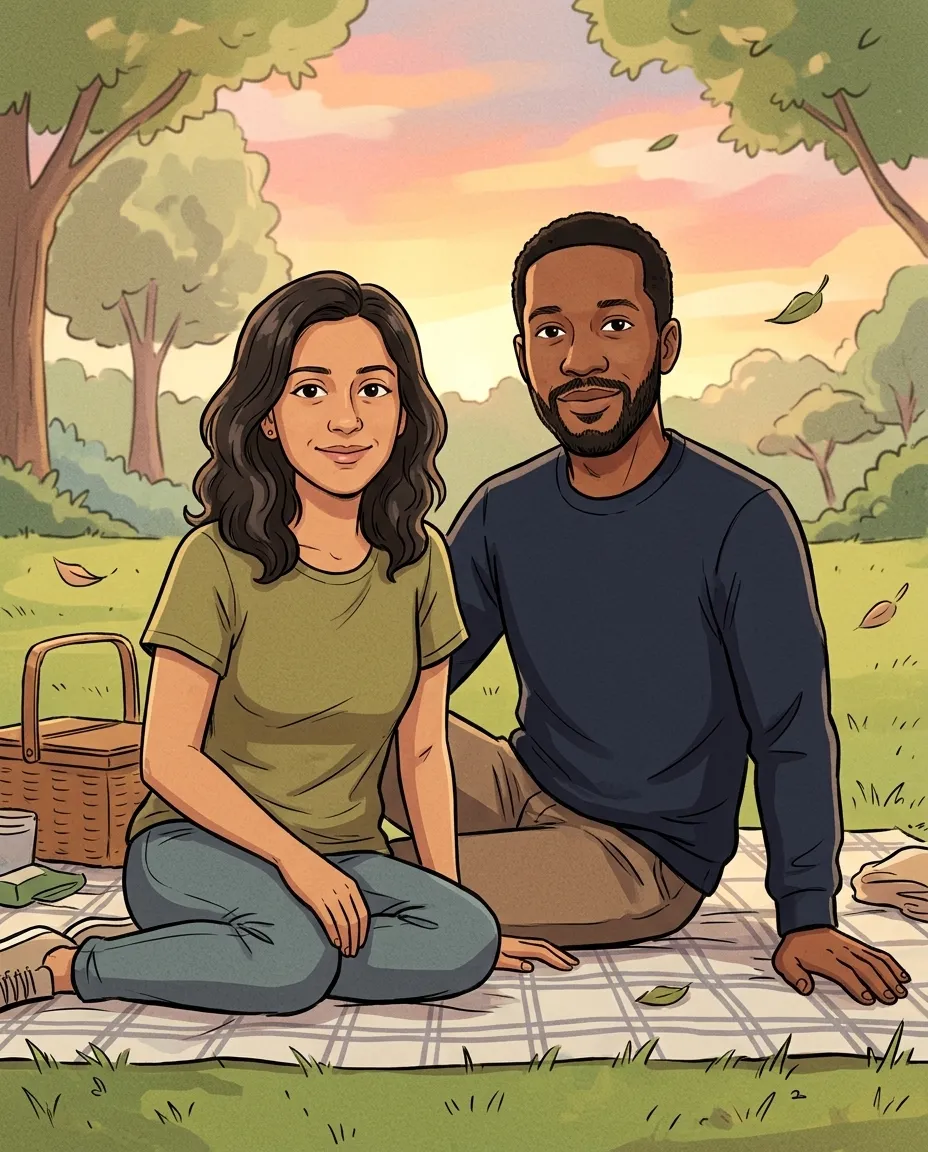
Redraws the two of you as a hand drawn picnic illustration with flat colour and ink lines.
You fill in colour · add both photos
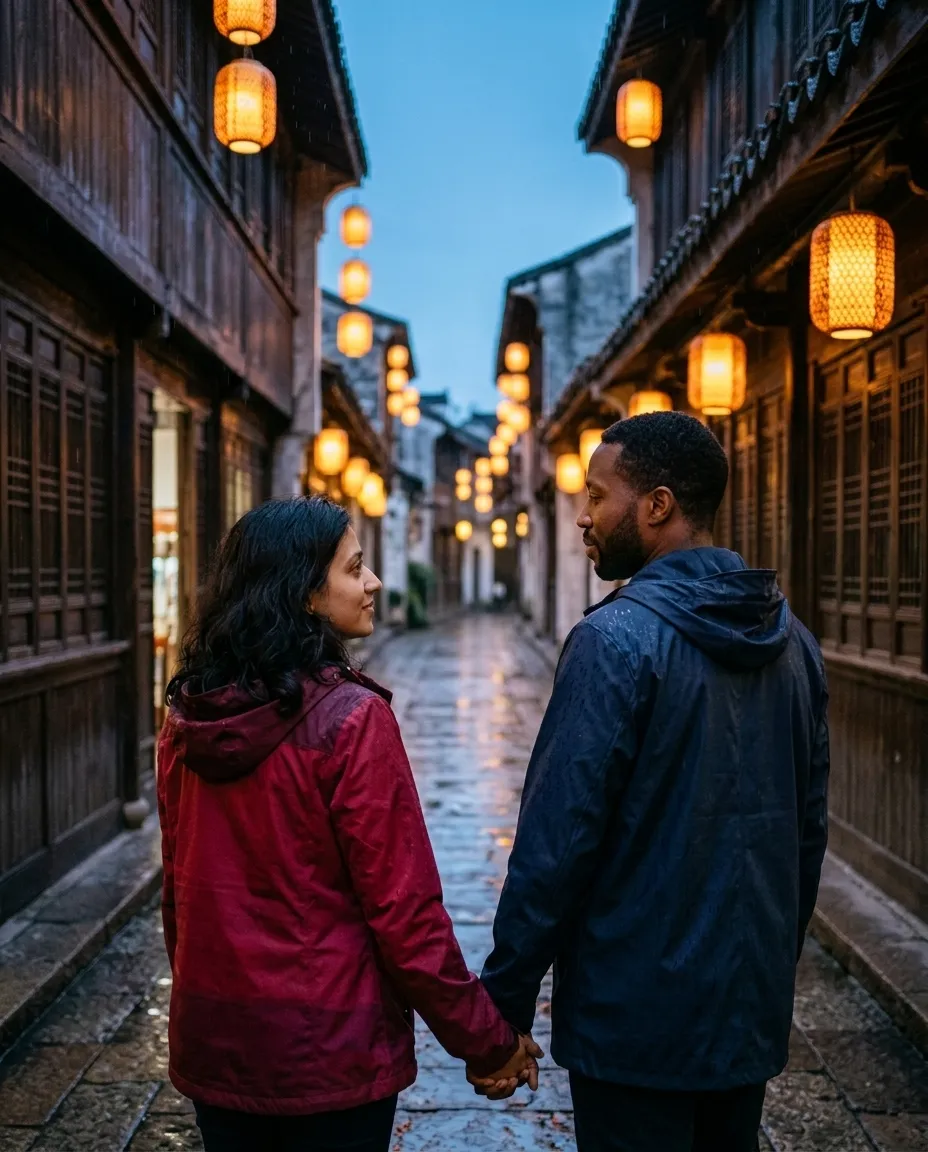
Walks the two of you down a lantern lit stone lane in light rain, seen from behind.
You fill in colour · add both photos
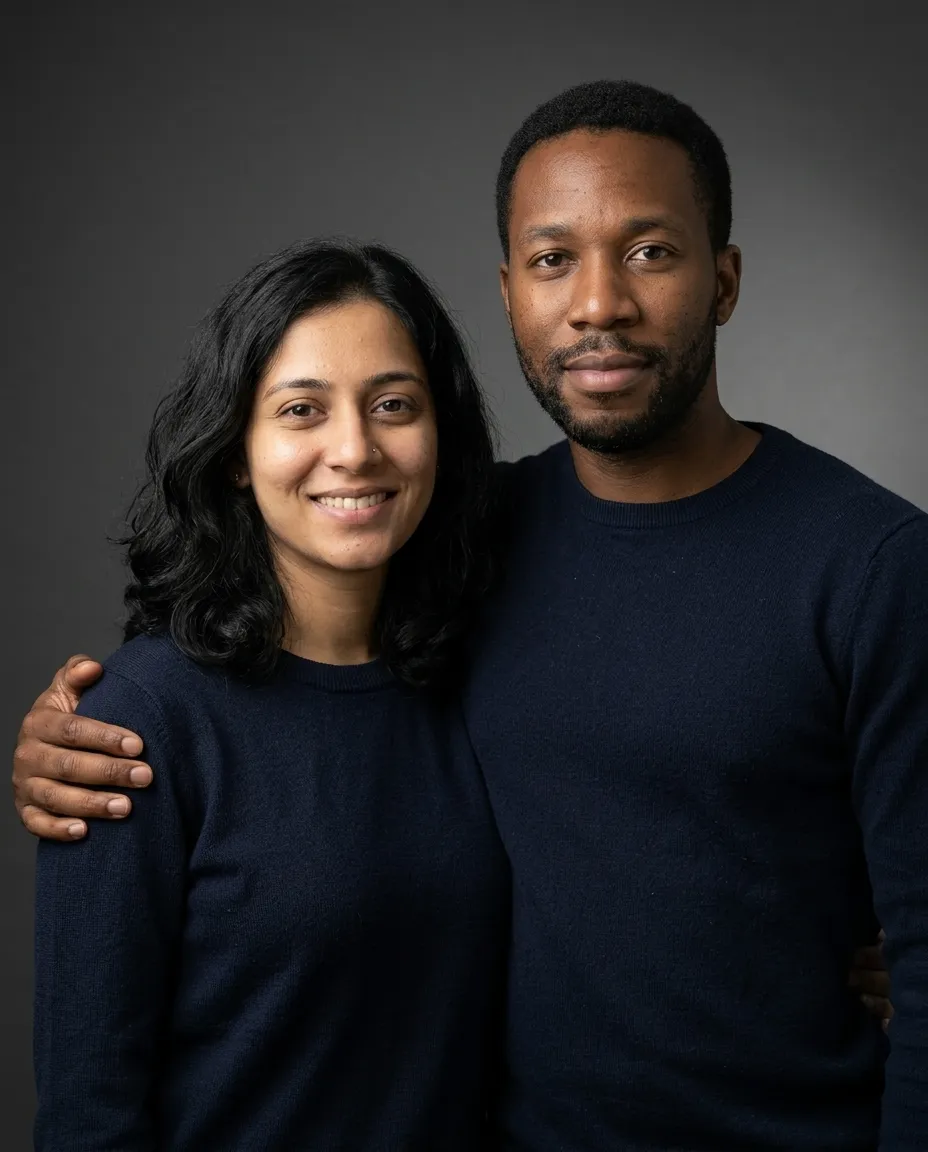
A clean studio portrait of the two of you in matching outfits on a seamless backdrop.
You fill in colourbackdrop colour · add both photos
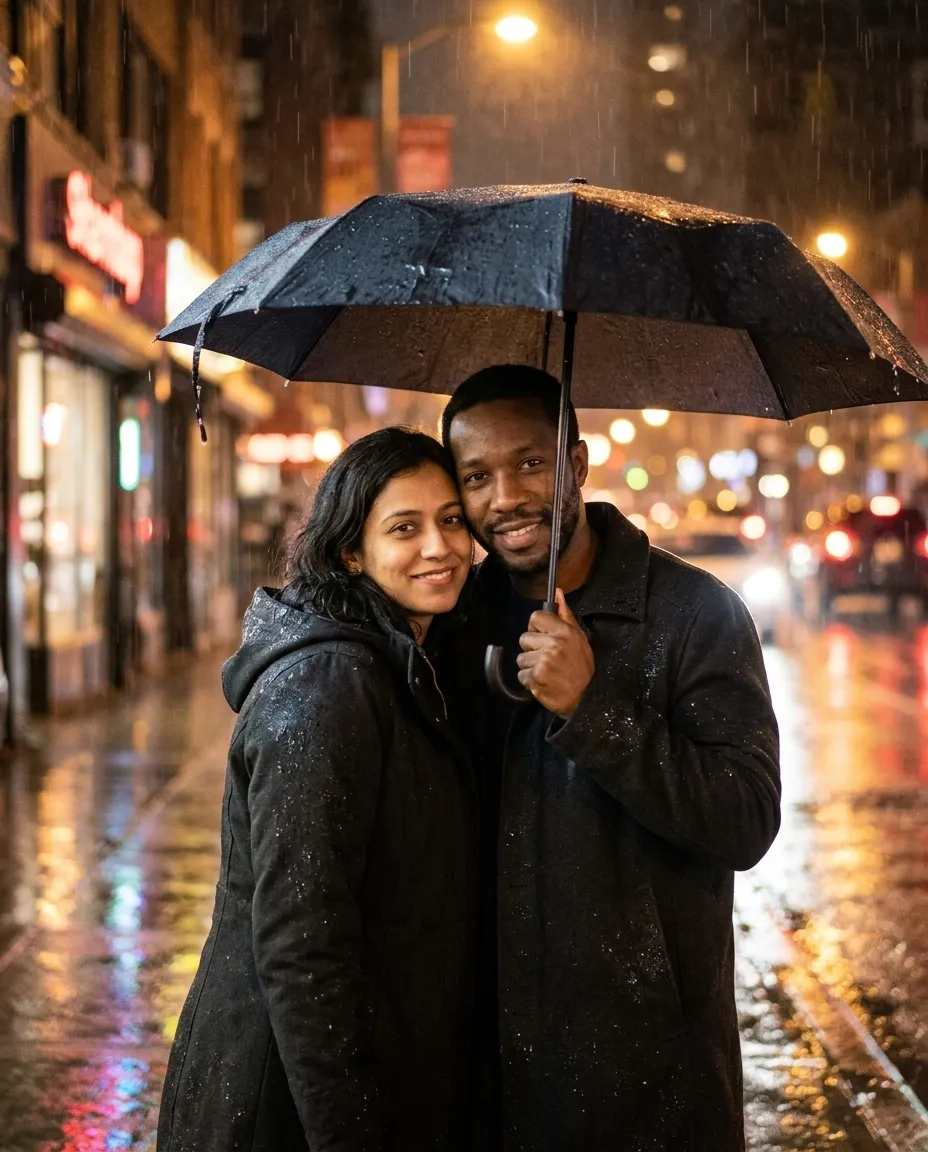
Puts the two of you under a single umbrella on a rainy night street full of bokeh.
You fill in city · add both photos
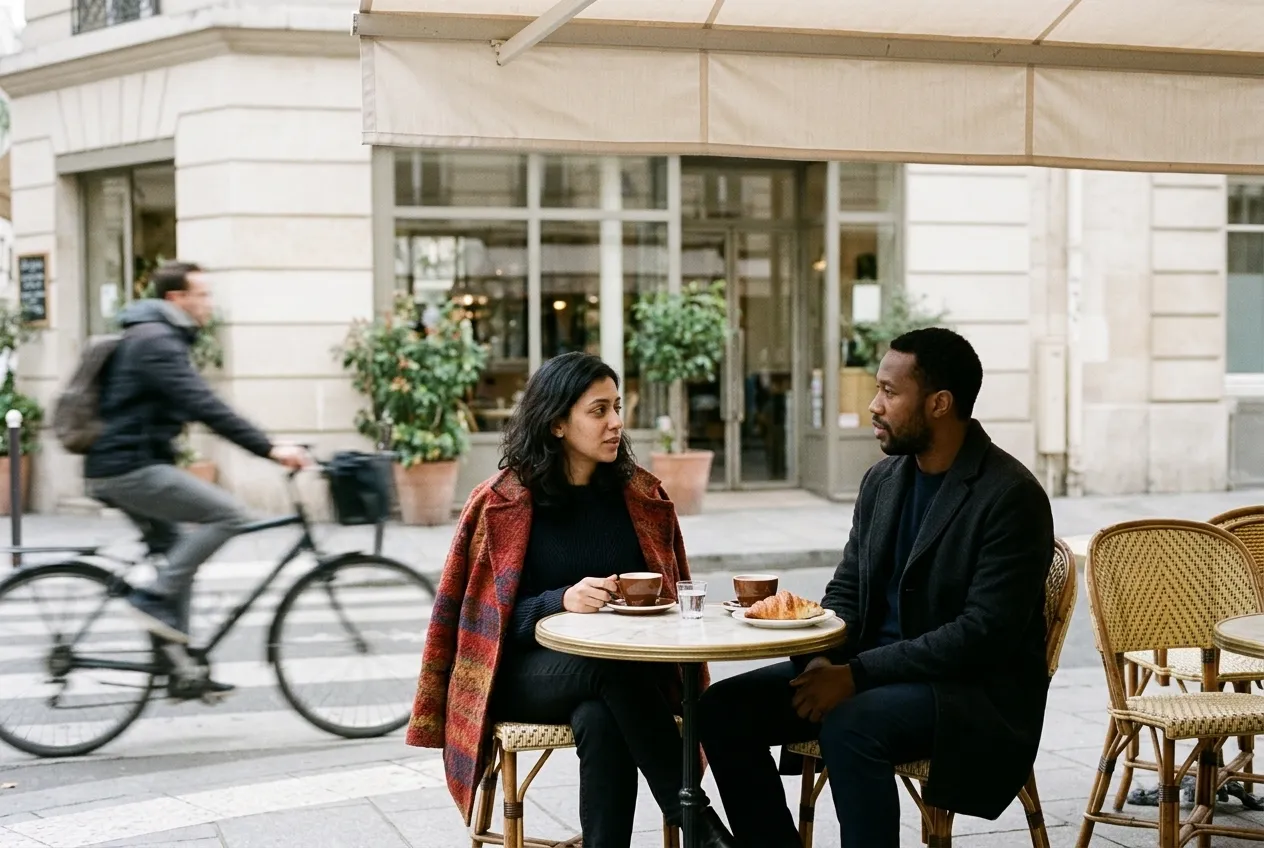
Seats the two of you outside a Paris cafe in soft morning light, shot as if unnoticed.
You fill in colour · add both photos
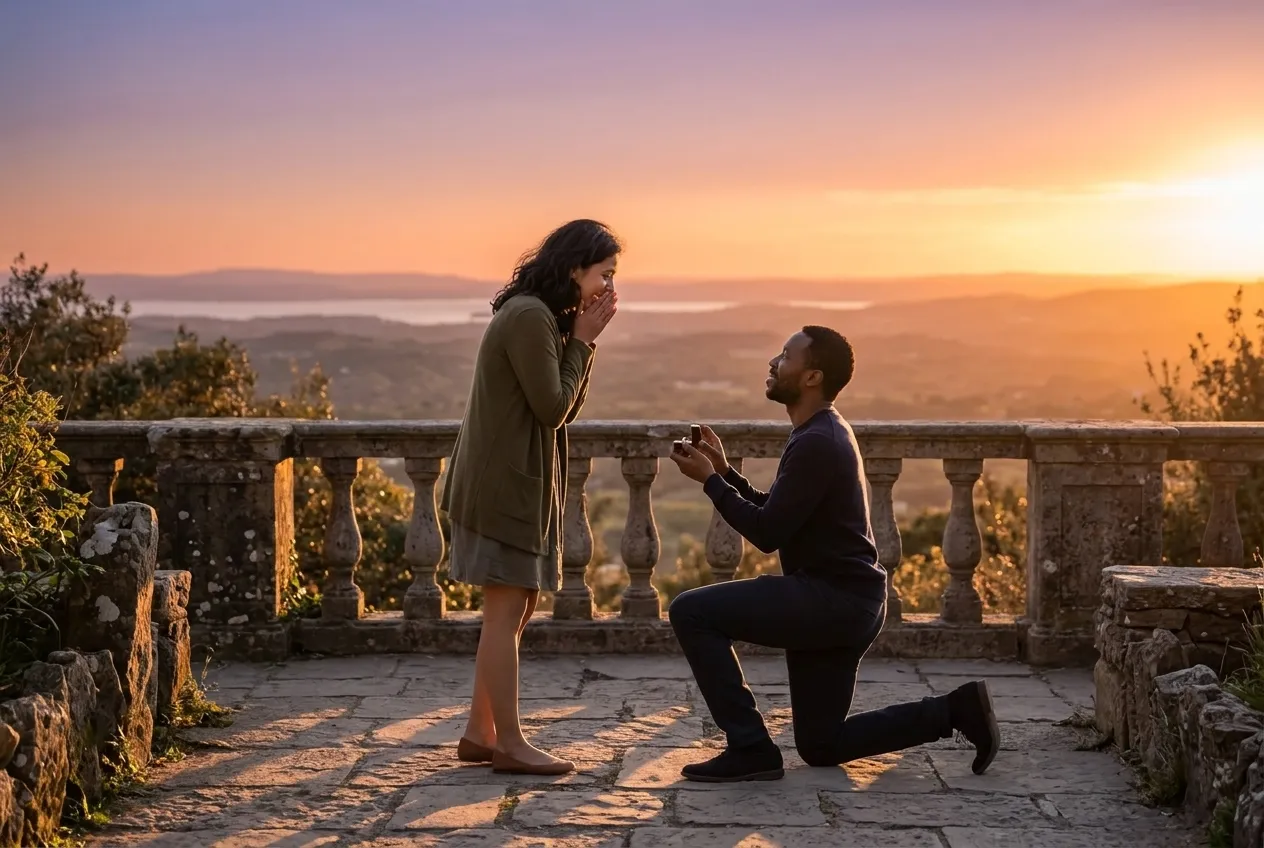
Captures the proposal moment on a stone terrace at sunset, shot from a distance.
You fill in view · add both photos
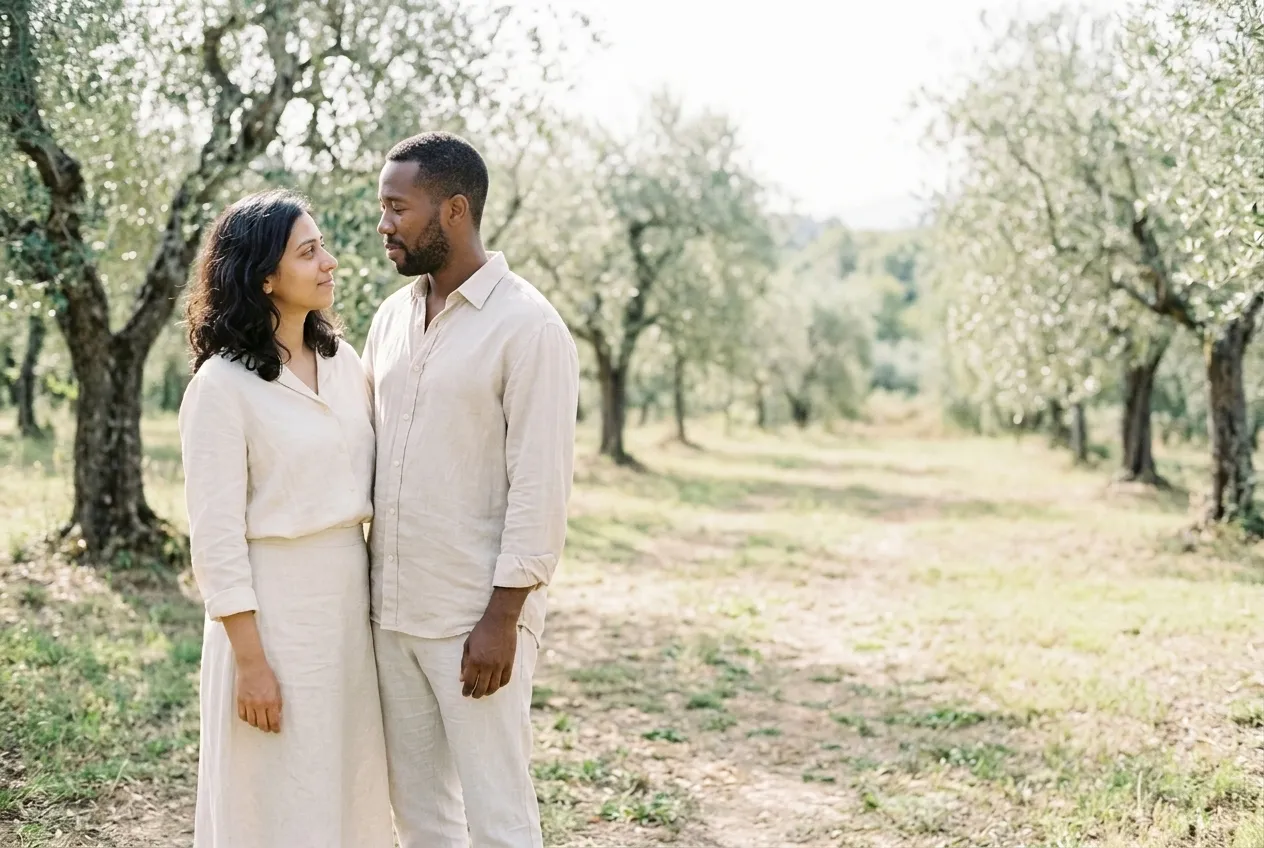
A wide sunlit frame with the two of you on one side and the other half left empty for a date.
You fill in setting, for example an olive…colour · add both photos
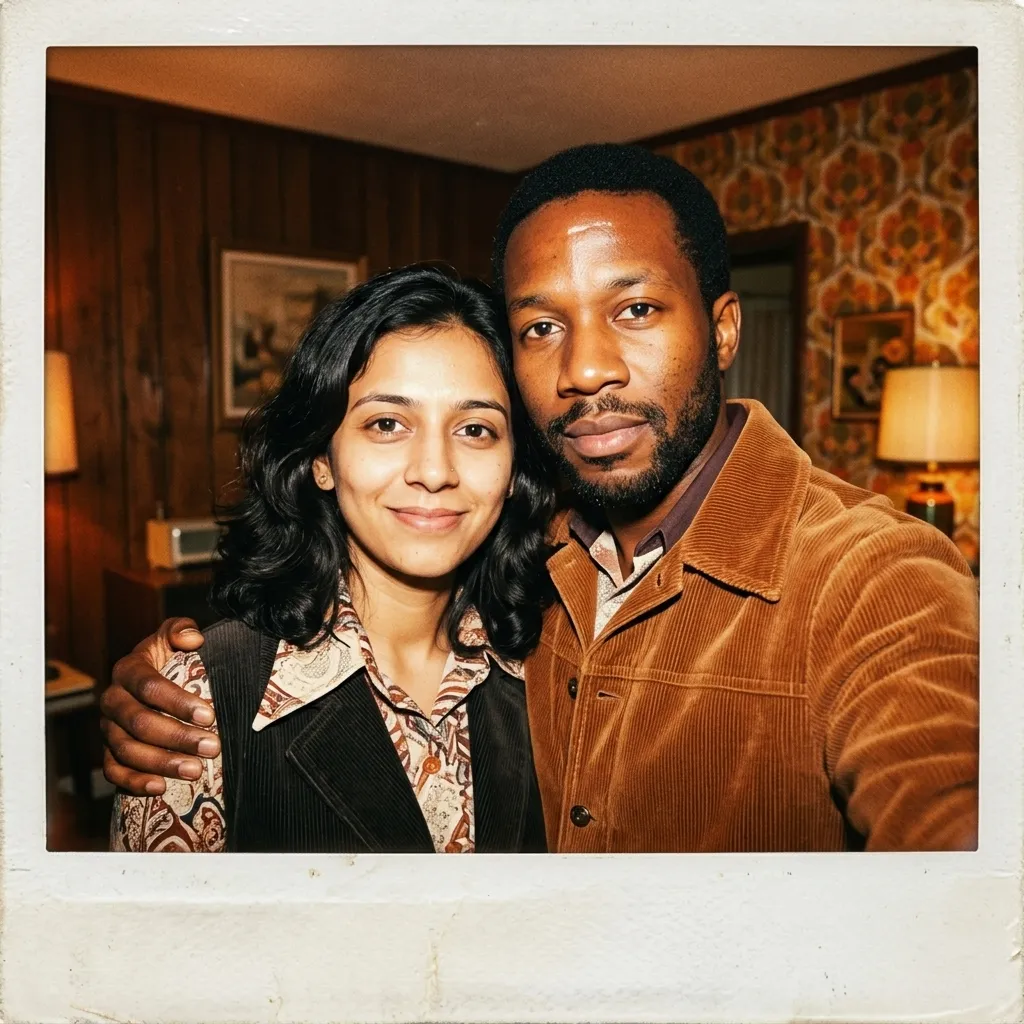
Makes an instant photo from the 1970s, wood panelling, hard flash and a thick white border.
You fill in colour · add both photos
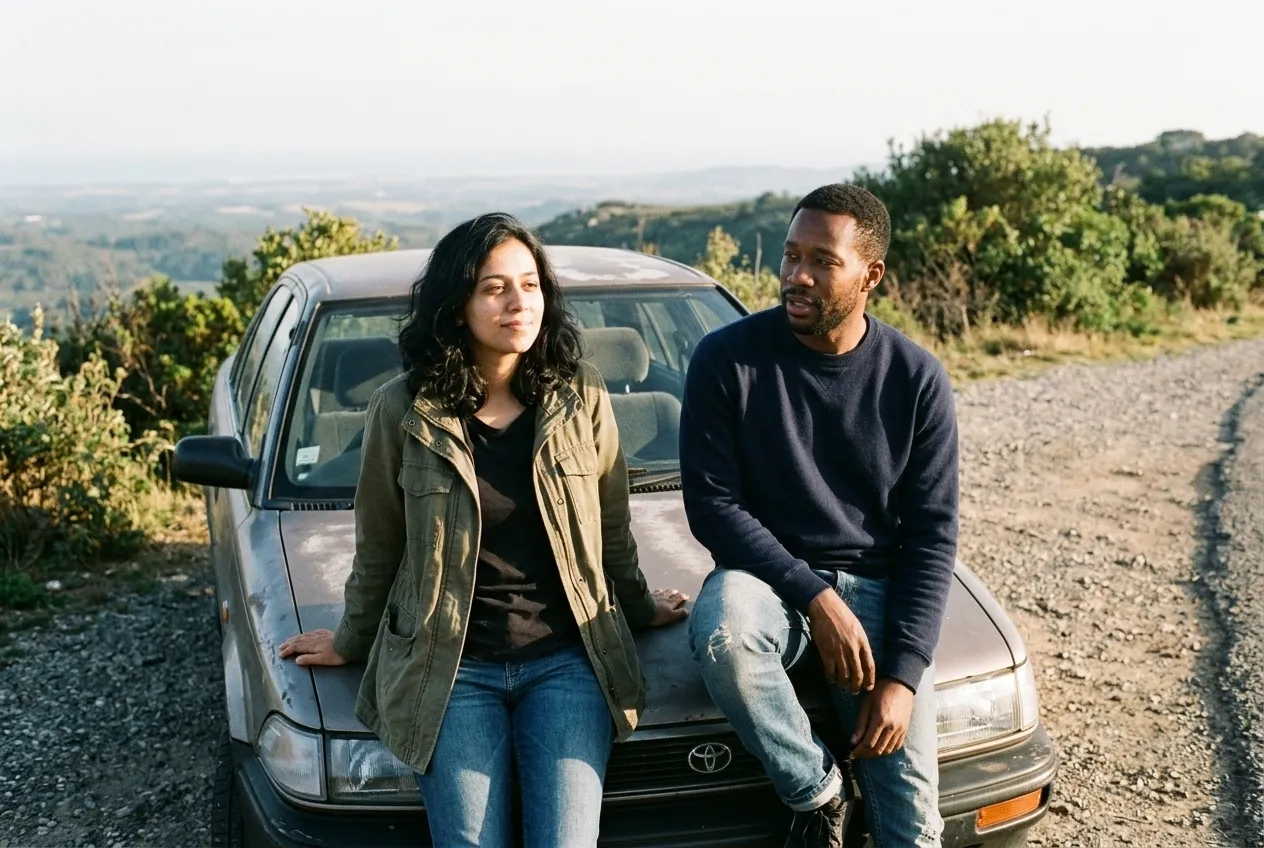
Restyles the two of you as a warm 1990s film snapshot with grain and faded blacks.
You fill in placecolour · add both photos
A portrait of one person asks the model to keep one face. A couple portrait asks it to keep two, place them in one scene, and make them touch in a way that looks like you. Each of those is a chance for the picture to drift, and the drift shows the moment either of you looks at the result. A request that holds up answers six things before the model starts guessing.
Put together, a request you can type from memory:
Use the two attached photos. The first is the person on the left.
Keep both faces, skin tones, hair and bodies exactly as they are.
Place them [pose: who stands where, where the hands go]
in [place] at [time of day], one light from [direction].
They wear [outfits]. Aspect ratio [4:5].
No text, no watermark, no extra people.
There are two ways into a couple picture, and they suit different jobs. Restyling a photo of the two of you keeps the real contact between you: how you lean, whose hand is on whose arm, the way one of you laughs at the other. That's the hardest part to invent, so if you already have a snapshot you love, change only its light, era or setting. The Anniversary Couple Portrait on our Gemini page works that way.
Merging two separate photos gives you freedom over the pose and the scene, which is why every prompt on this page is written for it. The price is that the model has to build the moment between you from nothing, so the pose line in your request carries more weight. Keep it simple and physical. Two people walking hand in hand, seen from behind, is easier to get right than a close embrace with both faces turned to the lens.
Pick by what the picture is for, then check the ratio in the last column: a save-the-date needs a wide frame, and an Instagram post sits better at 4:5.
| You want | Use | Frame |
|---|---|---|
| An engagement announcement | Golden Hour Engagement Portrait | Full length, 4:5 |
| A picture of the proposal you didn't photograph | Proposal Moment Portrait | From a distance, 3:2 |
| A card with room for the date | Save The Date Card | You on the left third, right half empty, 3:2 |
| An anniversary post | Anniversary Flower Portrait | Close, 4:5 |
| A framed print that looks serious | Black And White Couple Portrait | One seated, one standing, 4:5 |
| Matching outfits in a clean studio | Matching Outfit Studio Portrait | Shoulder to shoulder, 4:5 |
| A nostalgic film look | Vintage Film Couple Photo or Seventies Polaroid Couple | 3:2, or square with an instant-film border |
| A trip you took or want to take | Paris Cafe Couple Photo, Kyoto Lantern Evening Walk | 3:2 for the café, 4:5 for the lane |
| Something cozy for a rainy-day post | One Umbrella Rain Portrait | Waist up, 4:5 |
| A drawing instead of a photo | Illustrated Couple Portrait | Picnic scene, 4:5 |
The Save The Date Card leaves the lettering out on purpose. Generated text tends to come out misspelled, so add the names and the date afterwards in a design tool such as Canva.
Here's the kind of request people type when they want an anniversary picture somewhere they've never been. We wrote it, and the version below it, to show the method; neither was produced by a model.
put us together at a lake, romantic, autumn, realistic
The model has to decide who stands where, whether you're touching, what you're wearing, where the light comes from and how wide the frame is. Each of those decisions is a place for one of your faces to change. Here it is with the six things settled:
Use the two attached photos. The first is the person on the left.
Keep both faces, skin tones, hair and bodies exactly as they are.
Seat them side by side on the end of a wooden dock on a lake in
autumn, late afternoon, legs hanging over the water, the one on the
right leaning a head on the other's shoulder. Low sun from the left,
warm on both faces, orange trees softly out of focus across the water.
They wear chunky knit sweaters in rust and cream. 50mm look at f/2.8,
waist up, aspect ratio 4:5. Photorealistic, natural skin texture.
No text, no watermark, no extra people, no boats.
The order line fixes who's on which side. «Seated side by side» is a pose with almost nothing for hands to get wrong. The light comes from one side for both of you, so neither face looks pasted in. The sweaters share a palette without matching. And «no boats» is there because a lake picture tends to grow one, often with a figure in it.
Reply in the same chat when the first result is close. Fix one thing per reply so you can tell which line did the work.
| The result | Reply with |
|---|---|
| You're on the wrong sides | Swap their positions. The person from the first photo stands on the left. Change nothing else. |
| One face is right, the other isn't | Keep the person on the left exactly as now. Redo the person on the right so the face matches the second photo. |
| You look like siblings | Their faces have become too similar. Restore each face from its own photo, with its own nose, jaw and eye shape. |
| Stiff, like two cutouts | Make them lean in toward each other, shoulders touching, looking at each other and laughing. |
| Outfits look like costumes | Make the outfits coordinated in color, not identical. Different cuts, same palette. |
| A ring, tattoo or necklace appeared | Remove the [ring / tattoo / necklace]. Keep hands and arms exactly as in the photos. |
| A stranger walked in | Remove the person in the background. Only the two of them in the frame. |
| Almost right | Keep everything the same and change only [the light / the outfits / the background]. |
Two faces in one picture fail in ways a single portrait doesn't. Knowing them saves a lot of regenerating.
Two rules of ours. Make these pictures of yourselves, with both of you on board before anything gets posted. And the prompts on this page stay fully clothed and affectionate: engagement, anniversary, travel, nothing suggestive. They're written for adults only.
These prompts run in any tool that takes two uploaded images in one message. Gemini has two details worth knowing, from Google's Gemini help pages as of October 2026. Editing an image you upload needs you to be 18 or older. And the model matters for merges: with Gemini set to Flash or Pro, images run on Nano Banana 2, which Google says can accept multiple reference images, while Flash-Lite uses Nano Banana 2 Lite, which Google says isn't designed for multiple image references or for multiple edits. If your two faces keep falling apart, check the model menu before you rewrite the prompt.
The rest of Gemini's photo settings are on our Gemini photo prompts page, and plans are in our Gemini review. For a portrait of one of you for work, the headshot prompts use the same hold line with the backdrop and clothes changed.
Most blocks here ask for two attached photos, one per person, because a clear solo picture of each face gives the model more to work from than a distant shot of the pair. Golden Hour Engagement Portrait and Seventies Polaroid Couple are both written that way. A picture of you together also works, provided both faces are large, well lit and unobstructed.
Because your two source pictures were taken in different light and the model kept both. The cure is in the wording: insist on a single light source and say that shadow direction, colour temperature and contrast must agree on both faces, which is how Paris Cafe Couple Photo and One Umbrella Rain Portrait are built. Choosing two sources shot at a similar time of day helps before you start.
Split the instruction in two. First the hold: faces, skin tones, hair and bodies exactly as in the photos. Then the change: wardrobe, room, film look and nothing else. Seventies Polaroid Couple moves you into wide collars, corduroy and a wood panelled room while that hold line keeps doing its job. Vintage Film Couple Photo runs the same trick with a softer stock.
Say which of you is taller and roughly by how much, since two separate pictures give the model no way to know. Hands remain the weakest part of these systems, so favour the poses these prompts use: arms around a waist, a hand on a shoulder, fingers out of shot. When a hand is the only fault, generate again instead of trying to describe fingers.
AI Photo Prompts Halloween Photo Prompts Christmas Photo Prompts Headshot Prompts
One email a week: the best new prompts and one short guide. Confirm by email and get the free Prompt Cheat Sheet (PDF). Unsubscribe any time. Privacy policy