PH-0710Art & Image
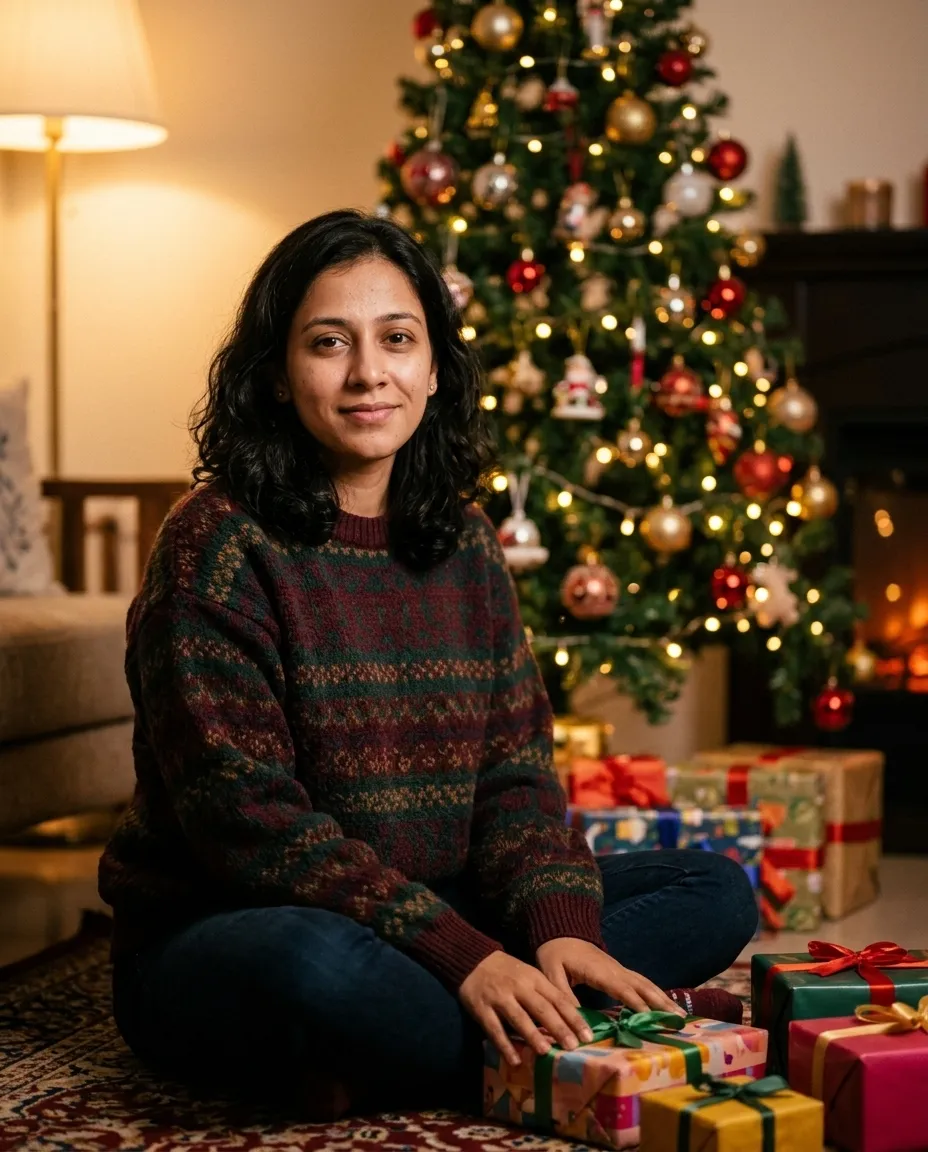
By The Tree Portrait
Seats you beside a decorated tree with the lights thrown into big round bokeh behind.
You fill in colour · add your photo
Gemini · ChatGPT
Holiday prompts for cards and posts: edits of your own photo (knitwear, tree lights, snow, face unchanged) and scenes made from scratch. Each names the light and the mood so the result looks like a card, not a collage.
Seats you beside a decorated tree with the lights thrown into big round bokeh behind.
You fill in colour · add your photo
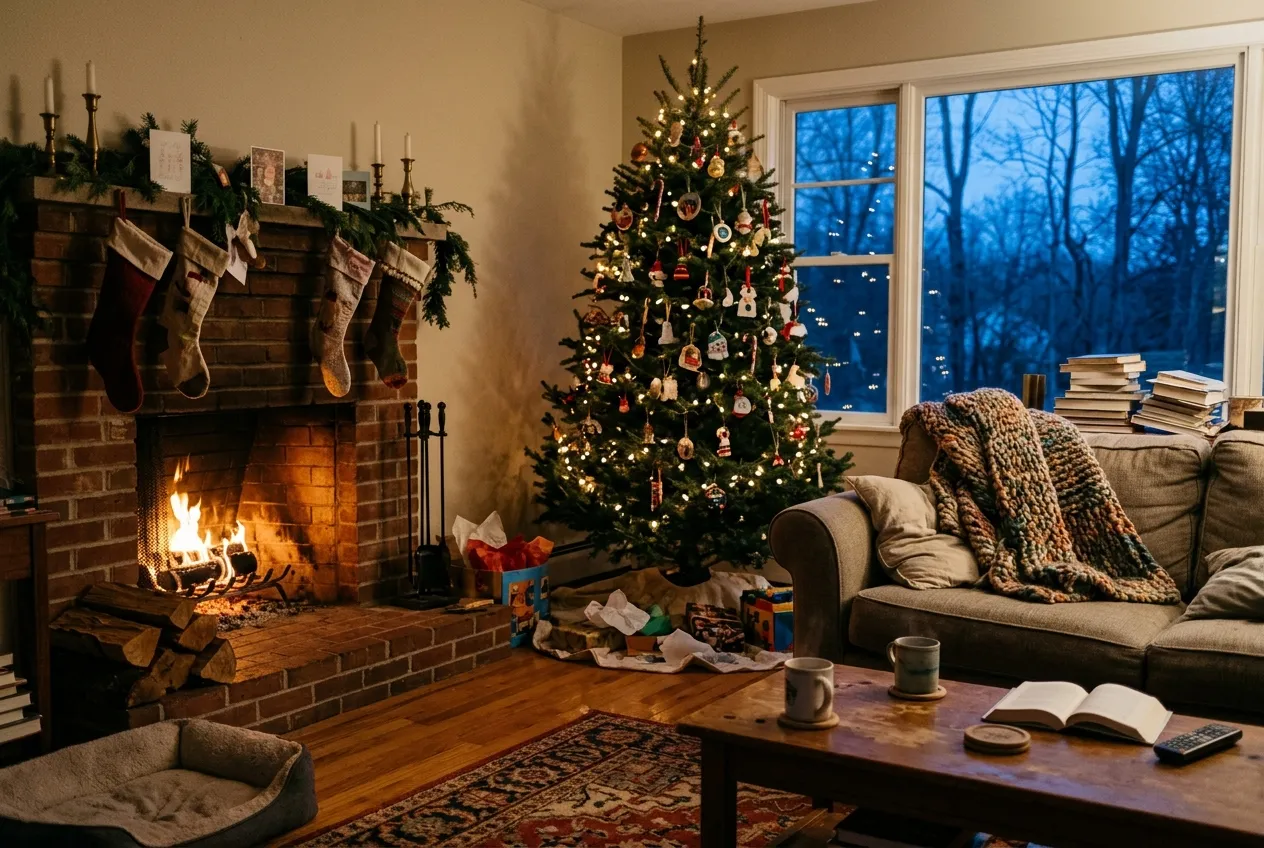
A living room dressed for the holidays at dusk, firelight low and tree lights as bokeh.
You fill in colour
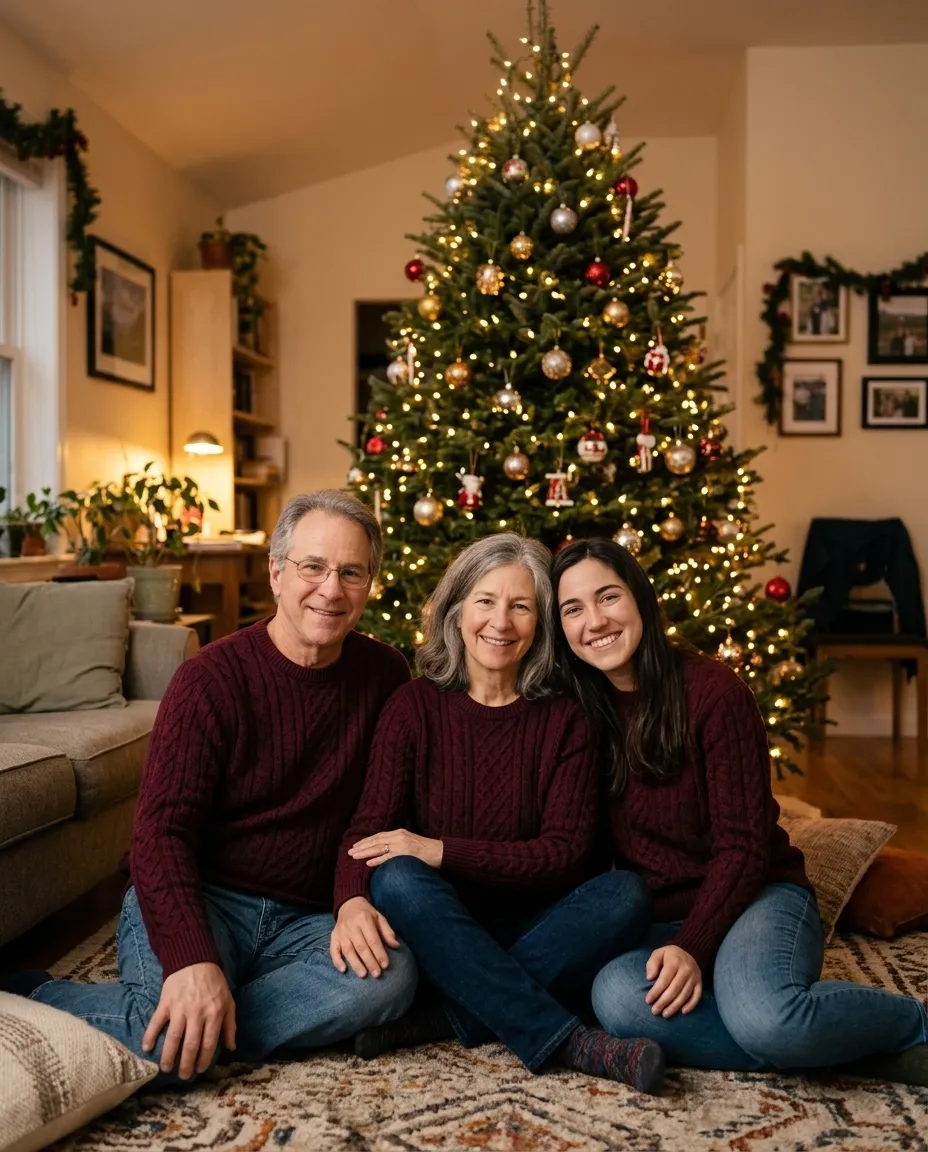
Turns a family photo into a matching sweater card by the tree, with space left at the top for a greeting.
You fill in colour · add the family photo
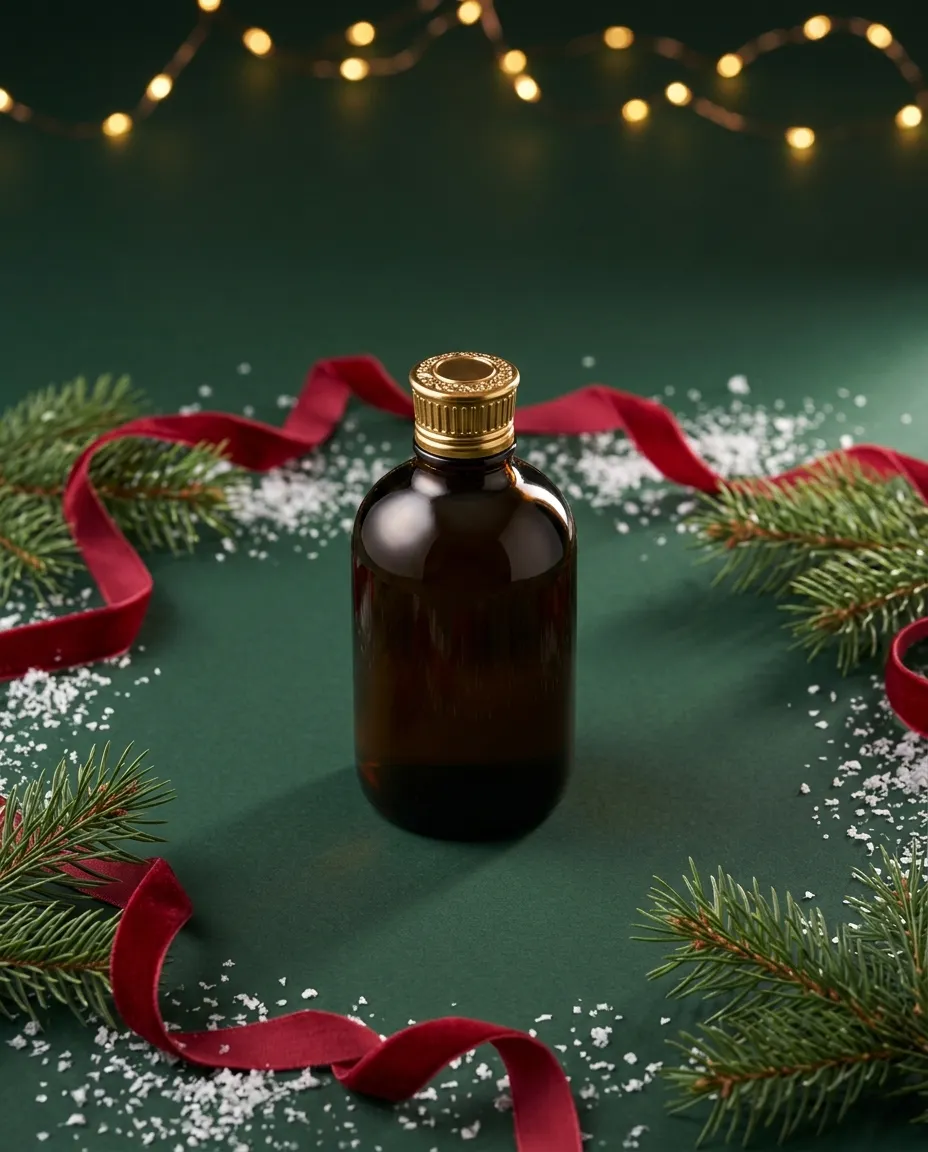
A commercial holiday product shot with pine, ribbon and bokeh lights, space left for a headline.
You fill in productcolour
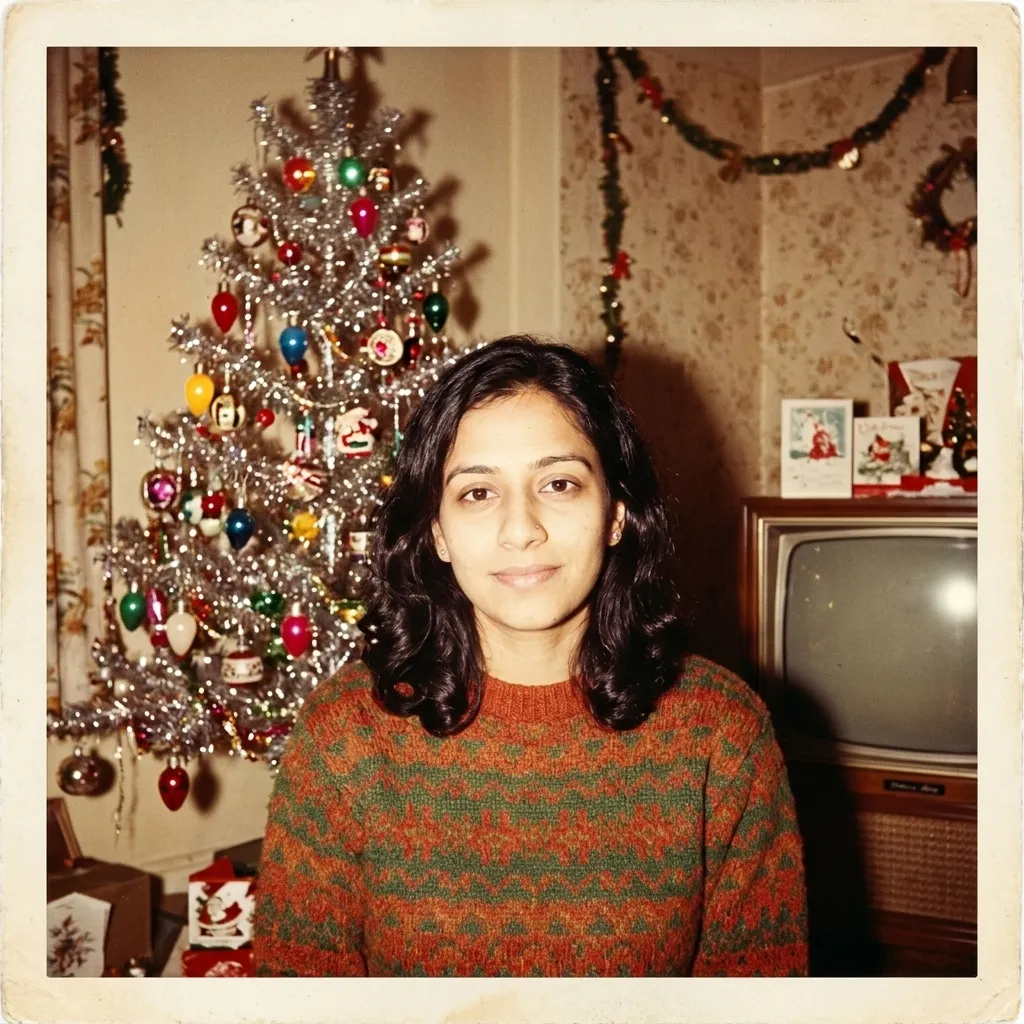
Restyles your photo as a 1950s home Christmas snapshot with flash, tinsel and faded colour.
You fill in colour · add your photo
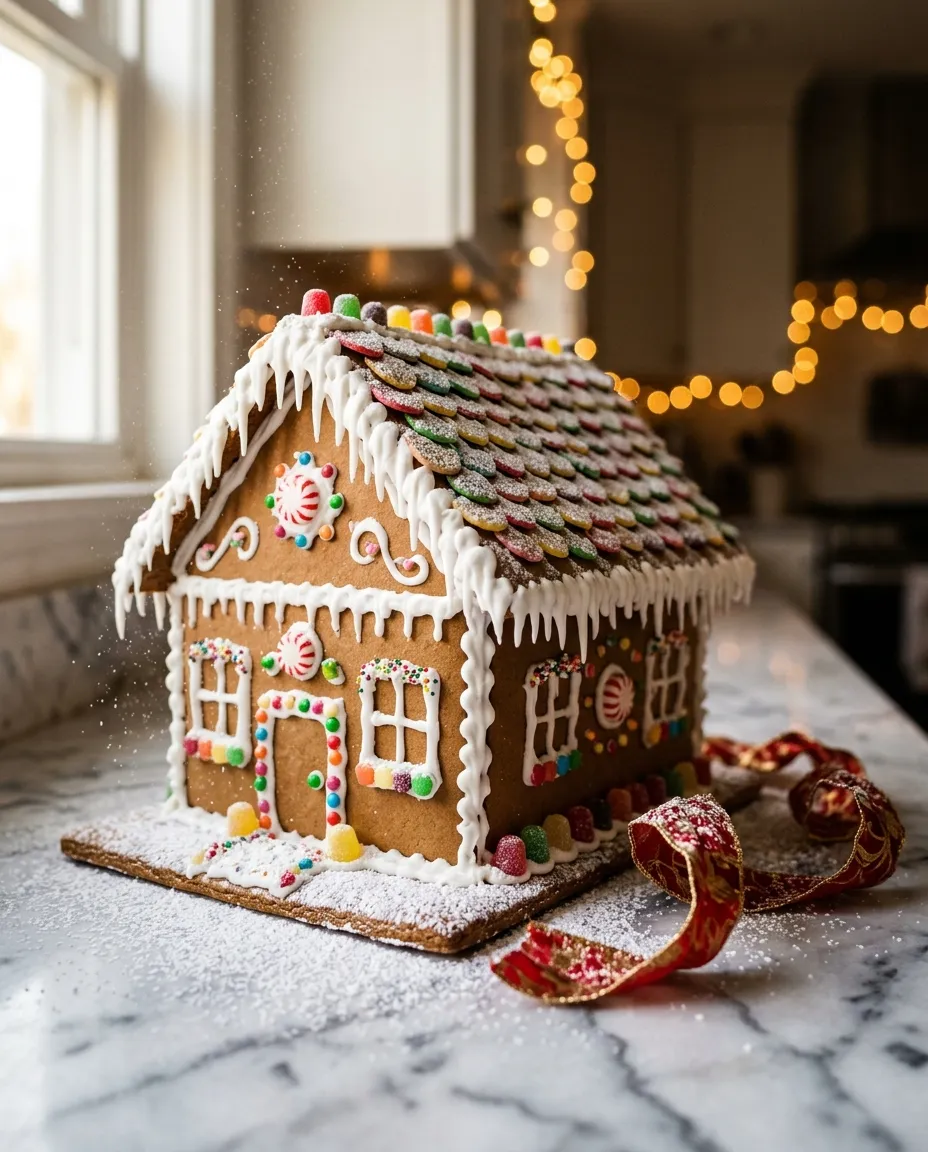
A close up of an iced gingerbread house on a kitchen counter with sugar snow in the air.
You fill in colour
A flat lay card background with a pine branch and baubles along the bottom, two thirds left empty.
You fill in colour
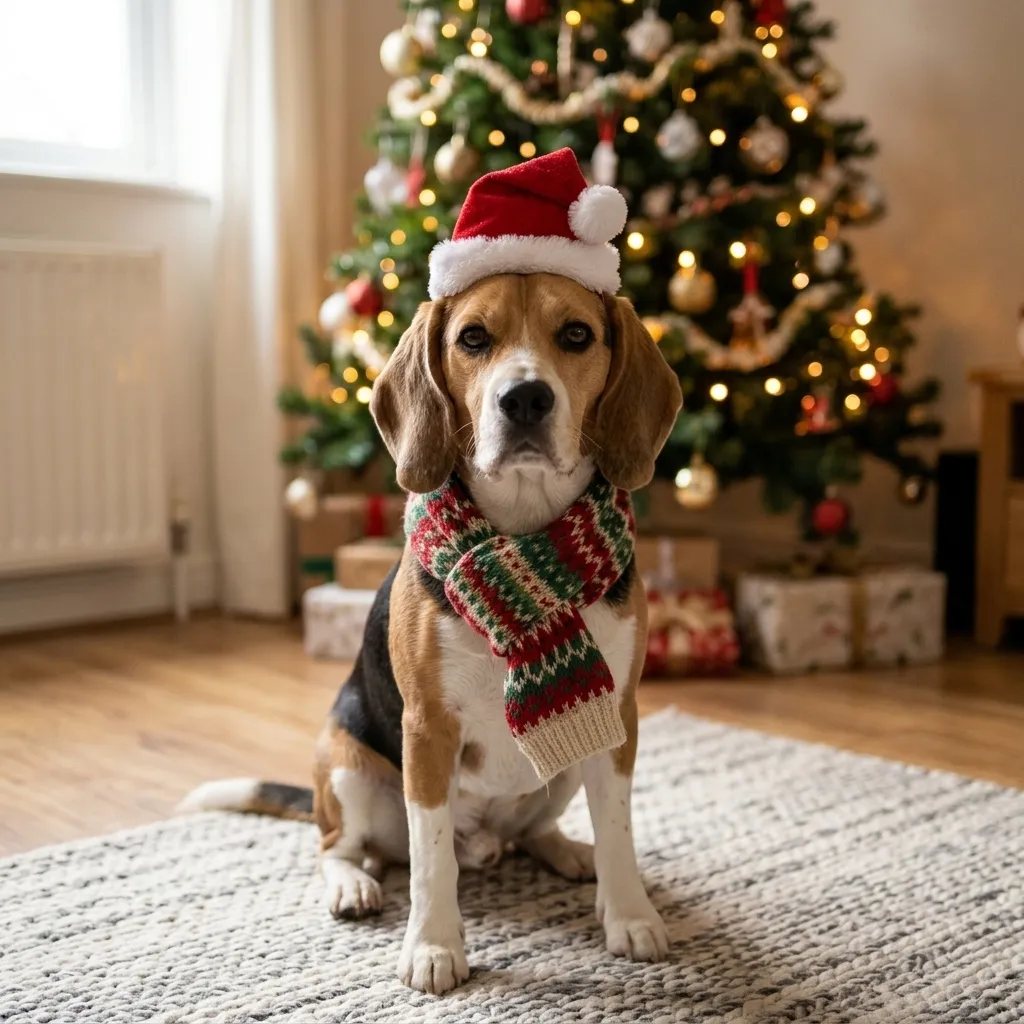
Adds a festive hat and scarf to your pet in front of a lit tree, fur and markings unchanged.
You fill in colour · add your photo
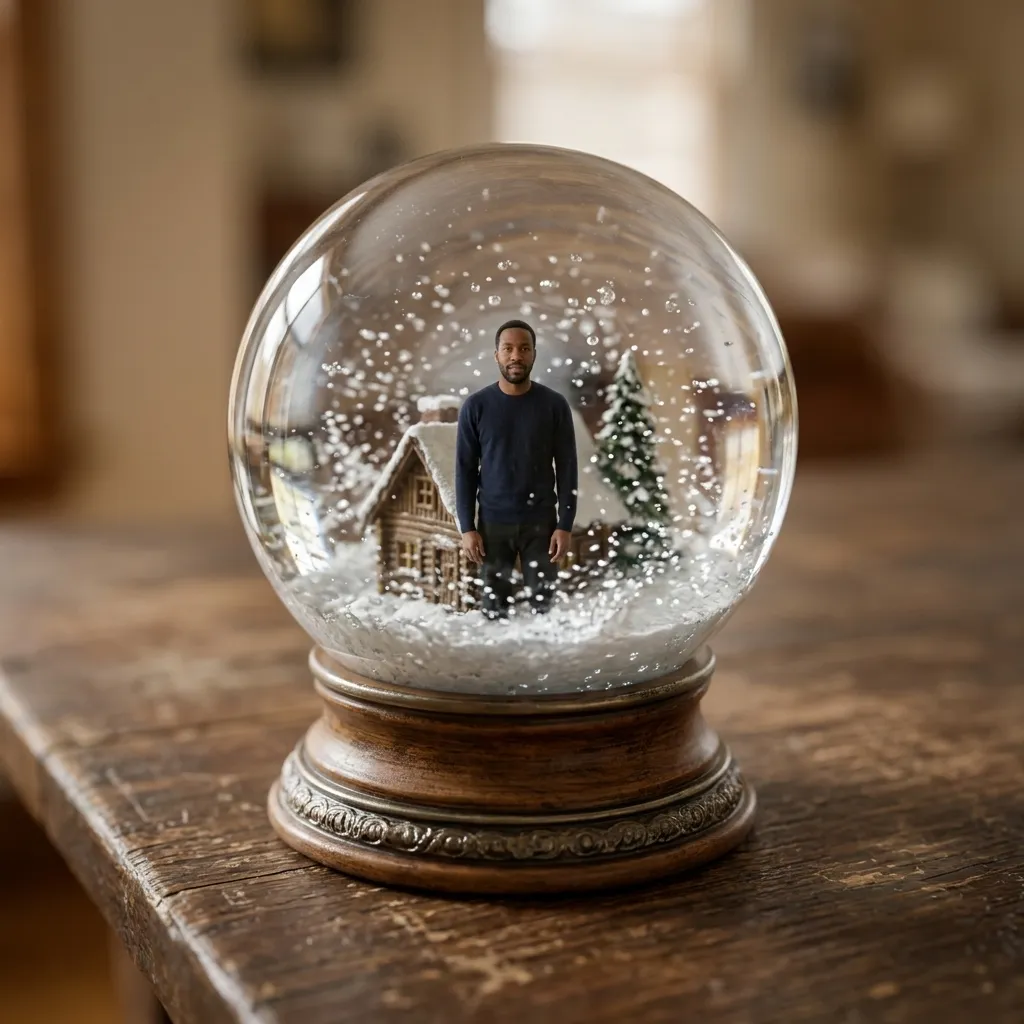
Shrinks you into a glass snow globe on a table, snow swirling around a tiny scene.
You fill in landmark or cabin · add your photo
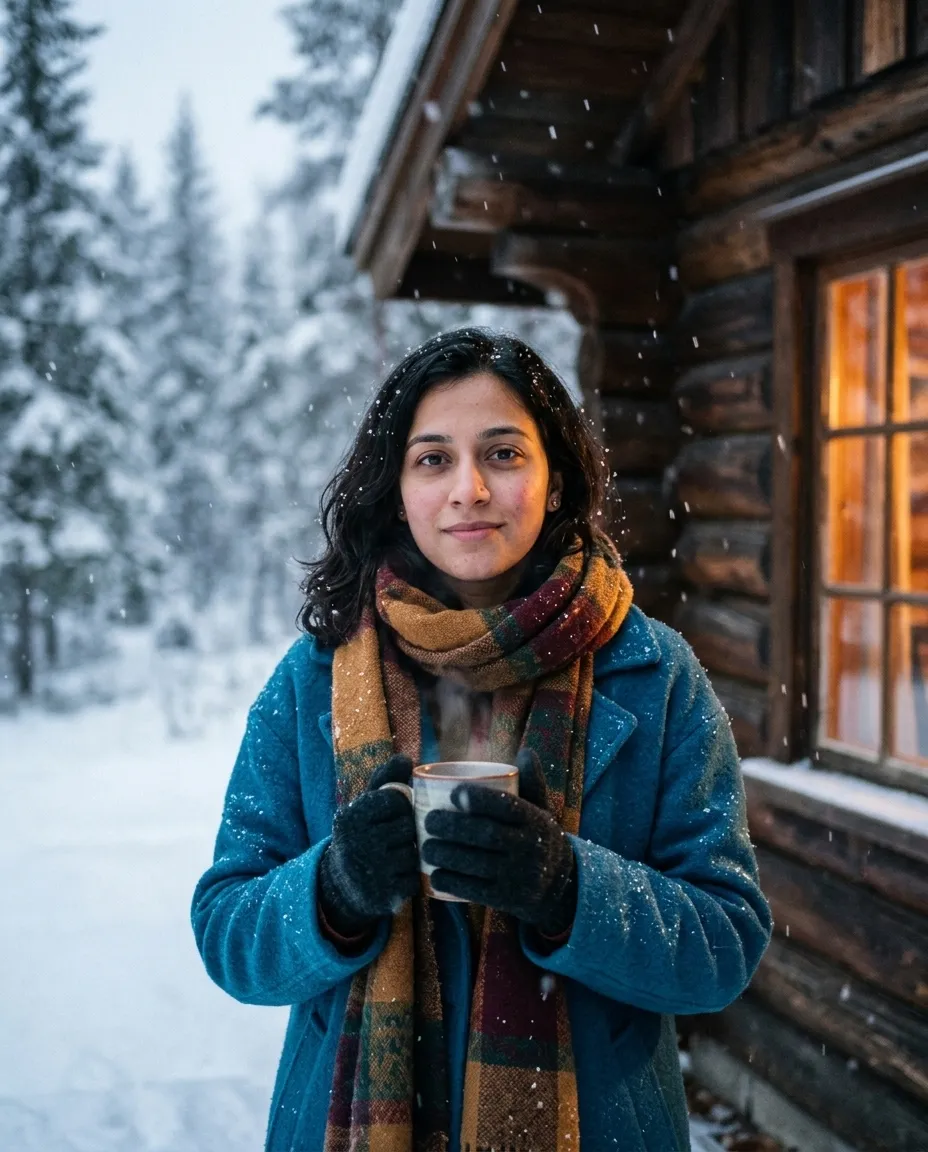
Moves your photo outside a timber cabin in falling snow, warm window light on one side.
You fill in colour · add your photo
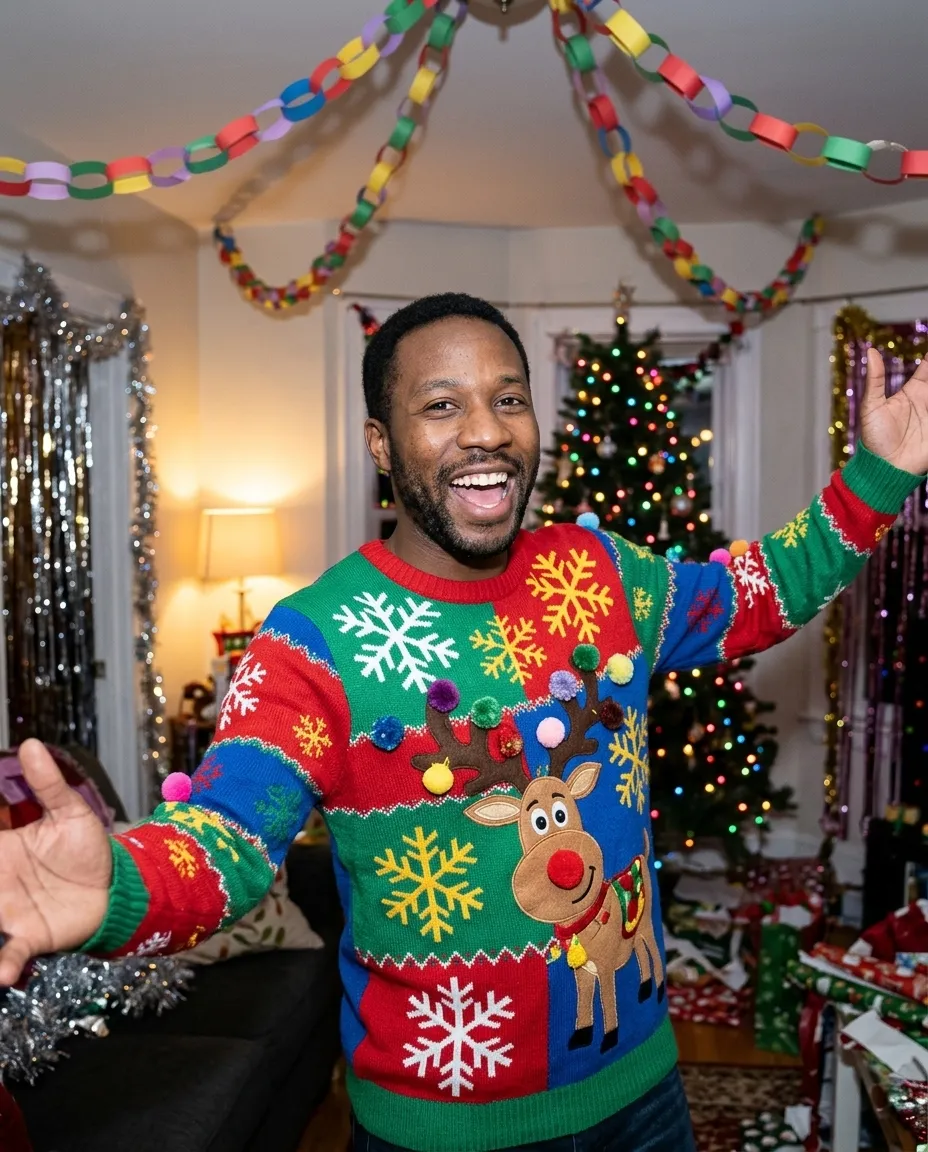
Puts you in a deliberately loud holiday sweater at a decorated party, direct flash look.
You fill in colour · add your photo
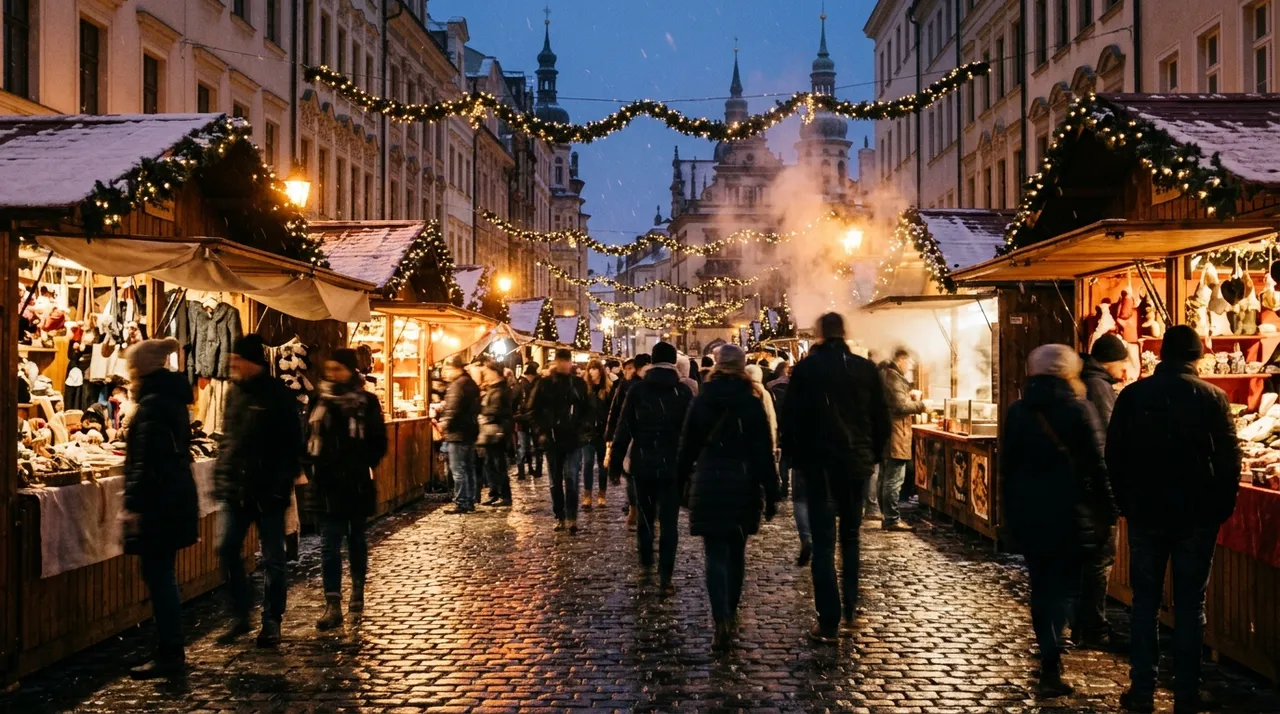
An evening market street with garlands of lights, steam and light snow falling.
You fill in city
Type «make this a Christmas photo» under a selfie and the model reaches for every holiday sign it knows: a tree, snow, a fireplace, a red hat, all lit the same flat way. The picture reads as a collage, and since nothing protects your face, it may come back slightly redrawn. A request that ends up on a card settles five things first.
Put together, a request you can type from memory:
Use the attached photo of [who is in it]. Keep every face,
skin tone, hair and body exactly as they are. Change only the
clothes, setting and light: [clothes], [one setting], [light
source and direction]. Aspect ratio [4:5].
No text, no watermark, no extra people.
Seven prompts on this page are that request filled in for one look; the other five build a scene from nothing. For restyles outside the season, the Gemini photo prompts use the same method.
Pick by what the picture is for, then check the last column: a snow globe needs your whole body in the shot, a card background needs nothing.
| You want | Use | Upload |
|---|---|---|
| A card of your household by the tree, with room for a greeting | Family Holiday Card Edit | One photo with everyone in it, faces toward the camera |
| A solo portrait with the tree lights blurred behind you | By The Tree Portrait | One photo of you, waist up or longer |
| A winter portrait outdoors | Snowy Cabin Portrait | Half length or longer, so the coat fits in frame |
| A snapshot that looks like it came out of a 1950s album | Fifties Christmas Photo Look | One clear photo of you |
| Something for the office party chat | Ugly Sweater Party Photo | Waist up, so the sweater has somewhere to go |
| You, tiny, inside a glass globe | Snow Globe Portrait | A full-length photo, sharp and well lit |
| Your dog or cat dressed for the season | Santa Hat Pet Portrait | The animal facing you, both ears visible |
| A plain card background for your own lettering | Minimal Holiday Card Background | Nothing |
| A seasonal scene for a post or a header | Cozy Living Room Scene, Winter Market Street, Gingerbread House Scene | Nothing |
| A holiday product shot for a shop listing | Festive Product Photo | Nothing; you describe the product |
The product prompt invents an item from your description, fine for a mock-up and wrong for a real listing. For a photo of something you actually sell, start from Product Photo From Snapshot and add the pine and ribbon.
We wrote this request, and the version under it, to show what the five points change.
make this a christmas card, cozy and festive
«Cozy» and «festive» describe a feeling, so the model supplies every detail itself. Nothing says the faces stay. There's no frame, no light and no empty space, so a greeting would land across someone's sweater. And with no cleanup line, it may write «Merry Christmas» in for you, spelled however it likes.
Use the attached photo of the two of us and our dog. Keep both
faces, skin tones, hair and bodies exactly as they are, and keep
the dog's markings and fur color as photographed. Change only the
clothes, setting and light: matching forest-green knitted sweaters,
sitting close together on a rug in front of a decorated tree, the
dog lying across both our laps. Warm lamp light from the left, tree
lights behind falling into soft round bokeh, gentle fill so neither
face sits in shadow. Leave the top third of the frame empty.
Aspect ratio 4:5. Photorealistic.
No text, no watermark, no extra people, no extra animals.
The count now includes the dog, and so does the last line. The light is one lamp plus the tree, which is what a living room has at night. «Neither face sits in shadow» matters because a tree-lit room is dark, and darkness is where a face loses detail first. The empty top third is for your greeting, added in a card app. This is the Family Holiday Card Edit adapted for two people and a pet; the couple photo prompts have more settings for two.
When the first result is close, reply in the same chat. The model still has your photo and request, so one line usually beats a rewritten prompt.
| The result | Reply with |
|---|---|
| Faces look orange from all the warm light | Keep our skin tones as in the original. The tree lights stay behind us; light our faces with a soft neutral lamp. |
| Too many decorations, like a shop window | Remove half the decorations. Keep the tree, one lamp and a plain wall. |
| The snow looks pasted on | Make the snow fall at different distances, some sharp in front, some soft behind, with a few flakes on my coat and none across my face. |
| One person in the group changed | Keep everything else. Redraw [the person on the left] exactly as in my original photo. |
| Matching sweaters merged into one shape | Give each person a visibly separate sweater with a clear edge where their shoulders meet. |
| The pet's markings changed | Restore the markings from my photo: [white patch on the chest, brown left ear]. |
| Too dark to print | Brighten the faces and the room by about one stop. Keep the tree lights warm. |
| A greeting appeared in the picture | Remove all lettering. Leave the top third of the frame empty. |
Holiday pictures slip in a few recurring places. Check them at full size before anything goes to print.
One rule of ours: these prompts are for adults, couples, friends and pets, in photos of people who've agreed to be edited.
Every prompt here runs as typed in both. These details come from Google's and OpenAI's own help pages and are current as of October 2026; both change often.
Plan prices are in our Gemini and ChatGPT reviews. For pictures built from scratch, see the AI photo prompts; for October, the Halloween photo prompts.
Family Holiday Card Edit keeps the top of the frame clear and Minimal Holiday Card Background keeps the middle open, so there is somewhere for the words to go. Do not ask the model to write them. Put the greeting in yourself with any card maker or word processor, where you choose the font and correct a typo without regenerating the whole picture.
Small faces carry the least detail, so they are the first thing a model reinvents. Upload the largest copy you have, cropped so the group fills the frame, and choose a shot where nobody is turned away or half hidden. State again in the prompt that every face must stay exactly as photographed. If one person still changes, redo that person alone and combine afterwards.
Fifties Christmas Photo Look asks for the specific things that made those pictures what they were: direct flash, slightly blown highlights, a warm cast, visible grain and soft corners. Vague words like vintage or retro just give you a brown wash. Name the decade, the light source and the film behaviour, and keep the room, the tree and the clothing of the period too.
The portraits at 4:5 crop neatly for a standard card and for a phone feed, while Snow Globe Portrait at 1:1 is squarer than most print sizes. Paper is the harder test, since it wants more pixels than a screen. Generate at the biggest size your model offers, check what that is before you order, and view the file at full magnification first.
AI Photo Prompts Halloween Photo Prompts Couple Photo Prompts Headshot Prompts
One email a week: the best new prompts and one short guide. Confirm by email and get the free Prompt Cheat Sheet (PDF). Unsubscribe any time. Privacy policy