What an image prompt has to settle
«A cool illustration of a fox» leaves every decision to the model, so it falls back on its defaults: subject in the middle, glossy shading, the digital-painting finish you've already seen a thousand times. An illustration depends on choices a photo prompt never has to make. What is it made of, how many colors is it allowed, and where does the empty space go? Six answers carry most of the result.
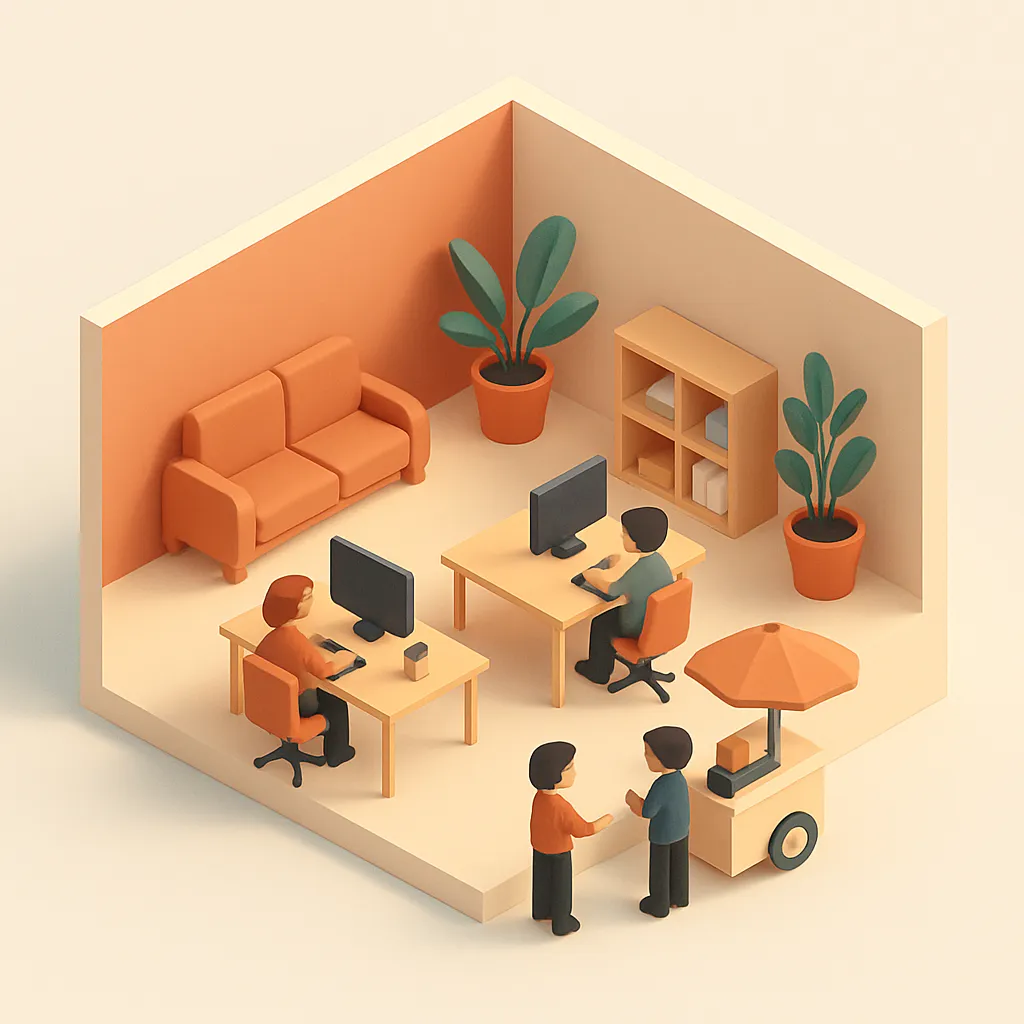
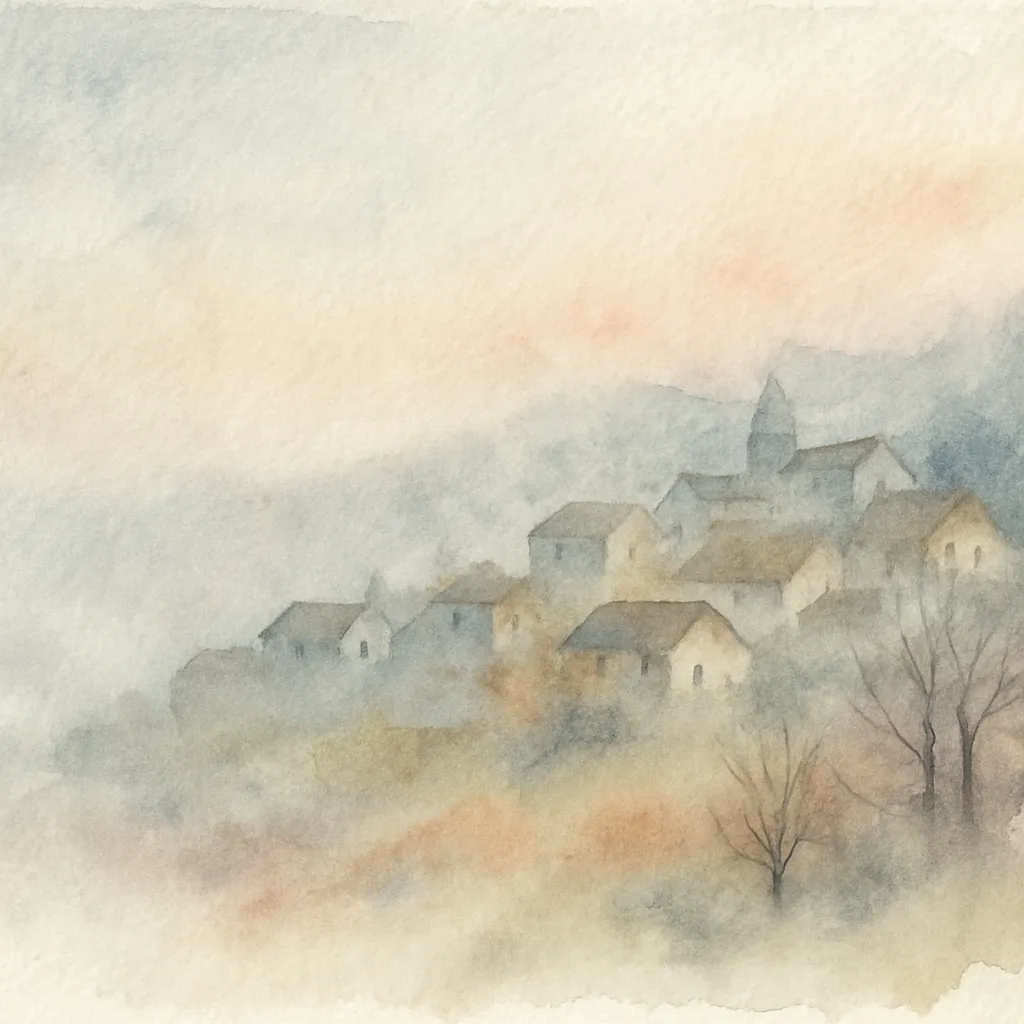
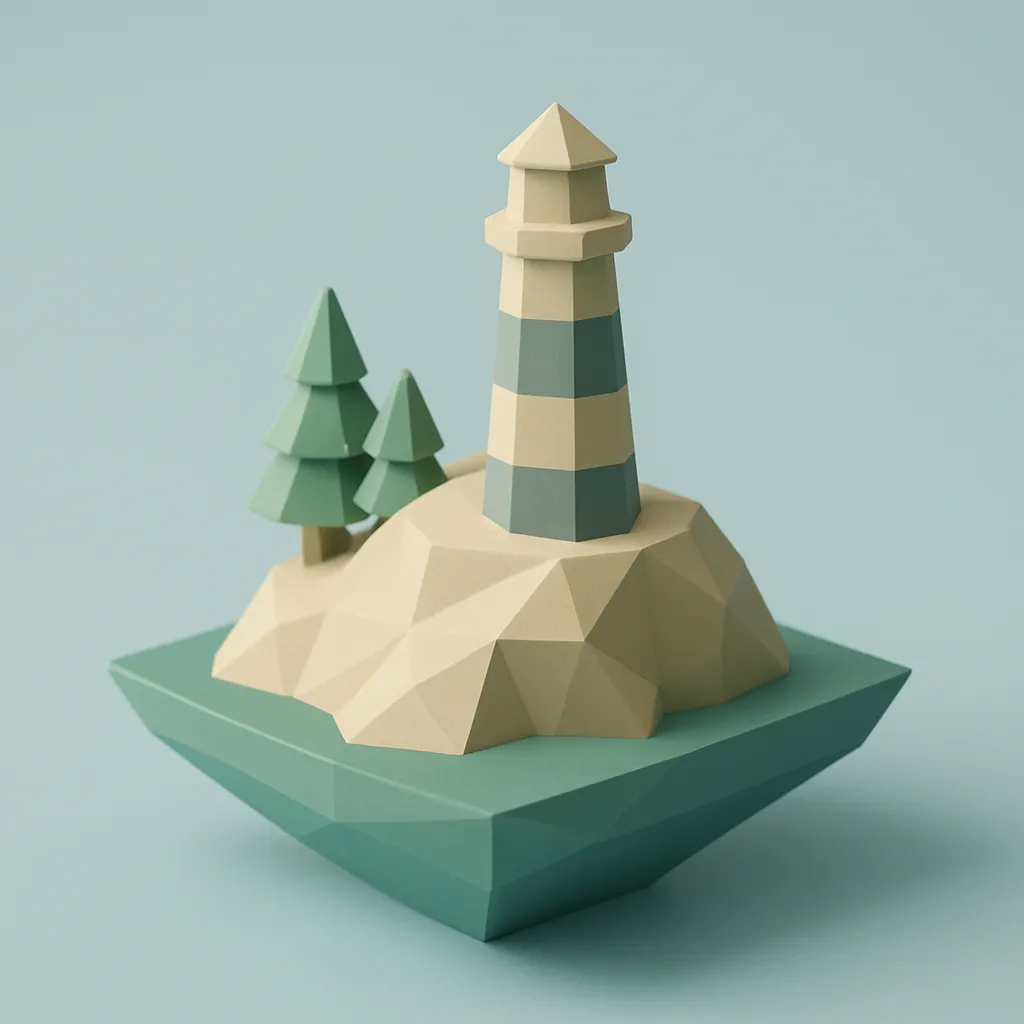
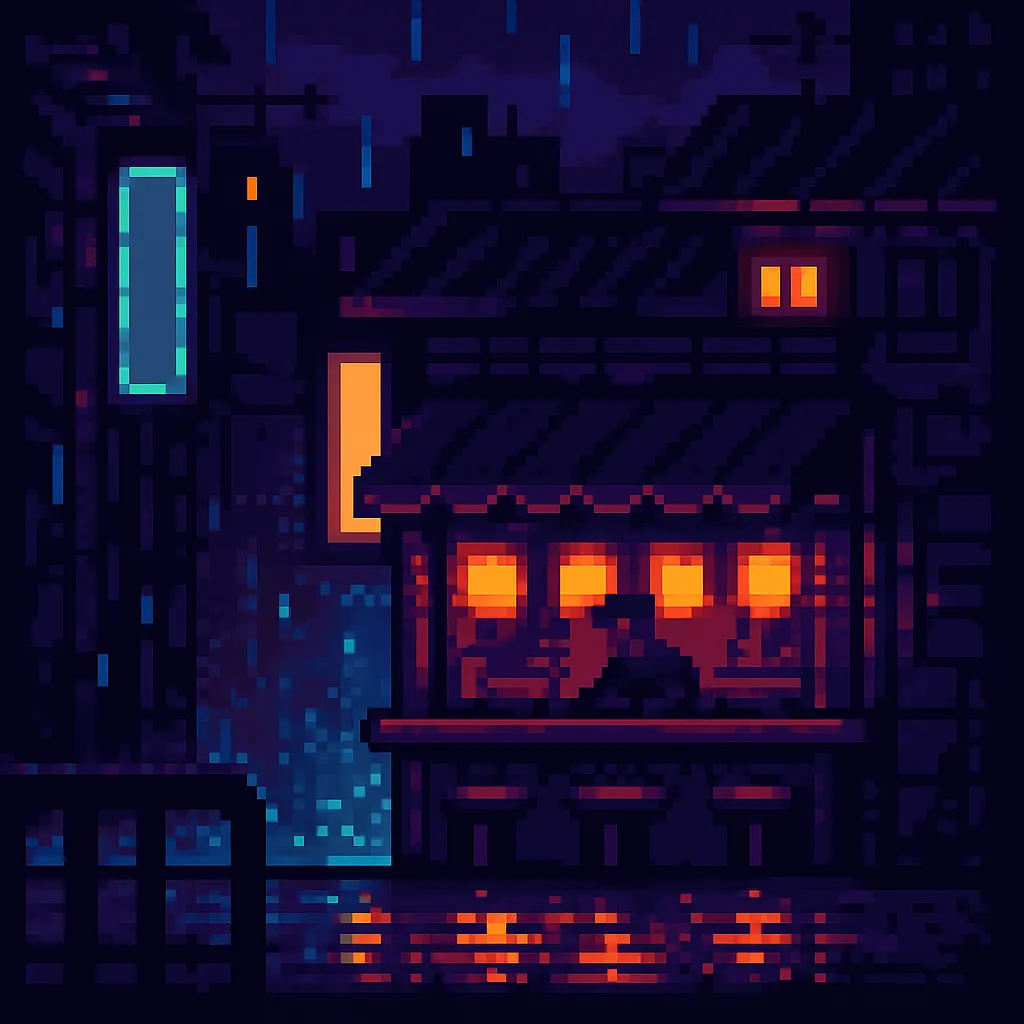
- The medium, in technique words. «Gouache with visible brush grain», «flat vector shapes, no outlines», «a 32 by 32 pixel tile grid». «Artistic» and «stylized» aren't techniques, so they don't steer anything.
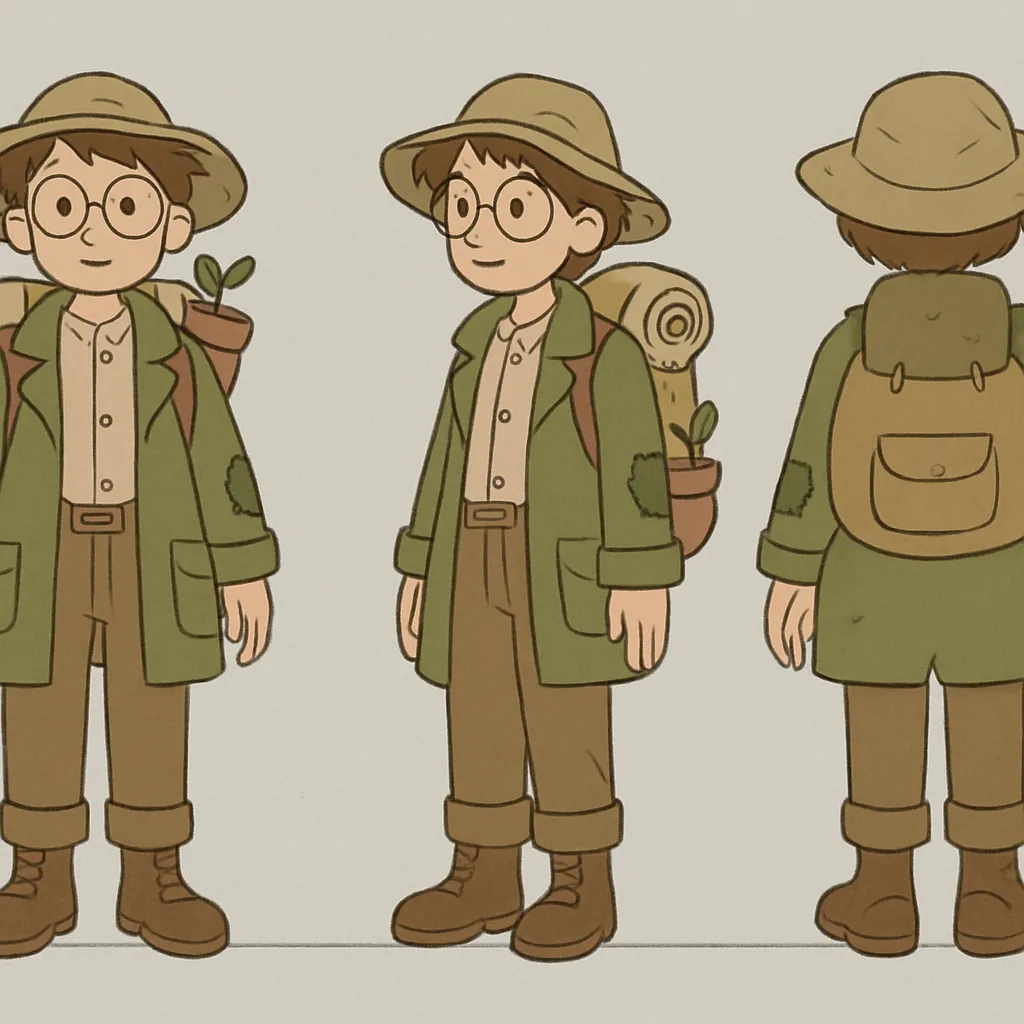
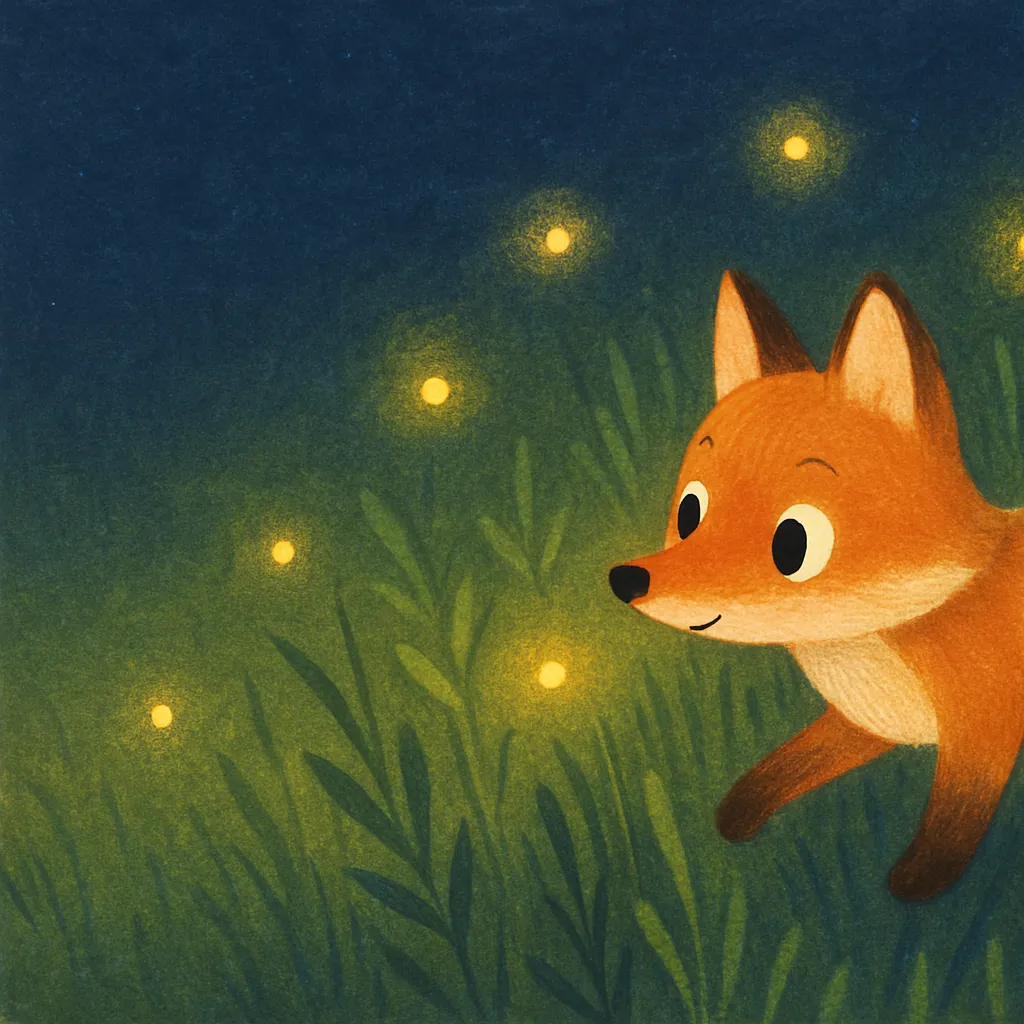
- A subject doing something. A fox following fireflies, a botanist in a patched coat. A bare noun gets a stock pose.
- The palette, by name and count. Three named colors and one accent is a limit the model can keep. «Vibrant colors» isn't.
- The composition. Where the subject sits, the view (front, three-quarter, isometric, straight down), and where your headline will go later.
- The shape, from where it'll be used. 16:9 for a site header or a slide, 2:3 for a poster, 1:1 for an icon or a pattern tile.
- What stays out. No text, no logos, no watermark, plus whatever your medium shouldn't slide into: no photorealism in a flat illustration, no gradients in a logo.
Put together, a pattern you can type from memory:
[Medium and technique] of [subject, doing what].
Palette of [color], [color] and [color], with [accent] only on [what].
[View and framing]. Empty space [where] for text added later.
Aspect ratio [ratio]. No text, no logos, no watermark, no [drift].
Every prompt on this page is that pattern filled in for one kind of picture. None of them needs an upload; change the bracketed parts and keep the rest.
Which prompt for which picture
The third column is what you swap in before you paste.
A blog header, before and after
Here's a request of the kind people type for a quick header, and our rewrite of it. We wrote both to show the pattern; neither is model output.
an illustration for my blog post about working from home, modern style, colorful
«Modern» and «colorful» fit almost any style, so the model picks one for you. Nothing says where the subject goes, and a blog theme that crops headers to a wide strip will cut it in half. There's no room left for the title either.
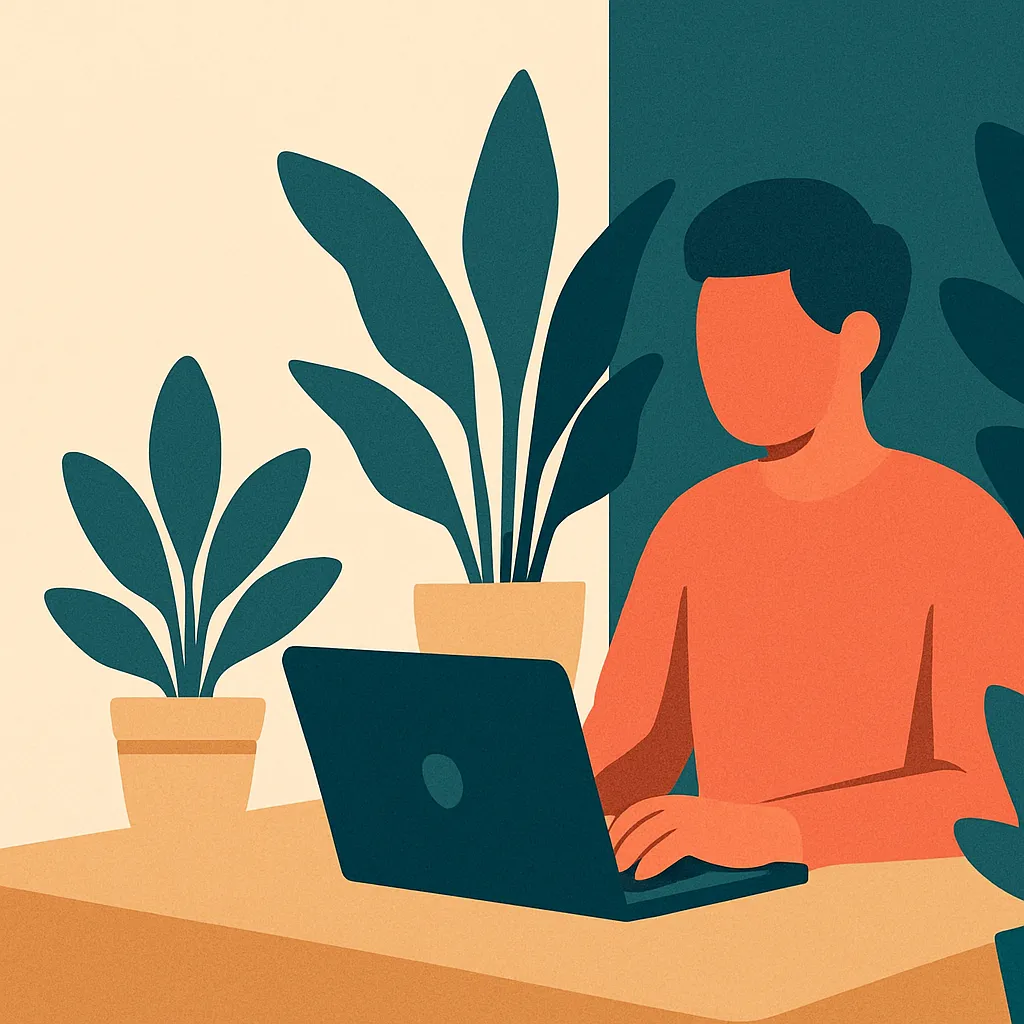
Flat vector illustration for a blog header about working from home:
a person at a small desk by a window, a cat asleep on a stack of
papers, a mug going cold. Clean geometric shapes, no outlines, light
grain over the fills. Palette of deep teal, warm sand and off white,
with coral only on the mug. Subject on the right third, the left half
empty for the post title. Aspect ratio 16:9.
No text, no logos, no watermark, no photorealism.
The medium is now a technique. The cat and the cold mug tell a small story without a word of text. Putting the accent color on one object pulls the eye there first. And the empty left half is where you set the title in your own editor, where it stays sharp and you can change it later. It's the Flat Vector Hero Illustration with the brackets filled in.
Follow-up lines that fix an image
In ChatGPT or Gemini, send these as a reply. In Midjourney, edit the prompt and run it again.
| The image is | Reply with |
|---|
| Generic, like stock art | Make it a [risograph print with offset colors]. Drop the glossy shading. |
| Full of extra colors | Use only [three colors] and white. Nothing else. |
| Half vector, half painting | Pure flat vector: solid fills, no brush texture, no gradients. |
| Covered in fake lettering | No letters, numbers or signs anywhere in the picture. |
| Centered and static | Move the subject to the right third and leave the left half empty. |
| Too busy to read when small | Fewer shapes, bigger silhouettes. It has to read at thumbnail size. |
| A different character from last time | Same character as in the first image: [paste the description]. Don't redesign the outfit or proportions. |
| Almost right | Keep everything and change only [the palette / the angle / the background]. |
Where AI images go wrong
Some failures come from the prompt, others from the models themselves, and all of them get easier to fix once you've seen the pattern a couple of times.
- Styles that fight. Watercolor with crisp vector edges, isometric with a low dramatic angle. The model blends the two and you get neither. Pick one medium per prompt.
- Counts. Six icons can come back as five or eight, and a four-stage flow as three. Count before you use it.
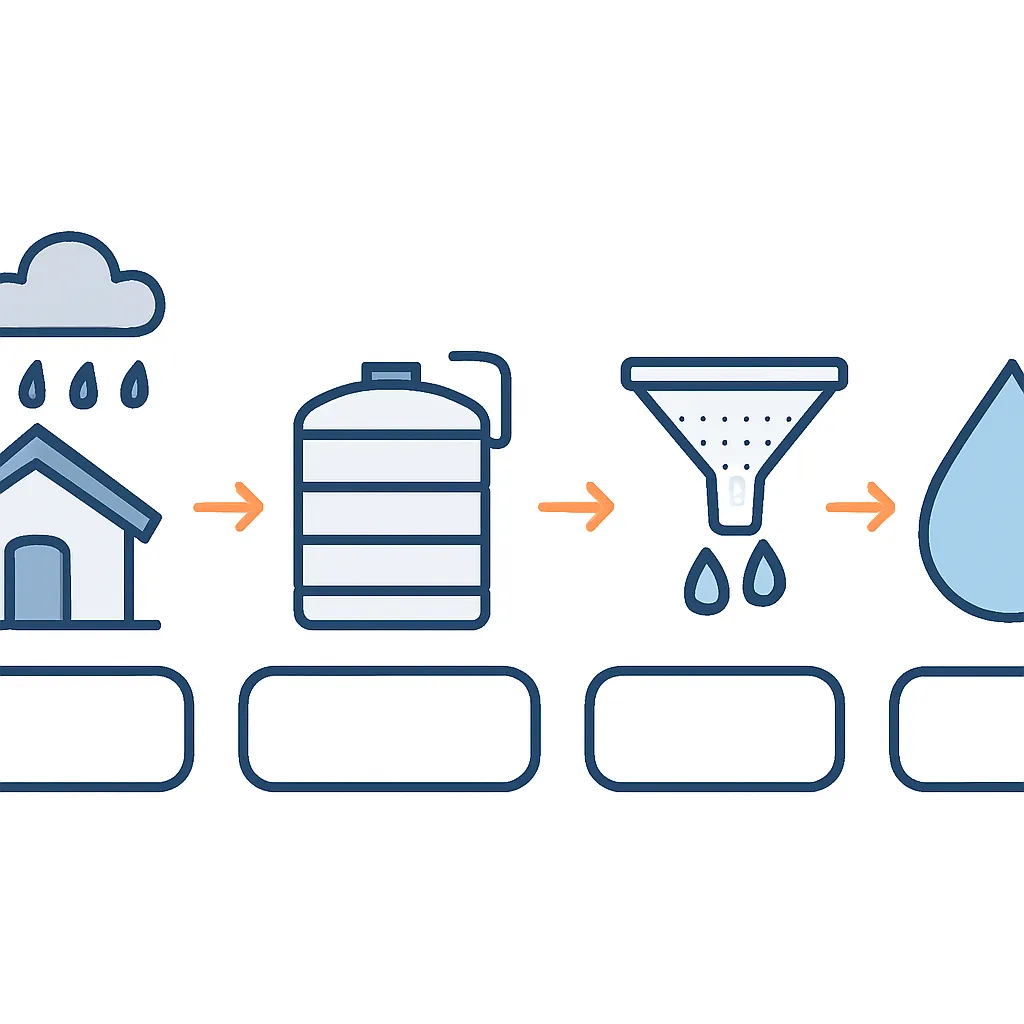
- Diagrams that look right and say nothing. Arrows can join the wrong boxes. OpenAI's prompting guide tells you to check labels and relationships in diagrams, which is why the Infographic Style Diagram leaves its label boxes empty for you to fill.
- Borrowed names. Naming a living artist or a studio aims the model at someone's work and can land too close to it. The prompts here describe the technique and name nobody. Do the same.
- Small figures. Hands and faces at a few pixels tall come out mangled. Keep figures simple, as the editorial and isometric prompts do, or leave people out.
How the main tools read the same prompt
The blocks are plain sentences and run in any of these. What changes is how much each tool wants to read. As of October 2026:
- ChatGPT takes long prompts well. OpenAI's prompting guide says short prompts, paragraphs and labelled sections all work, with no special syntax, and suggests ordering a complex request as scene, subject, details and constraints. It accepts any aspect ratio, from the picker or the prompt, and makes transparent backgrounds when asked, which suits icons. Our ChatGPT image prompt generator writes prompts in that shape.
- Gemini also works from full sentences. Our Nano Banana prompts cover its image model, including text inside the picture.
- Midjourney is the odd one out. Its docs say short, simple prompts usually give the best images and long lists of instructions can confuse it, so cut a block down to medium, subject, palette and composition. Its docs also warn that «no cake» in a sentence may still bring a cake, so exclusions belong in --no at the end. Two parameters suit this page: --tile makes seamless repeating patterns, and --sref with a reference image carries its colors, medium and texture into a new picture without copying its objects, which keeps a set in one look. V8.2 is the default version. Our Midjourney prompt generator handles the parameters.
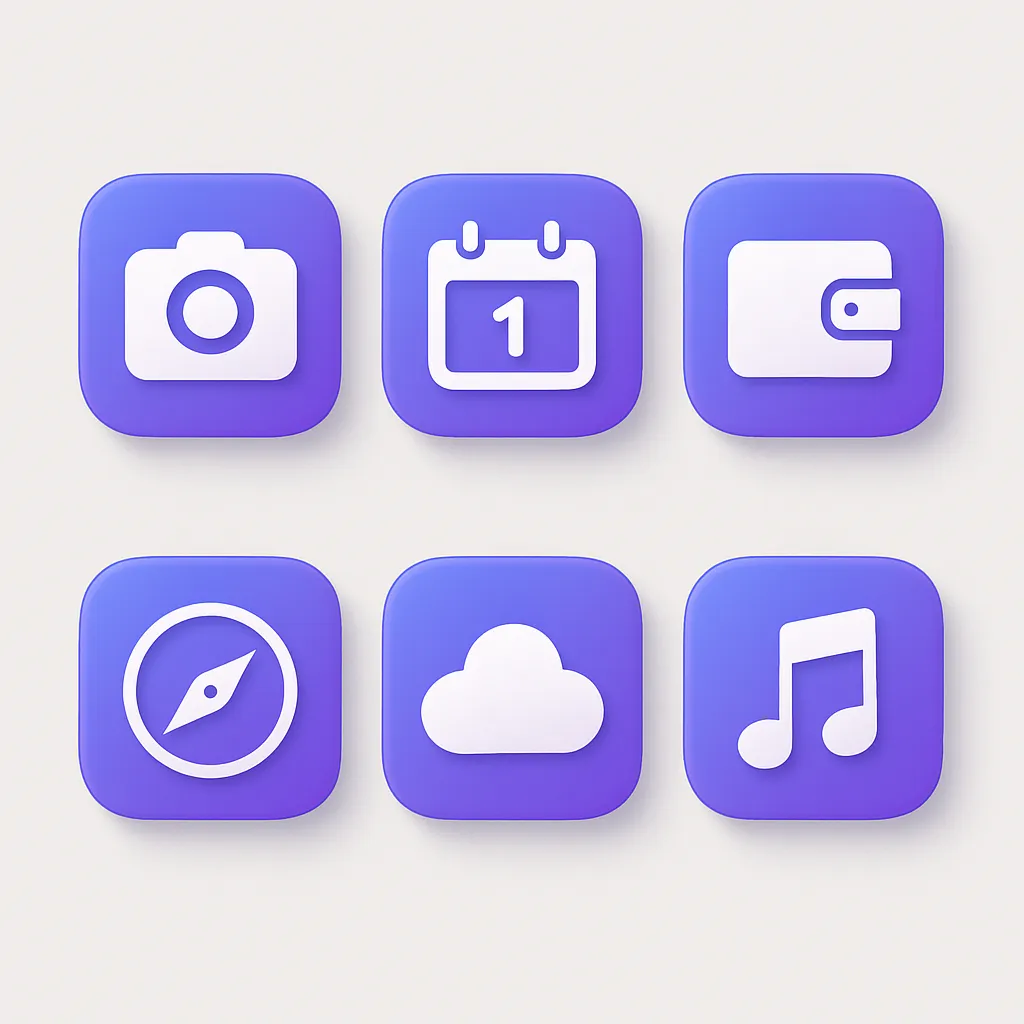
- Recraft generates vector images as SVG files as well as raster ones. Its prompting guide says logo and vector prompts should define shape, palette, line and layout, and avoid texture or material words. That makes it a fit for the Abstract Logo Mark and App Icon Set when you need a file you can edit.
Prices and free plans are in our AI image generators roundup and the reviews of Midjourney and Recraft. If what you need is a photograph, the AI photo prompts are written for cameras and light.
Have a picture whose look you want to reuse? Image to prompt reads it and writes the prompt for your generator. Need an idea first? The art prompt generator gives you random subjects, settings and twists.
Rights depend on the model you used and the plan you were on, so read the terms of the service that produced the file. Two practical limits matter more. A generated mark is not a trademark search, so it can land close to something already registered. And the output is pixels, not a vector, so treat Abstract Logo Mark as a concept that a designer redraws before it goes anywhere.
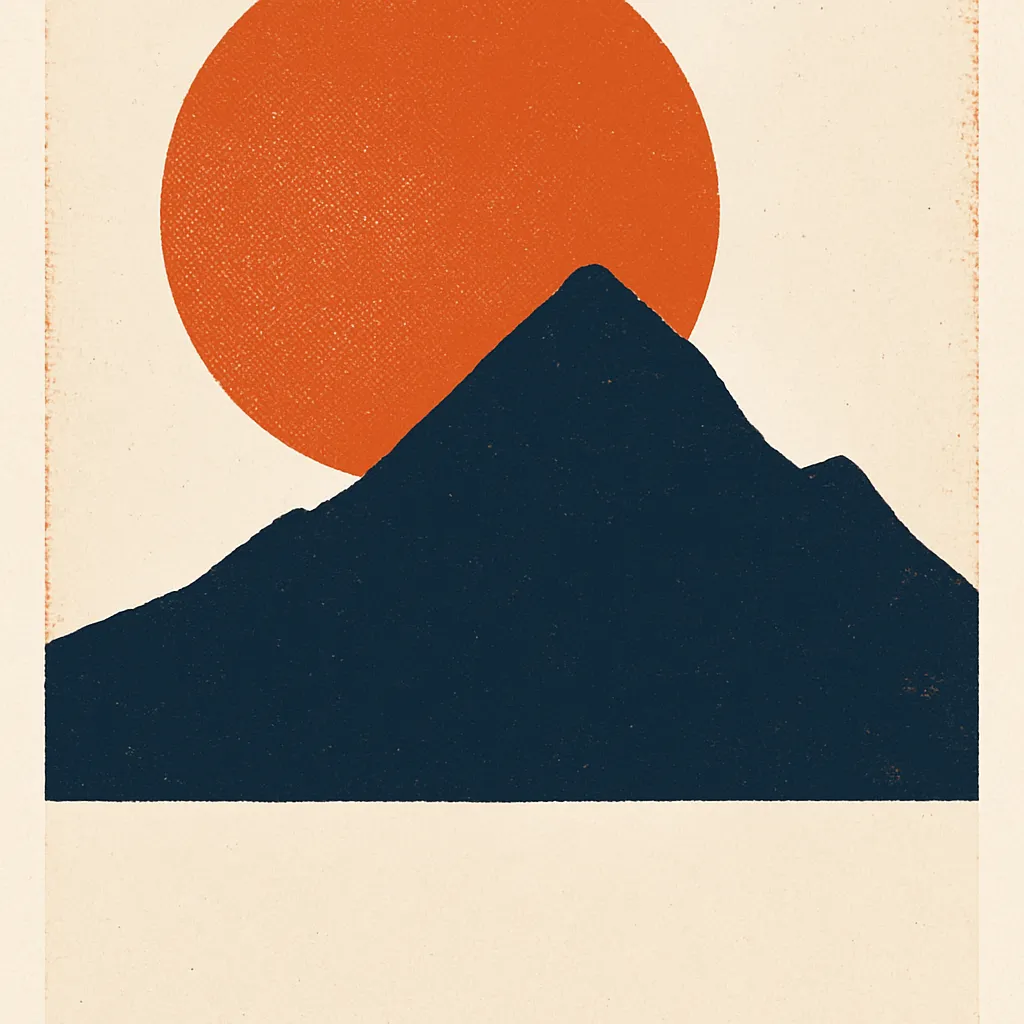
Image models still spell badly, and a poster full of mangled letters is unusable. So Minimalist Gig Poster and Flat Vector Hero Illustration ask for empty space instead, along one third of the frame or across a clear band. You then set the headline in whatever layout tool you already use, where the type stays sharp, properly spaced and editable when a date changes.
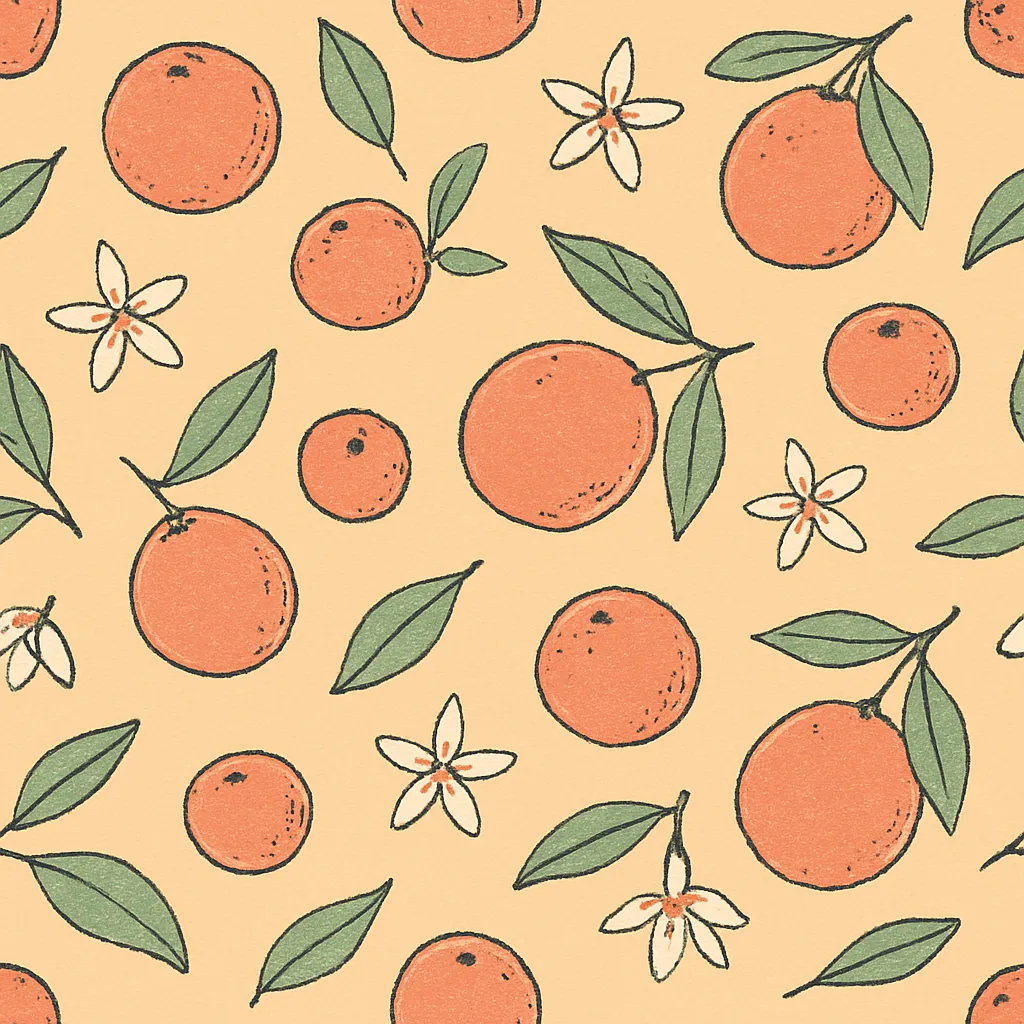
Say no visible seam at any edge, hold the view flat and top down, and rule out shadows and a central focal point, which is how Seamless Repeating Pattern is built. Then test it: lay four copies in a two by two grid and study the joins. Models miss this often enough that you should expect a few attempts before one tiles properly.
Write the style clause once and paste it unchanged into every prompt, varying only the subject. Pin the palette by naming the same colours each time, as App Icon Set and Flat Vector Hero Illustration do. Make the set in a single sitting, because models drift between versions and updates. If one image wanders off, regenerate that image rather than nudging the rest towards it.