PH-0686Art & Image
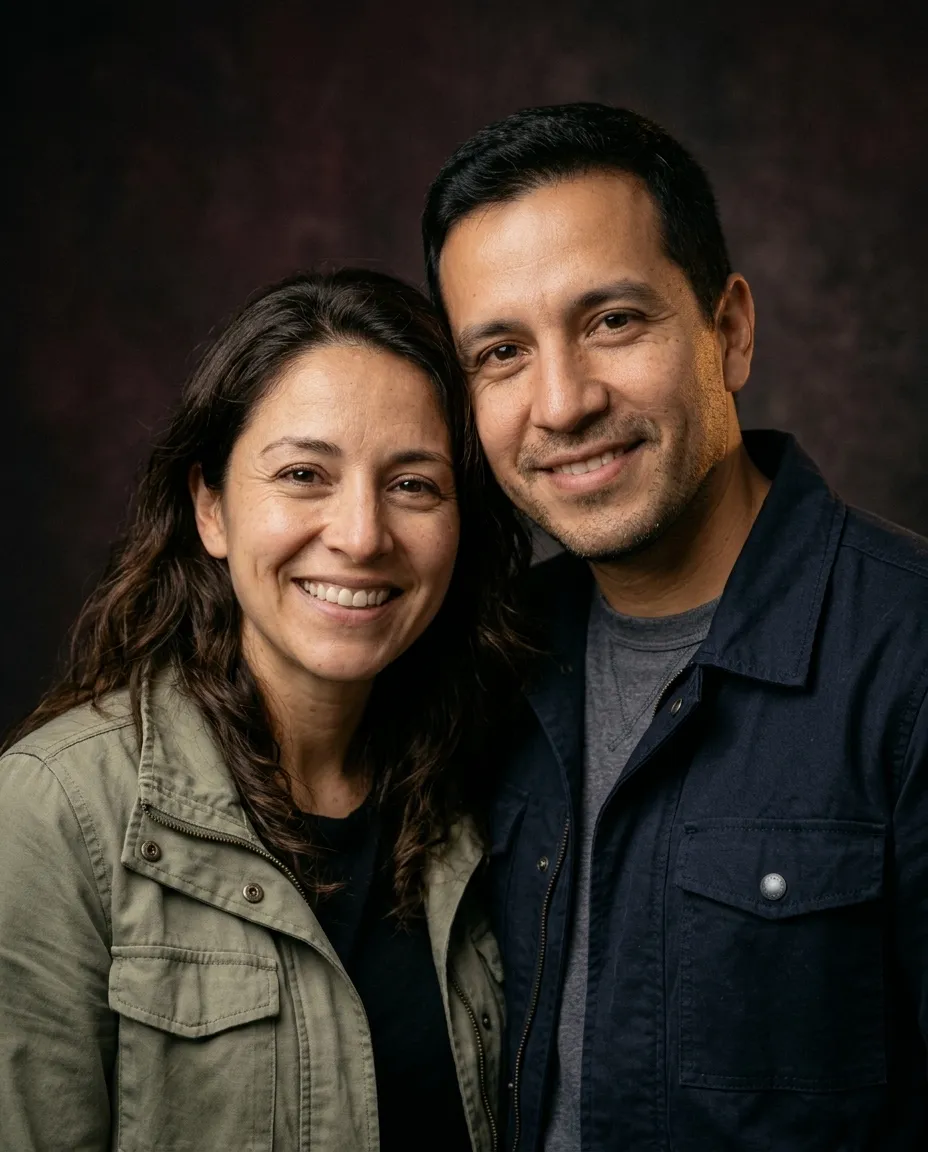
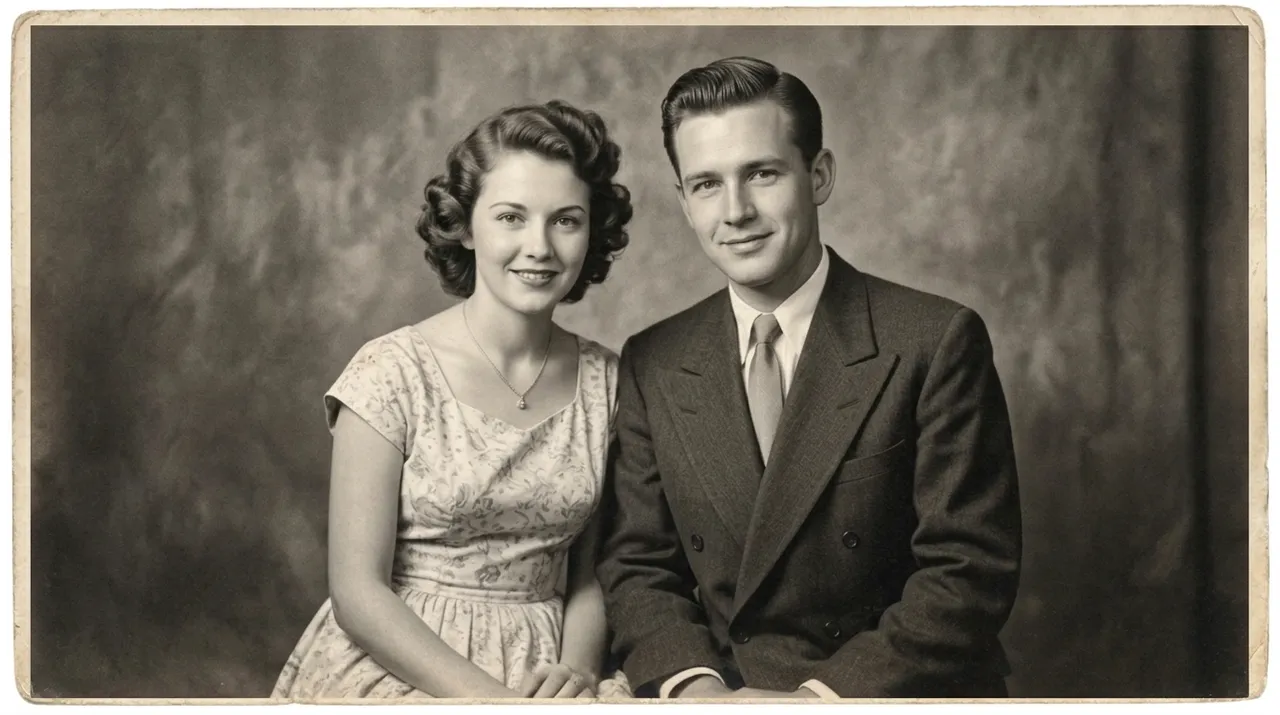
Anniversary Couple Portrait
Restyles a photo of the two of you as a warm studio anniversary portrait.
You fill in backdrop colour · add your photo
Gemini
Gemini edits the photo you upload, so every prompt below starts with the picture in front of you. Attach it, paste the block, and change only what is in brackets. The prompts keep your face and body exactly as they are and change the rest.
Restyles a photo of the two of you as a warm studio anniversary portrait.
You fill in backdrop colour · add your photo
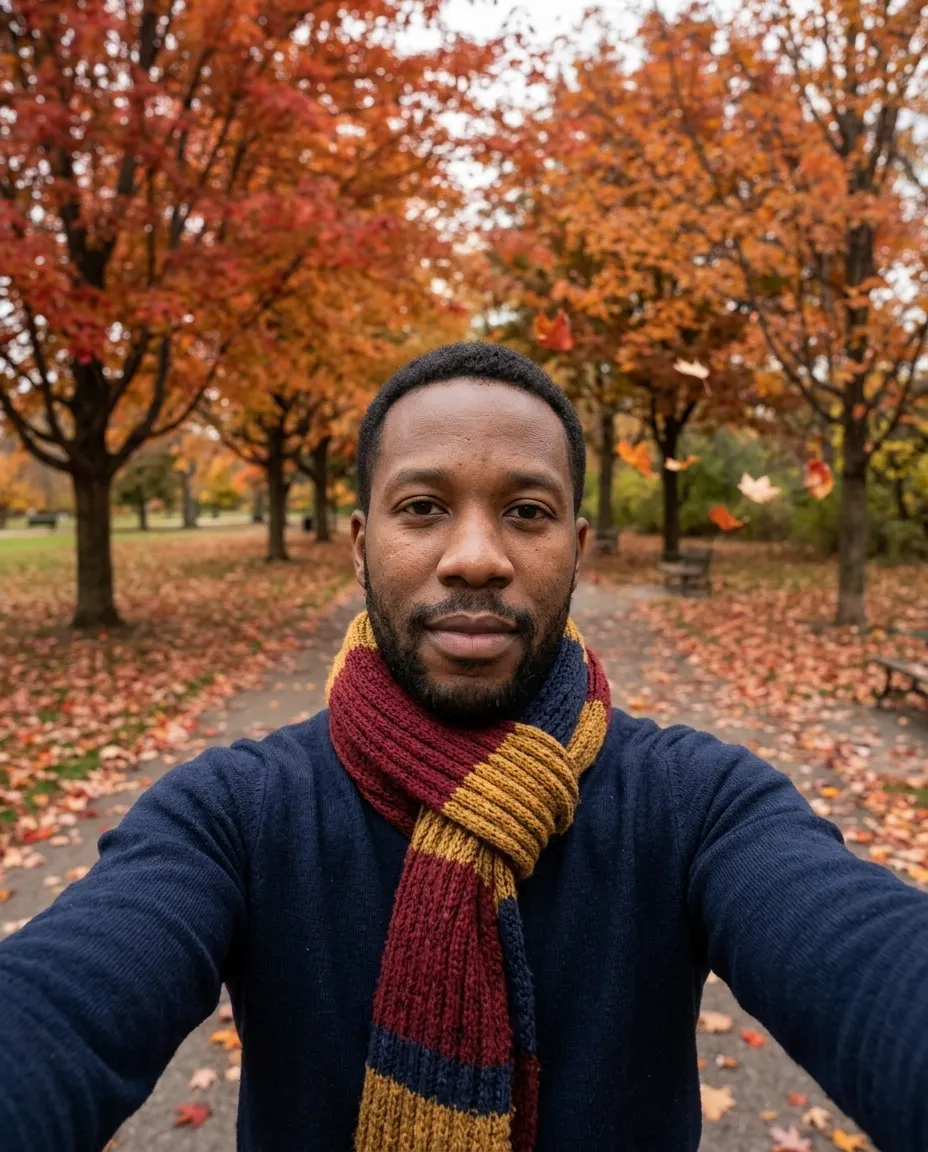
Places you on a park path among red and amber maples in soft October light.
You fill in colour · add your photo
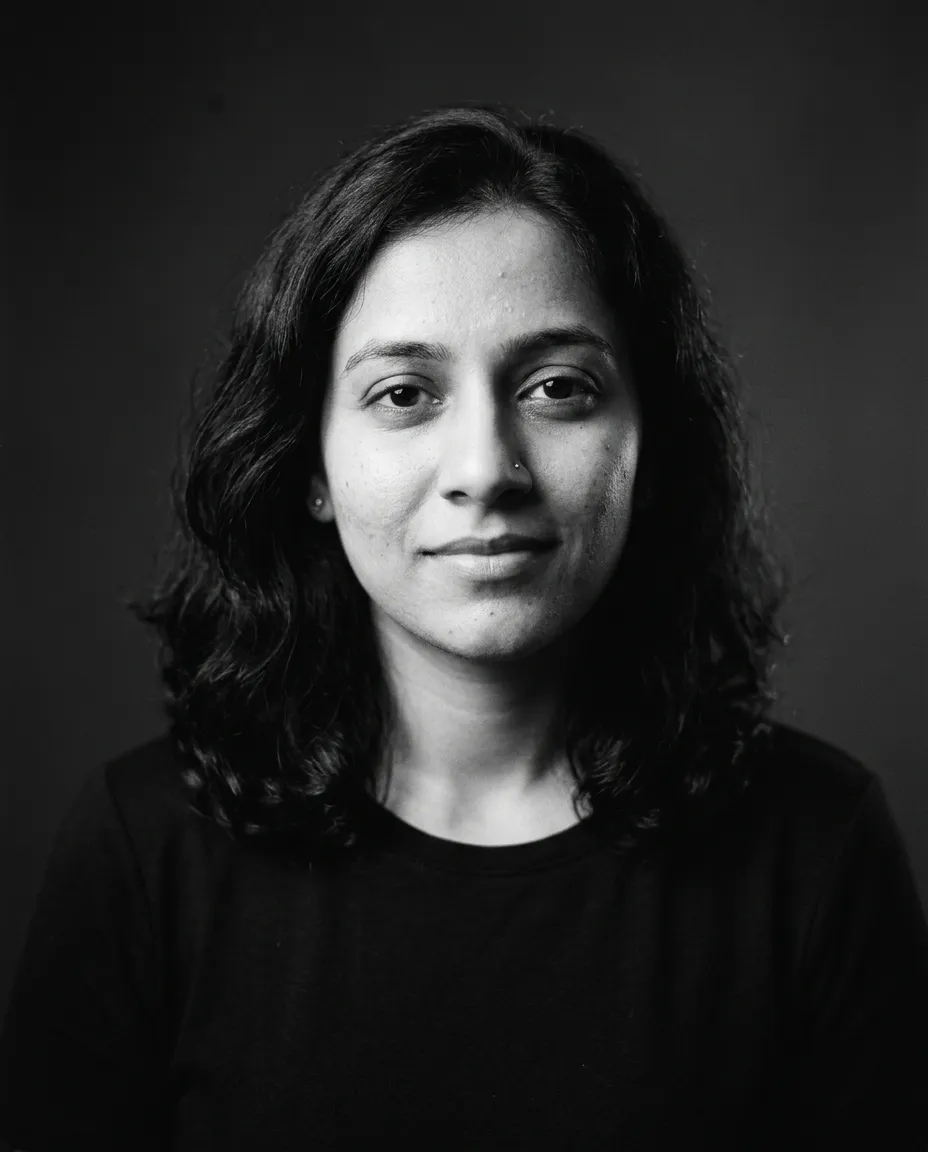
Rebuilds your photo as a dramatic black and white studio portrait with a soft key light and a grey backdrop.
You fill in colour · add your photo
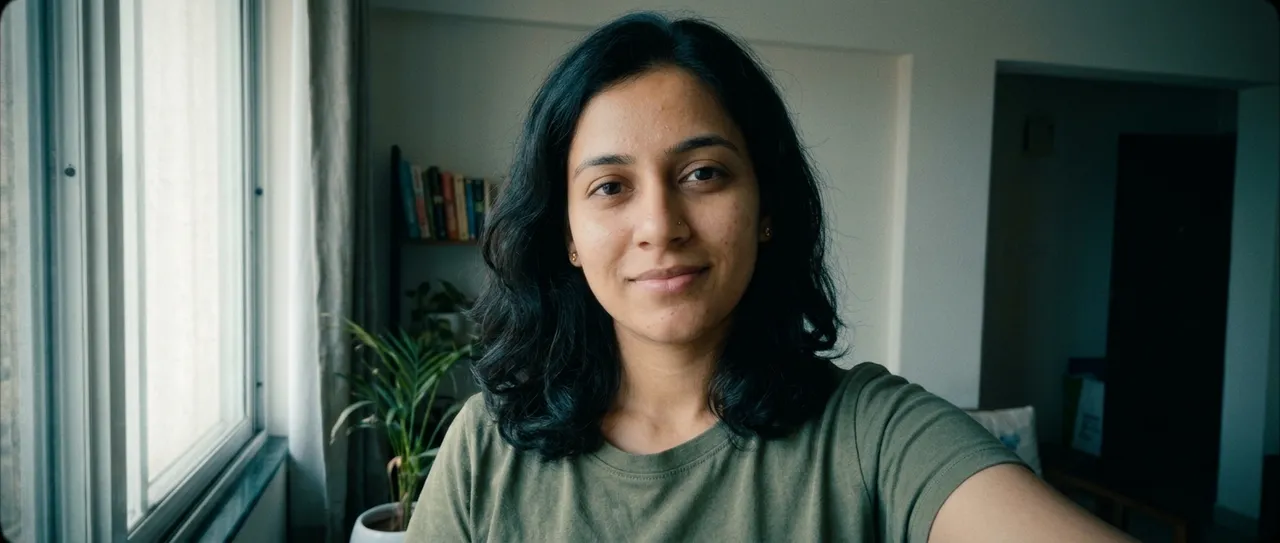
Regrades your photo like a feature film: teal shadows, warm skin, lifted blacks and a widescreen crop.
Ready to paste · add your photo
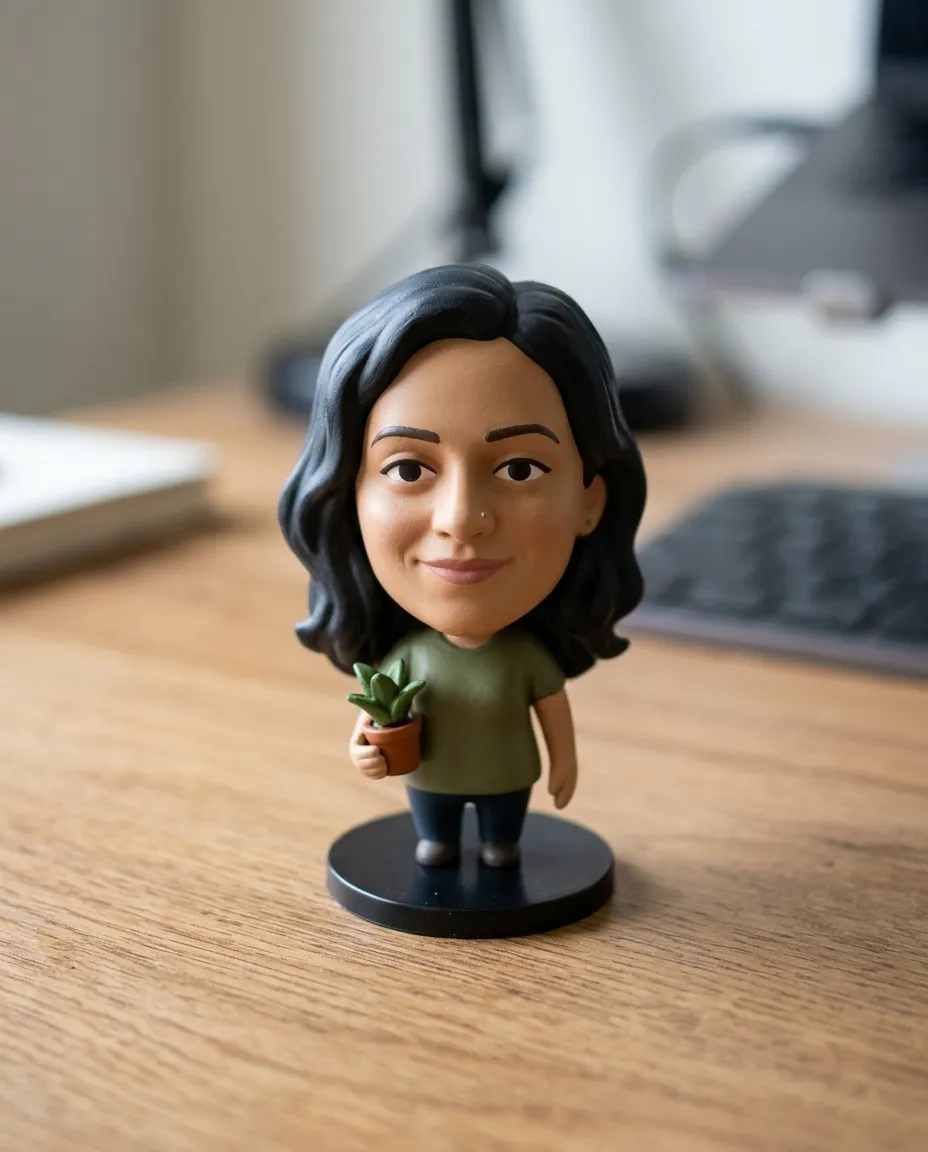
Turns the person in your photo into a small collectible vinyl figurine standing on a wooden desk.
You fill in object · add your photo
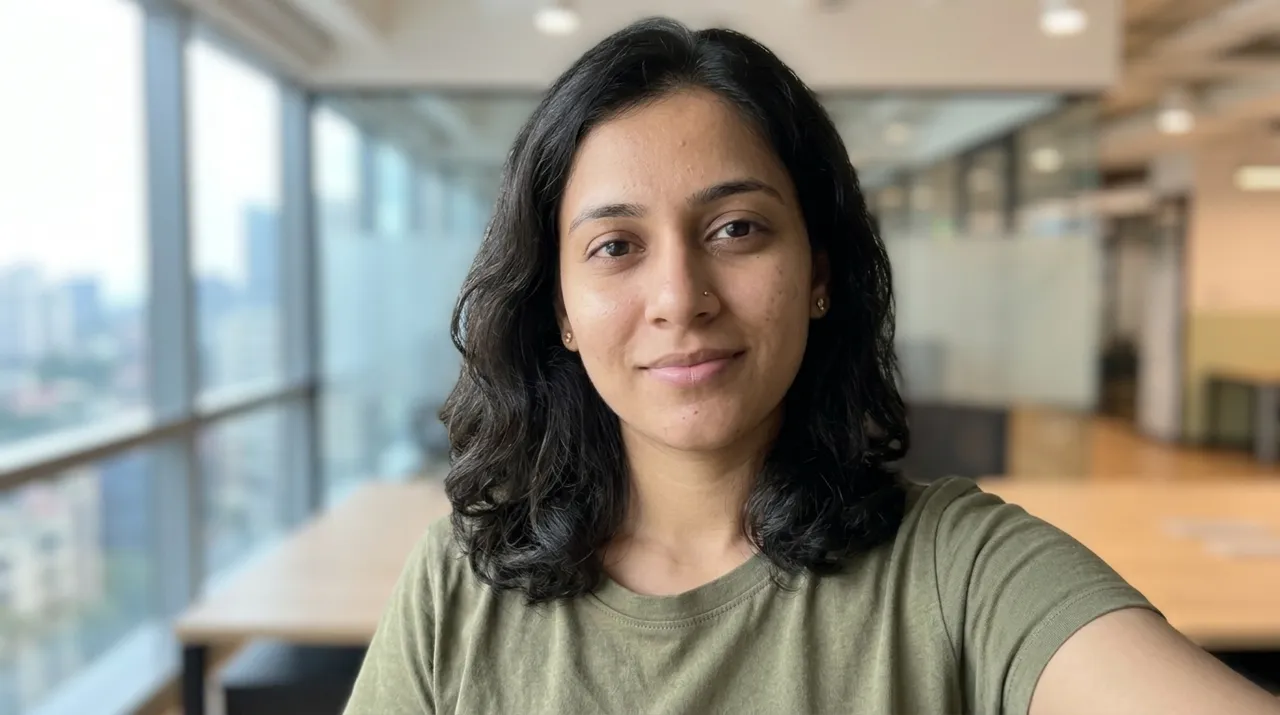
Replaces the background of your photo with a softly blurred modern office and relights the edges to match.
You fill in city · add your photo
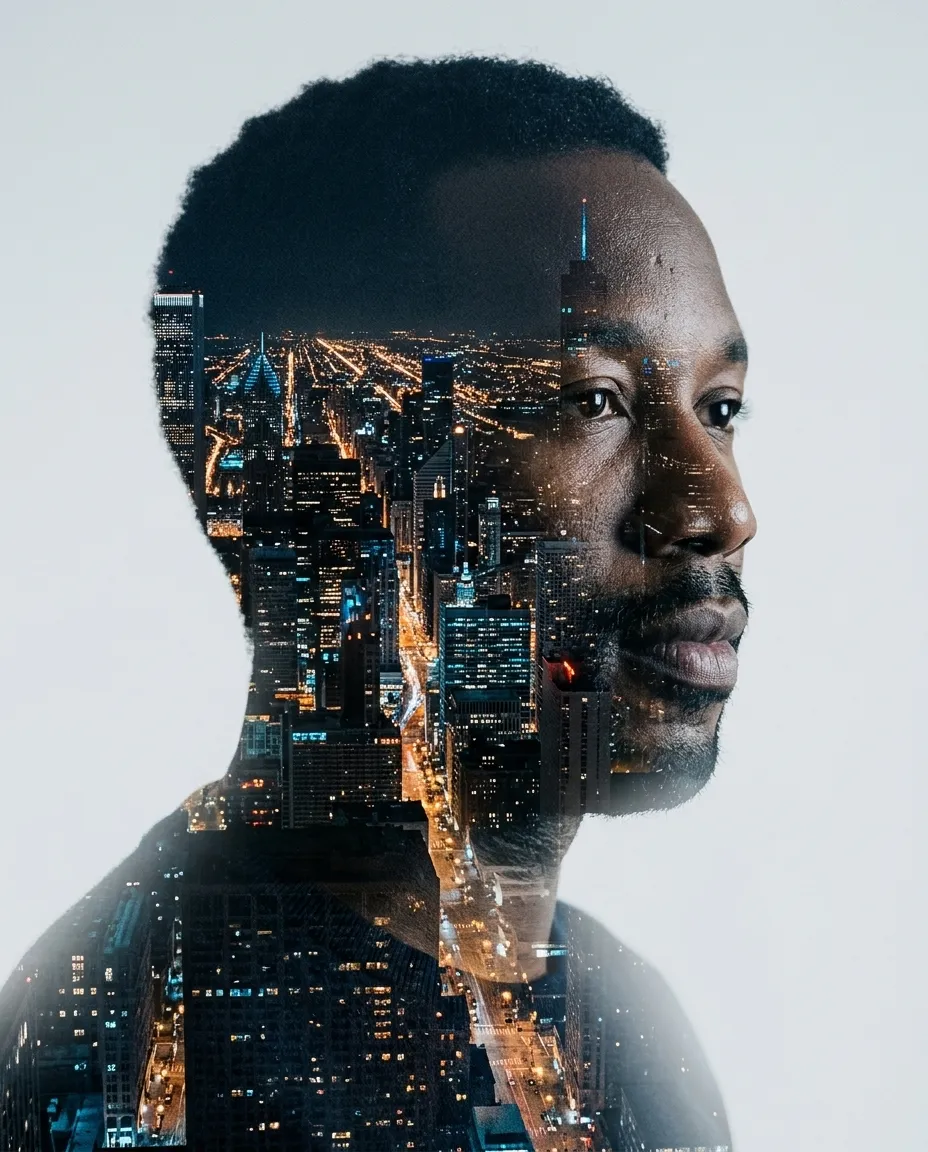
Builds a double exposure of your profile filled with the night skyline of your city.
You fill in city · add your photo
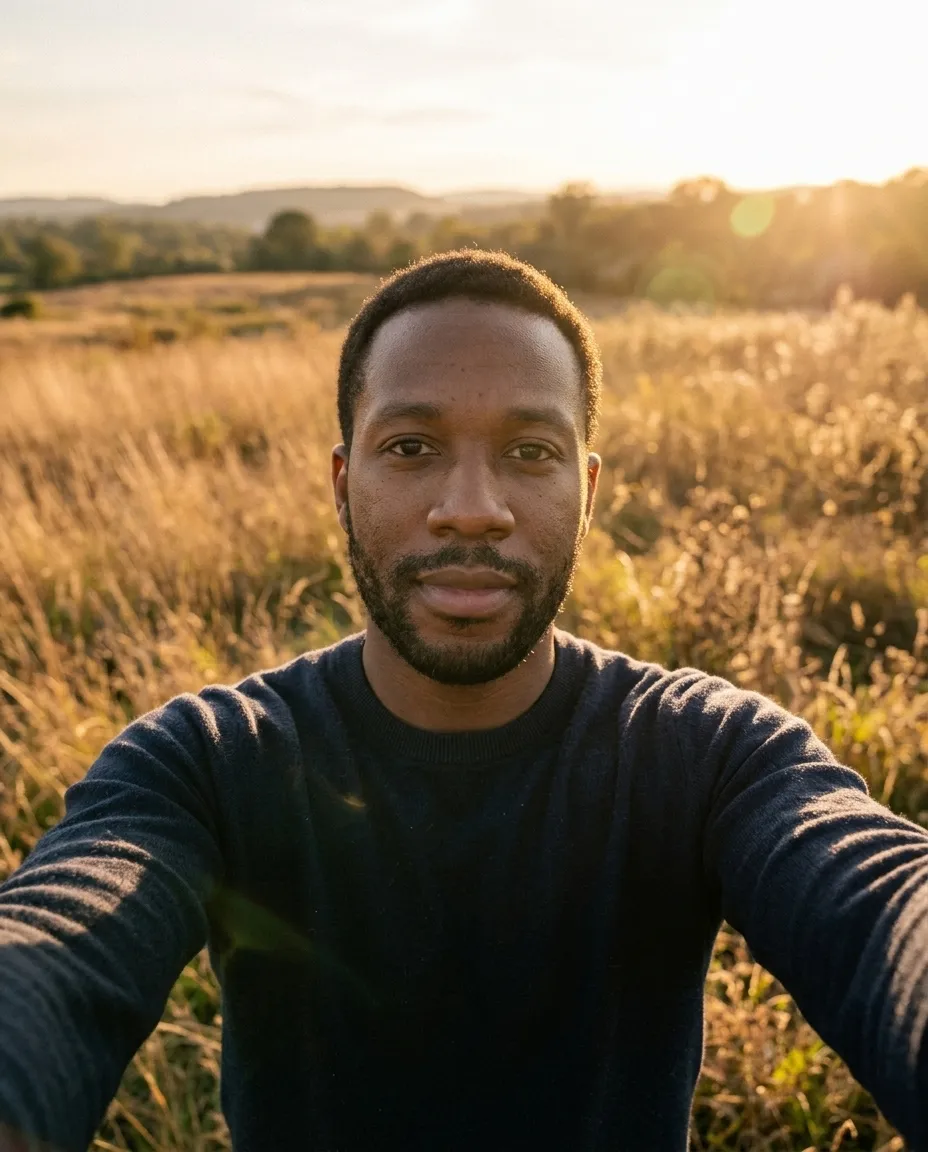
Relights your photo as a backlit golden hour portrait in tall grass, twenty minutes before sunset.
Ready to paste · add your photo
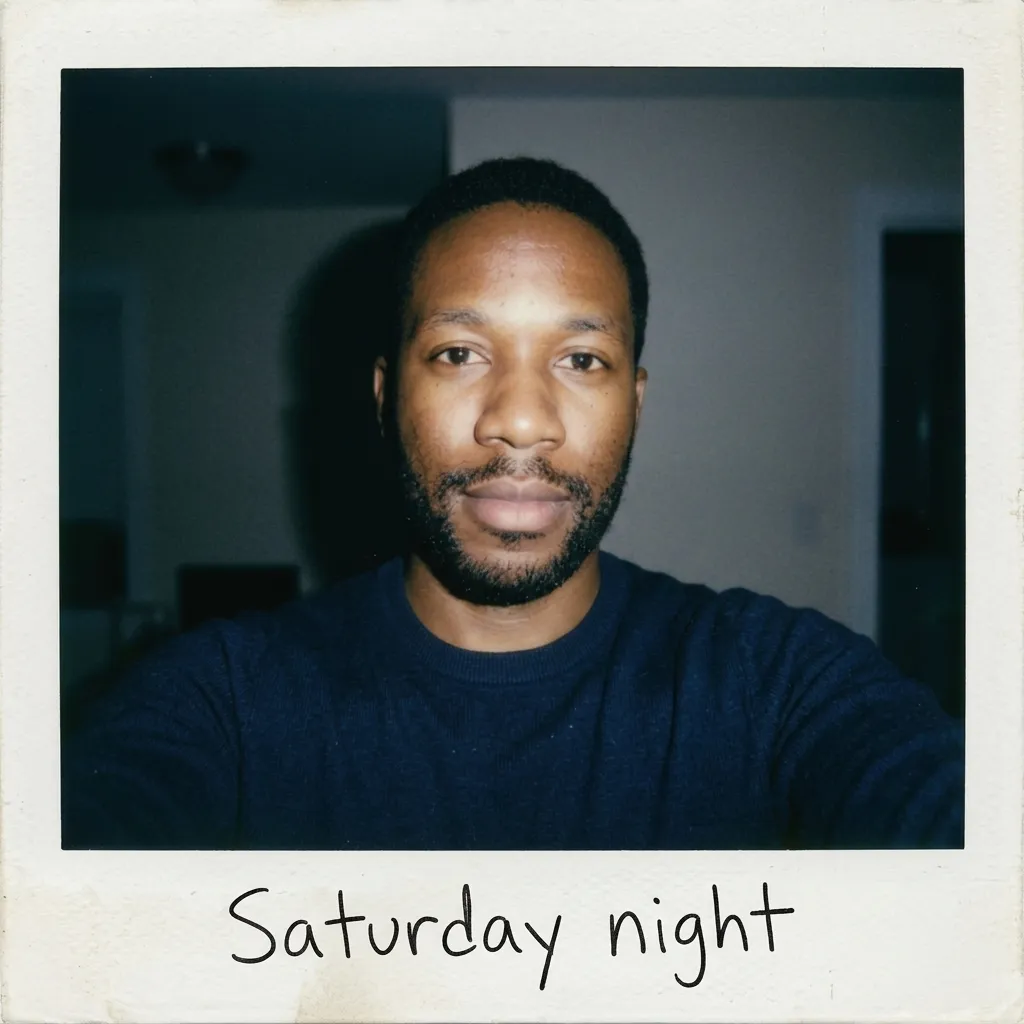
Reframes your photo as an instant camera snapshot with a thick white border, direct flash and a handwritten caption.
You fill in roomshort caption · add your photo
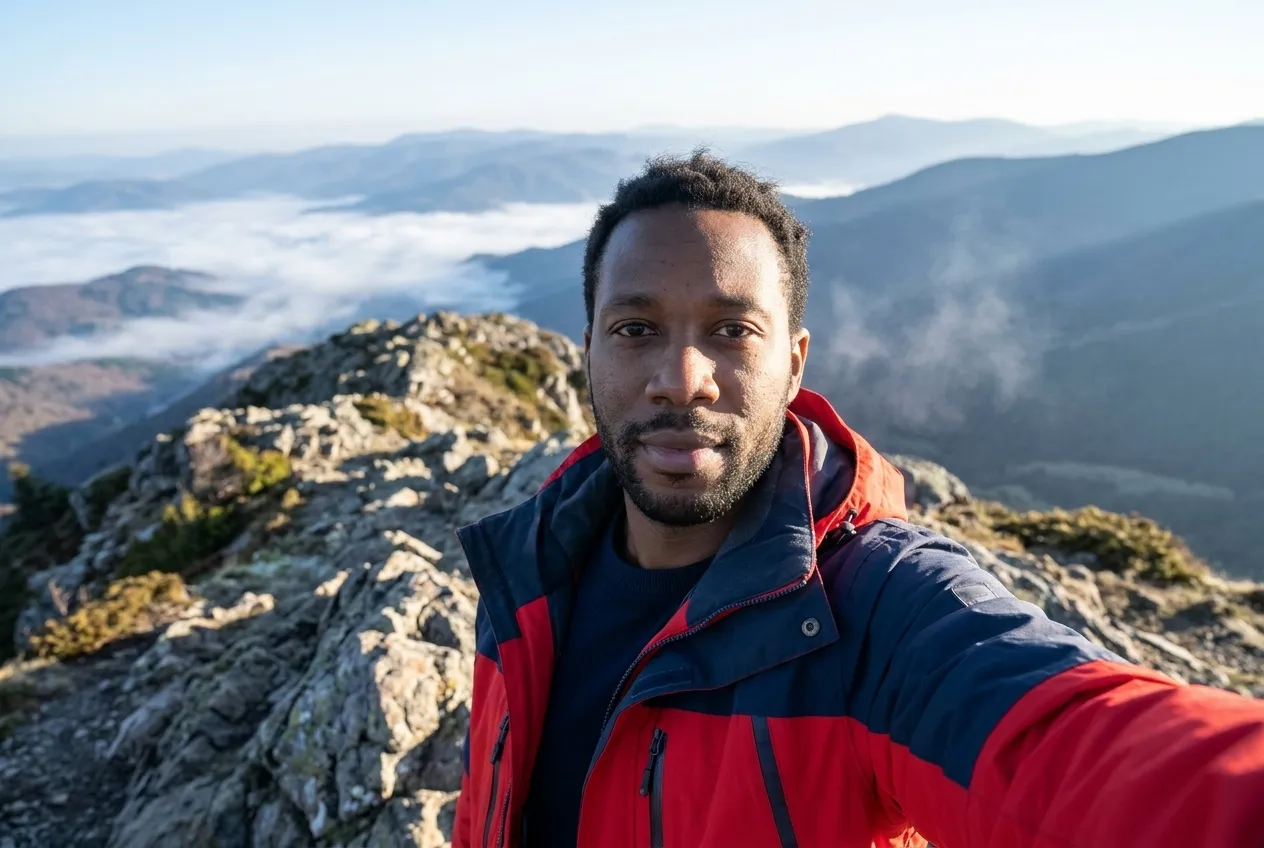
Places you on a rocky summit at sunrise with ridges fading into haze and a hiking jacket added.
You fill in colour · add your photo
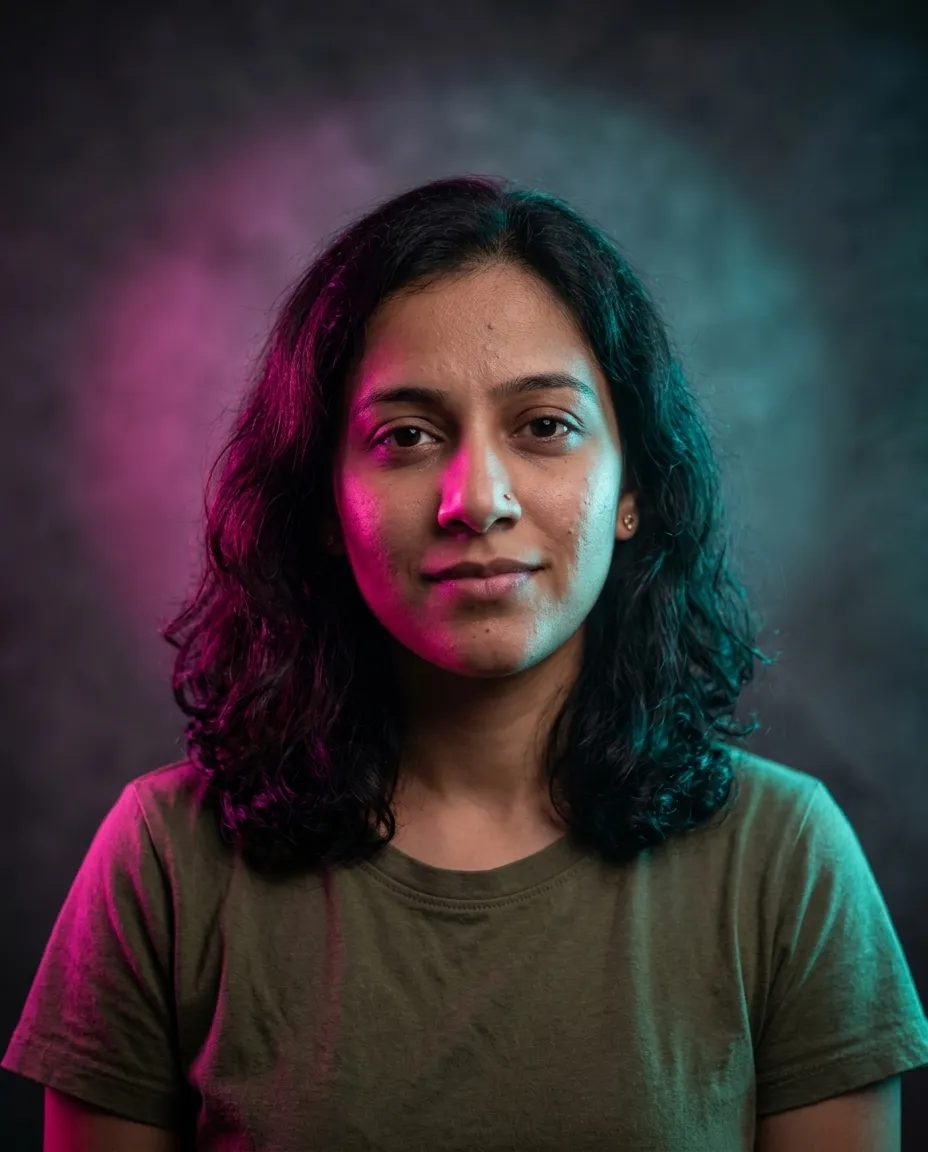
Lights your portrait with magenta and cyan studio gels against a dark backdrop with visible beams.
You fill in accent colour · add your photo
Repairs an old family photograph: creases, scratches, fading and torn corners go, and every face stays as it was.
Ready to paste · add your photo
Recolours the clothing in your photo while the face, pose and background stay untouched.
You fill in garmentoutfit colour · add your photo
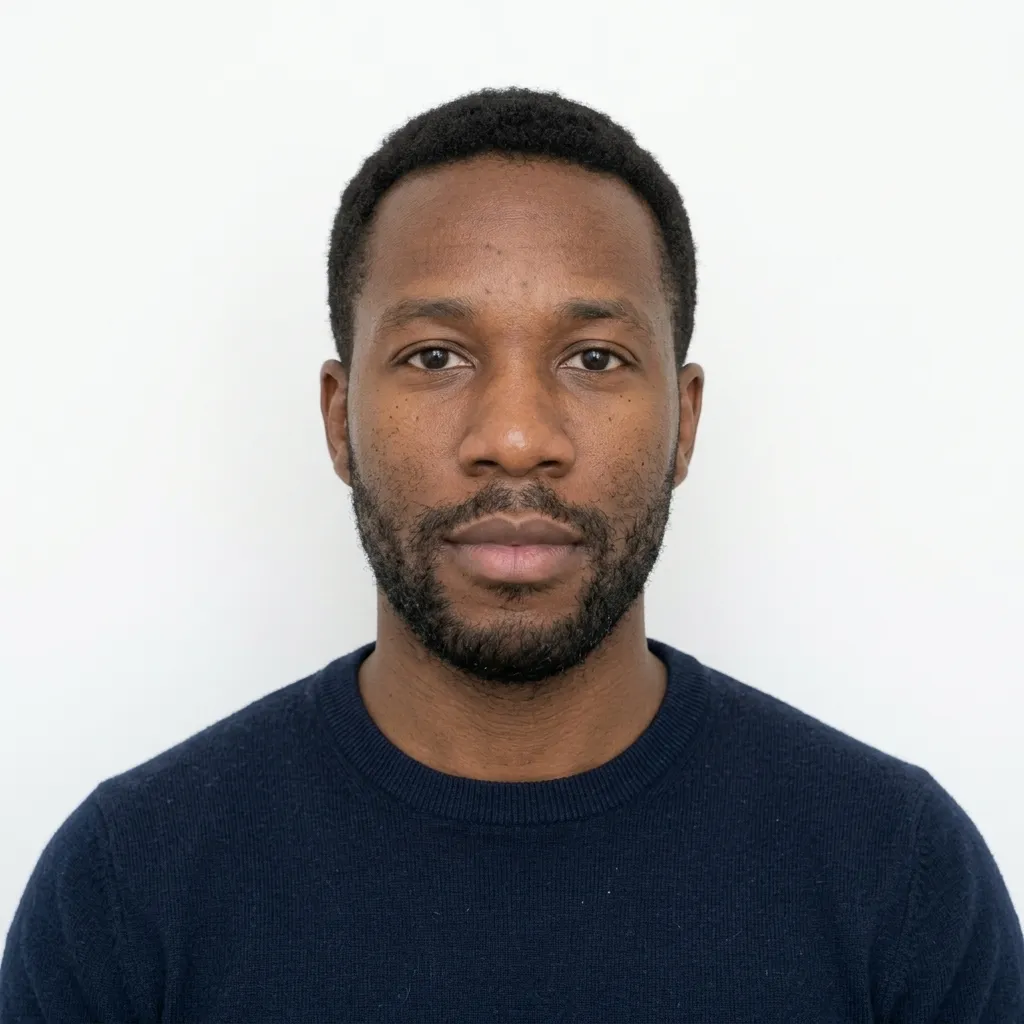
Reformats your photo into a passport style picture: white background, even light, a neutral pose and a square crop.
Ready to paste · add your photo
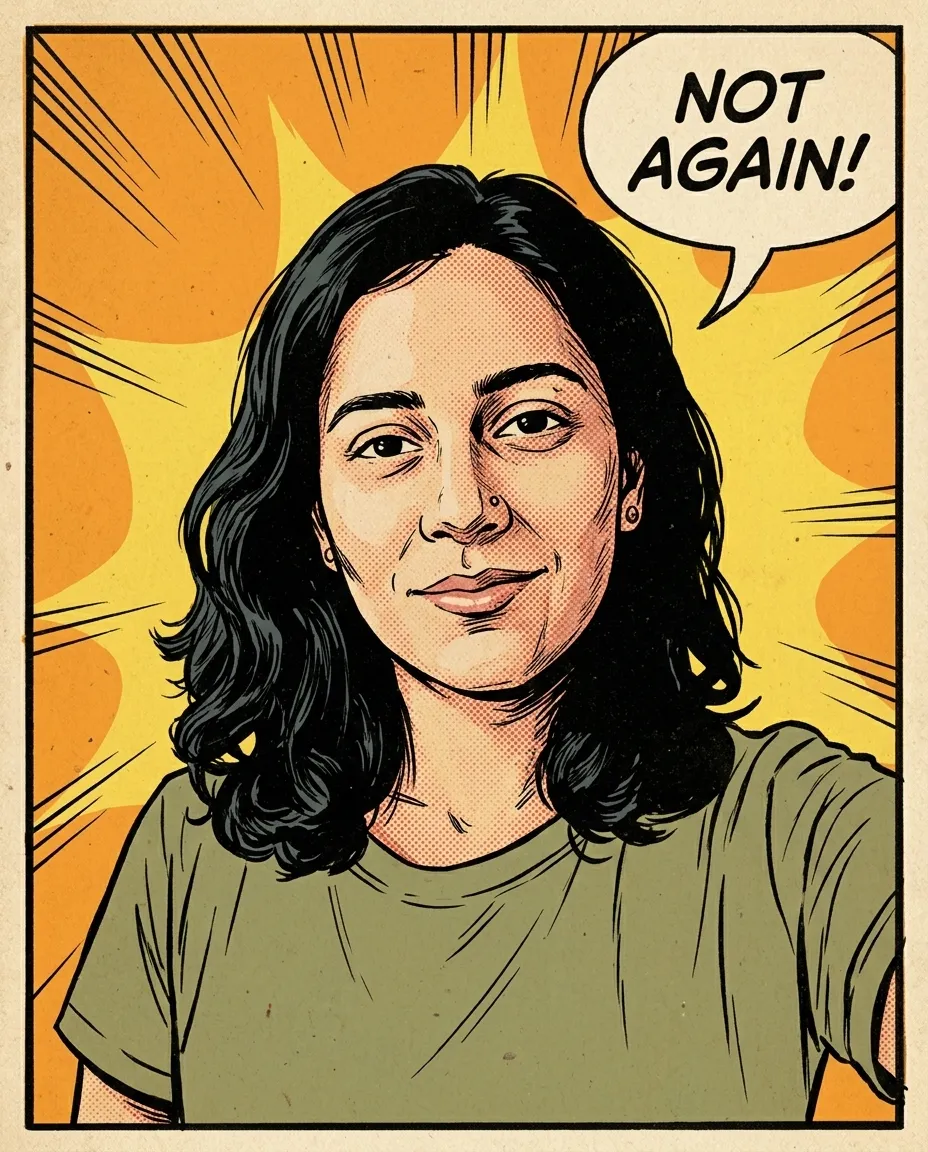
Redraws your photo as a printed sixties comic panel with halftone dots, bold ink and a speech bubble you write.
You fill in accent colourshort line · add your photo
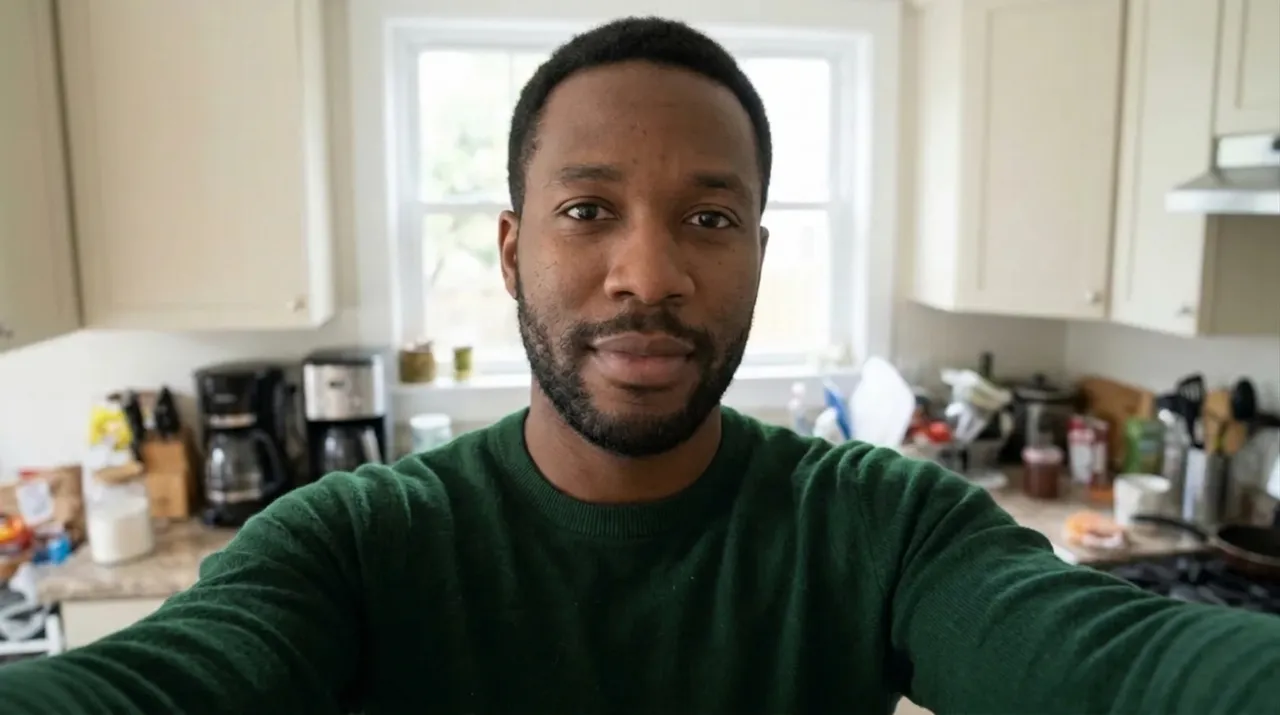
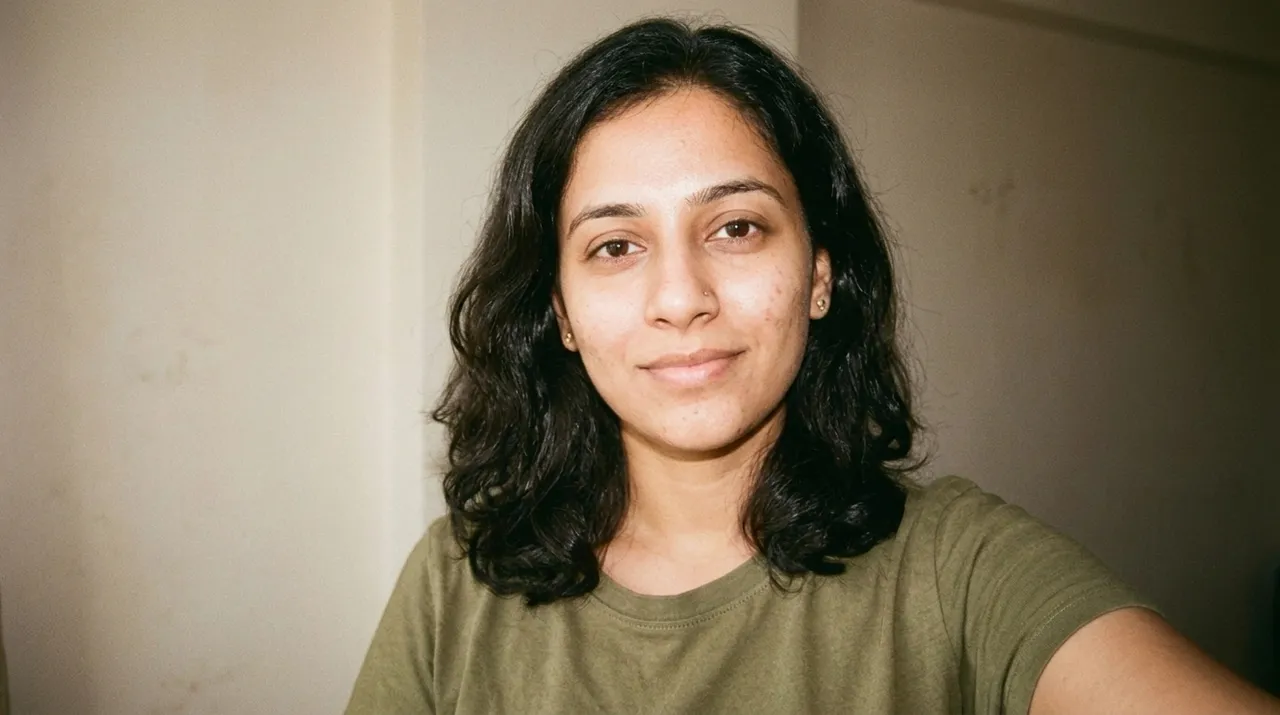
Turns your selfie into a warm, grainy portrait that looks like it was shot on 35mm film in the early nineties.
You fill in wall colour · add your photo
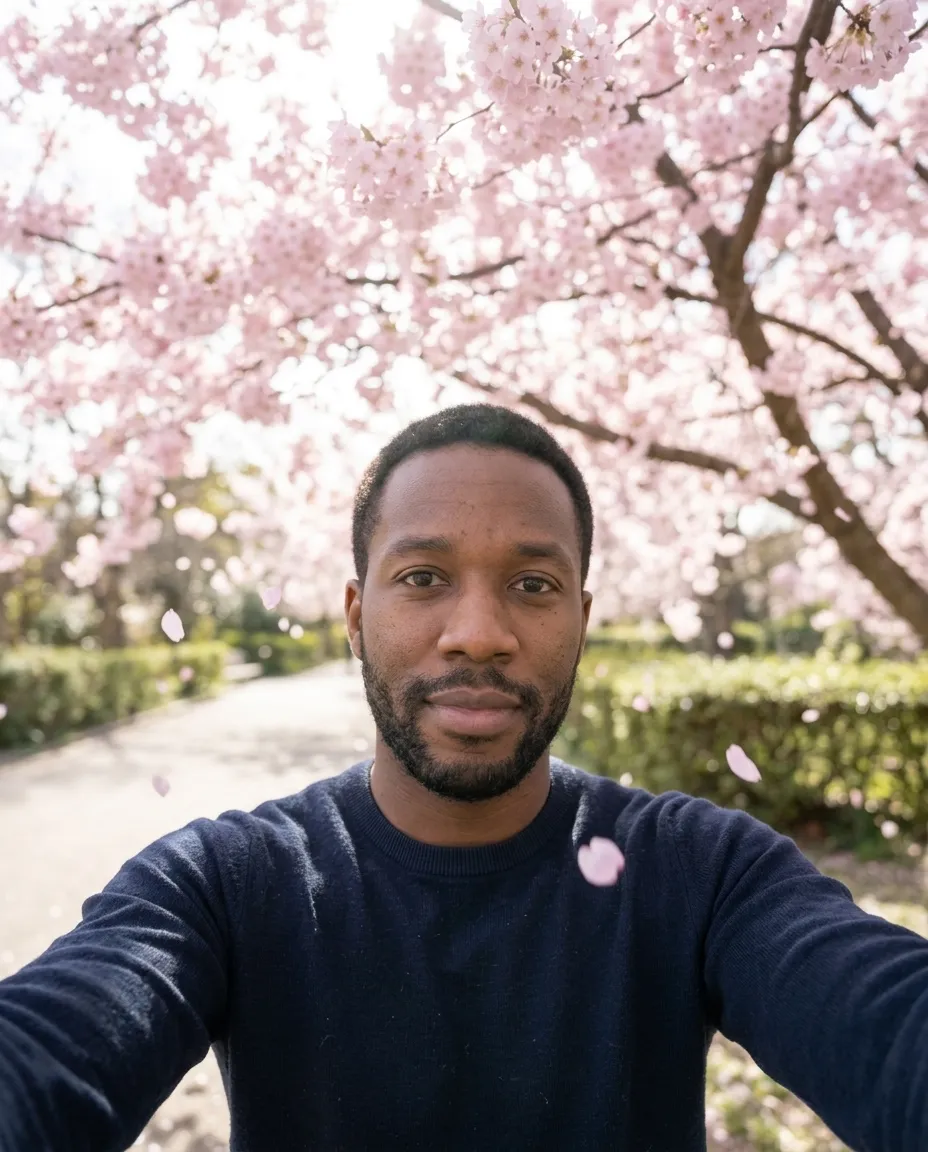
Puts you under a cherry tree in full bloom with petals in the air and hazy spring light.
Ready to paste · add your photo
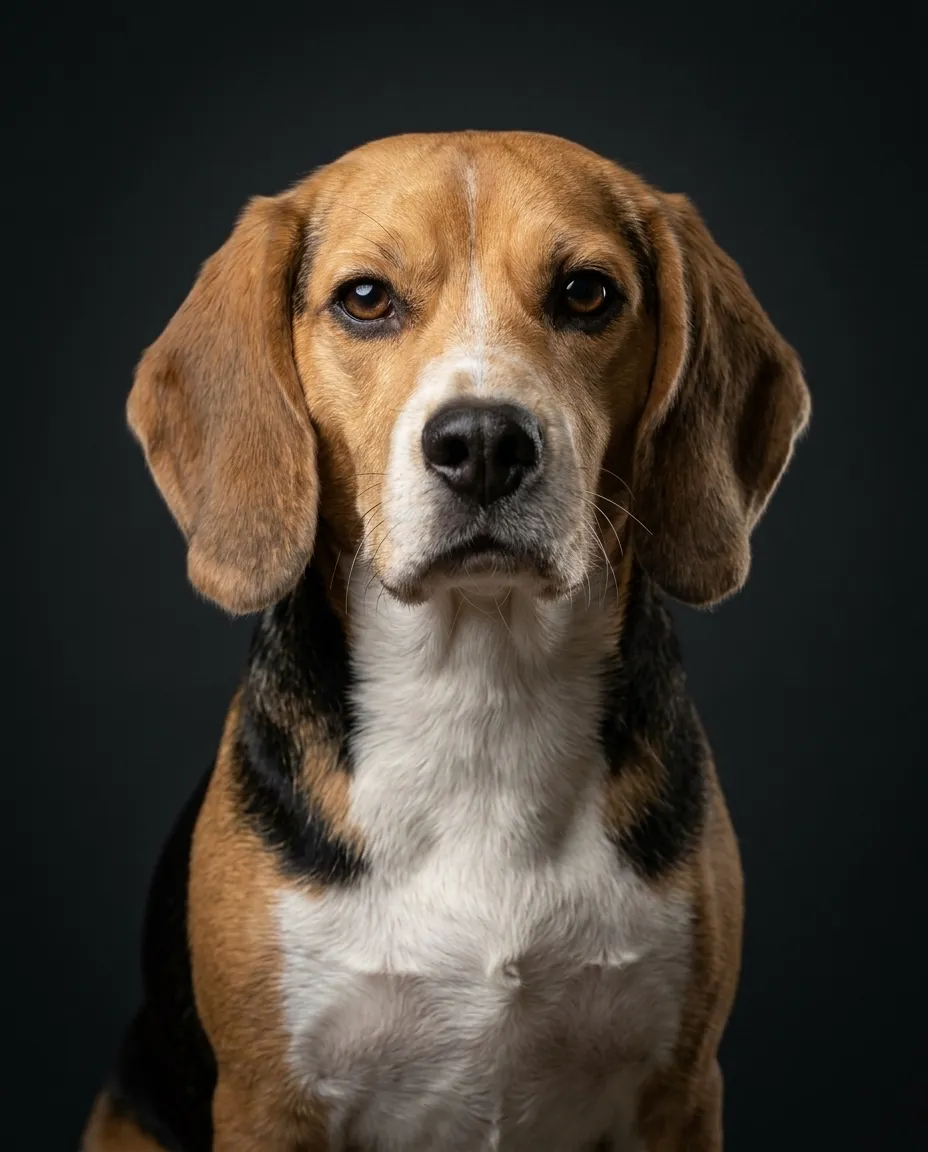
Turns a snapshot of your pet into a studio portrait with a dark backdrop, soft key light and sharp fur.
You fill in backdrop colour · add your photo
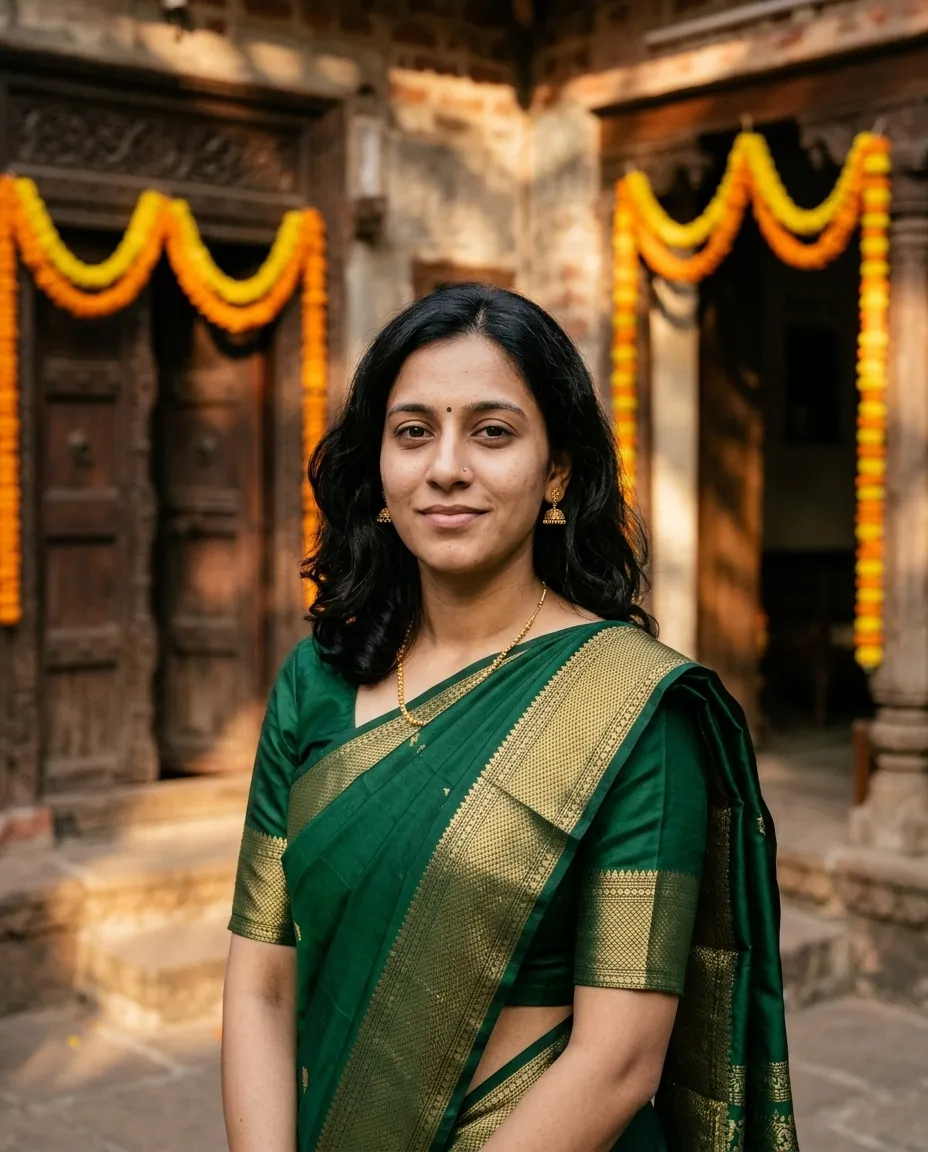
Dresses the person in your photo in a traditional silk saree and places them in a warm courtyard.
You fill in colour · add your photo
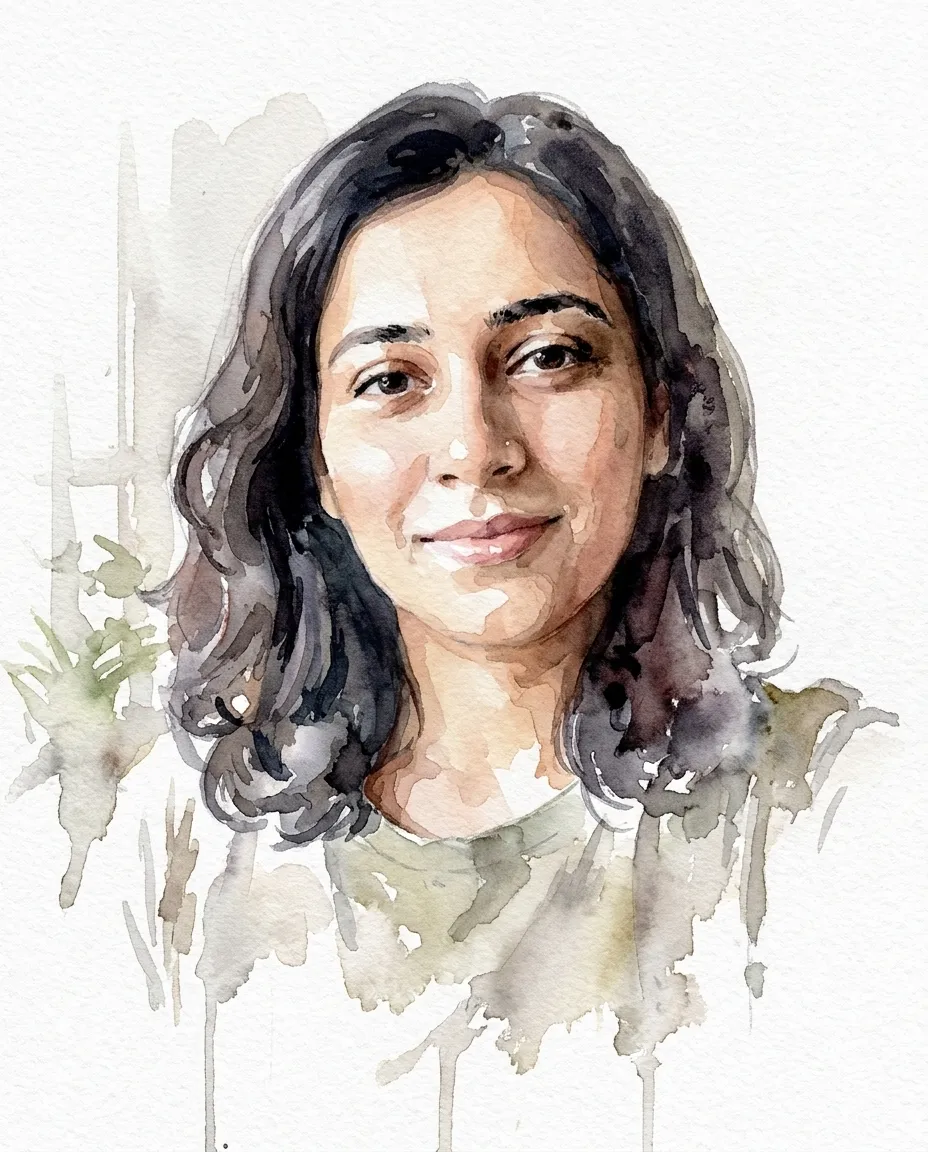
Repaints your photo as a loose watercolour portrait on cold pressed paper with bare white around the edges.
You fill in colour · add your photo
When you upload a selfie to Gemini and ask for a new look, the model has to decide two things: what to change and what to leave alone. It's good at the first. The second is where a restyle goes wrong, because anything you don't protect is fair game, and the face is the part you'll notice first. A request that works answers five questions up front.
Put together, a request you can type from memory:
Use the attached photo. Keep my face, skin tone, hair and body
exactly as they are. Change only [the one thing]: [light, setting,
lens, color, described in plain words]. Aspect ratio [4:5].
No text, no watermark, no extra people.
Every prompt on this page is that pattern filled in for one look. The brackets are the only part you need to change.
Pick by what you want to change, then check the last column: a figurine needs your whole body in frame, and a color grade works on almost any shot.
| You want | Use | Upload |
|---|---|---|
| A nostalgic film look | Retro 90s Film Portrait or Instant Film Snapshot | One selfie or portrait |
| A serious portrait for a profile or a print | Black and White Studio Portrait | A clear, front-lit face |
| A work photo without reshooting | Corporate Background Swap | Head and shoulders, any background |
| The same photo, graded like a film still | Cinematic Colour Grade | Anything; nothing in the scene moves |
| A new place and new light | Golden Hour Field Portrait, Autumn Park Portrait, Spring Blossom Portrait, Mountain Summit Portrait | Half or full length |
| Bold studio color | Neon Gel Studio Portrait | A portrait with a plain background helps |
| A different color of the same clothes | Outfit Colour Change | The outfit fully visible |
| Traditional dress | Traditional Saree Portrait | Waist up or longer |
| A painting or a comic | Watercolour Painting Portrait, Pop Art Comic Panel | One clear portrait |
| Something playful for social | Collectible Desk Figurine, Double Exposure City Portrait | Full body for the figurine, a side profile for the double exposure |
| A picture of the two of you | Anniversary Couple Portrait | One photo with both of you in it |
| Your pet, properly lit | Studio Pet Portrait | The animal looking toward the camera |
| An old print fixed | Old Family Photo Repair | A flat scan of the print |
| A tidy ID-style picture | Passport Photo Format | Facing the camera, even light |
For headshots aimed at LinkedIn or a company page, the headshot prompts go further than the background swap here.
Here's the request people usually type when they've seen a 90s-look photo online and want one of their own. We wrote it, and the better version below it, to show what the five questions change.
make this photo look 90s
Read it from the model's side. «90s» could mean the film, the fashion, the hair or the room, so any of them may change. There's no hold list, which leaves your face open to being redrawn. No frame is set, so the crop can move. And nothing stops a printed date in the corner, which a lot of «90s» pictures have.
Use the attached photo. Keep my face, skin tone, hair and clothes
exactly as they are. Change only the look of the picture: 35mm
color film from the early 1990s, soft warm grain, slightly faded
shadows, a direct on-camera flash with the background falling off
into a plain cream wall. Keep the original framing.
No date stamp, no text, no extra people.
Now «90s» means one thing, the film, and everything else is pinned. That's the whole idea behind the Retro 90s Film Portrait, which adds a few more film details on top. If you want the 90s fashion as well, that's a second change: ask for it in a second message, after the film look is right.
Stay in the same chat when the first result is close. A short reply fixes most problems faster than rewriting the prompt, and Gemini keeps the context of what you asked.
| The result | Reply with |
|---|---|
| Doesn't quite look like you | Go back to my original photo. Keep the face pixel for pixel and apply only the [look] again. |
| Skin looks smooth and plastic | Keep natural skin texture, pores and small marks. No smoothing or retouching. |
| Skin tone shifted under the new light | Keep my skin tone as in the original. Only the light on it should change. |
| Too strong | Make it about half as strong. Less grain, less color shift. |
| Clothes or hair changed too | Restore my clothes and hair from the original. Change only the [background / light]. |
| Head or feet cut off | Zoom out so my whole head and shoulders fit, with space above the hair. |
| Text or a stamp appeared | Remove all text, numbers and stamps. Change nothing else. |
| The cutout edge looks pasted on | Blend the edges of my hair into the new background and match the light on my shoulders to the room. |
A restyle is a new image drawn from your photo, and the places it slips are fairly predictable once you know where to look.
One more rule, ours: edit photos of yourself, or of adults who have said yes. Restyling someone else's face without asking is the fastest way to turn a fun edit into a problem.
These details come from Google's Gemini help pages and are current as of October 2026; Google changes them often, so treat them as a snapshot.
Plan prices and the rest of what Gemini does are in our Gemini review. If you want to make images from scratch, merge several photos or put text in a picture, the Nano Banana prompts cover the image model itself.
Gemini's image model edits the picture you upload rather than generating a new person, and every prompt here opens by telling it to leave the face, skin tone, hair and body exactly as they are. Likeness can still slip, most often around the eyes, teeth and jawline. Compare both images at full size and run it again if something has drifted.
One person, sharp, lit from the front, at the biggest size you have. A heavy filter or a dark phone snap limits what any edit can recover. Match the picture to the prompt as well: Collectible Desk Figurine needs the whole body in frame, and Old Family Photo Repair wants a flat scan of the print, not a shot of it taken at an angle.
That is what most of these do. Outfit Colour Change recolours only the garment you name and states that face, pose and background stay untouched, down to matching the new colour to the light already in the scene. Make one change per run and look at the result before asking for the next, because stacked edits in a single message tend to drift.
Do not count on it. Passport Photo Format gives you the look: plain white background, even frontal light, neutral expression and a square crop, which suits any form wanting a tidy portrait. Countries set their own dimensions, head height and biometric rules, and many refuse an edited or generated image outright. Check the published requirements before you submit anything.
One email a week: the best new prompts and one short guide. Confirm by email and get the free Prompt Cheat Sheet (PDF). Unsubscribe any time. Privacy policy