PH-0839Art & Image
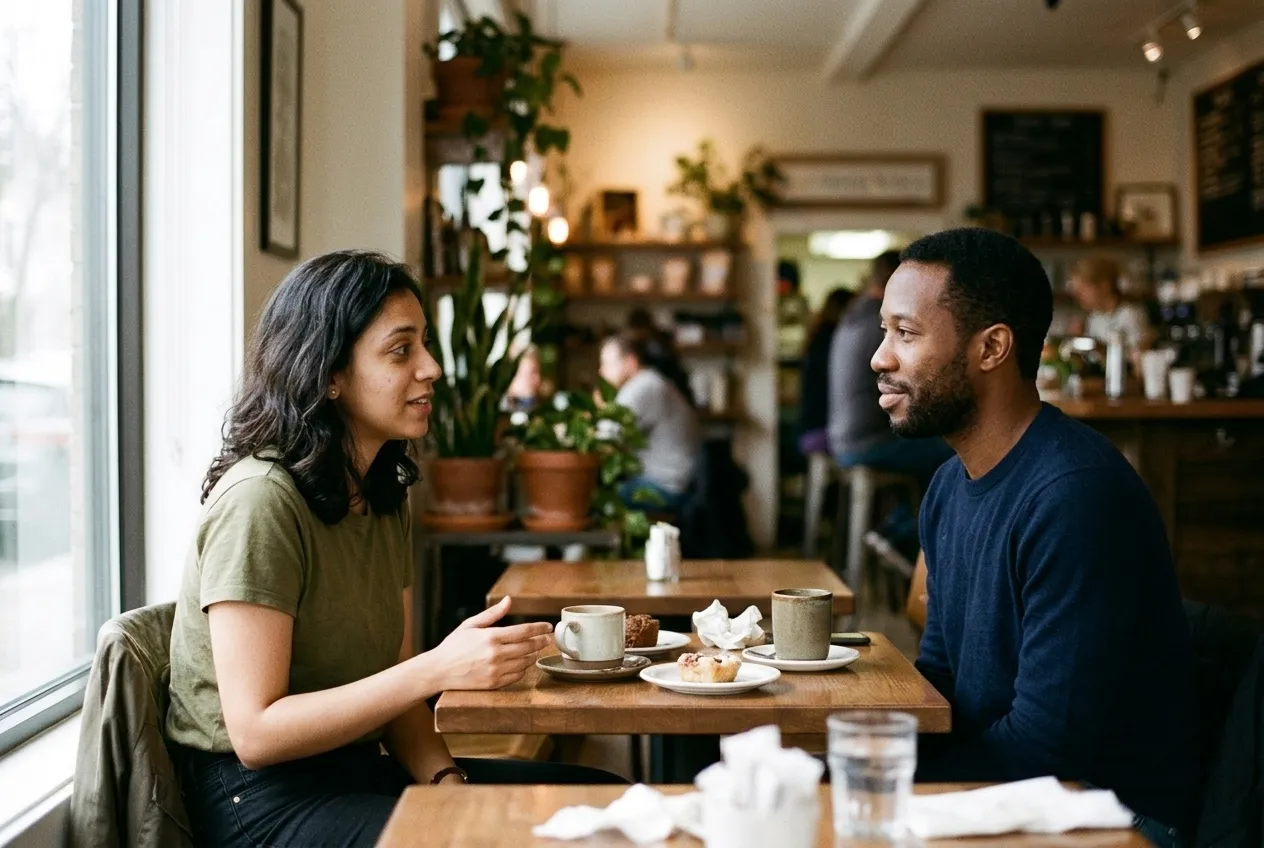
Merge Two Photos Into One
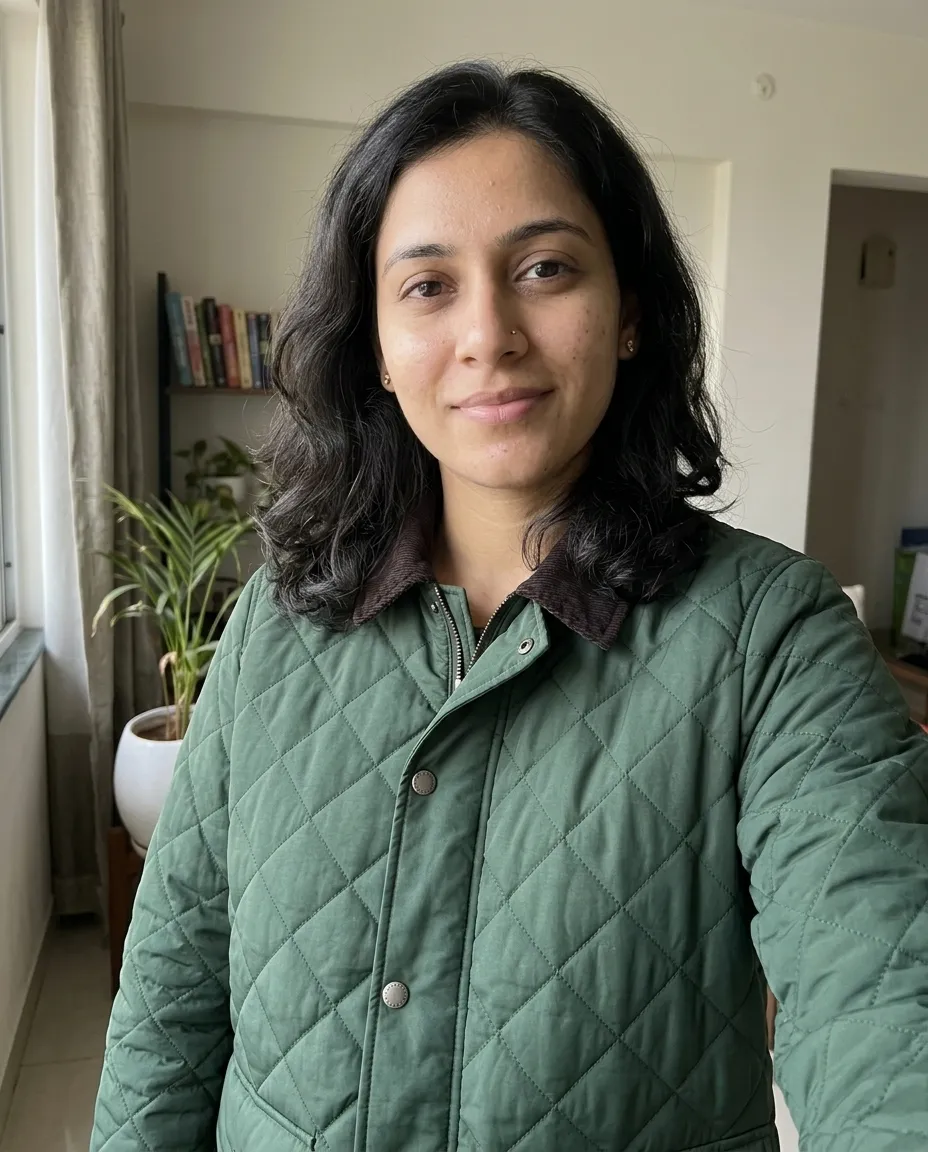
Merges two people from two separate photos into one cafe scene under a single light.
You fill in setting · add both photos
Nano Banana
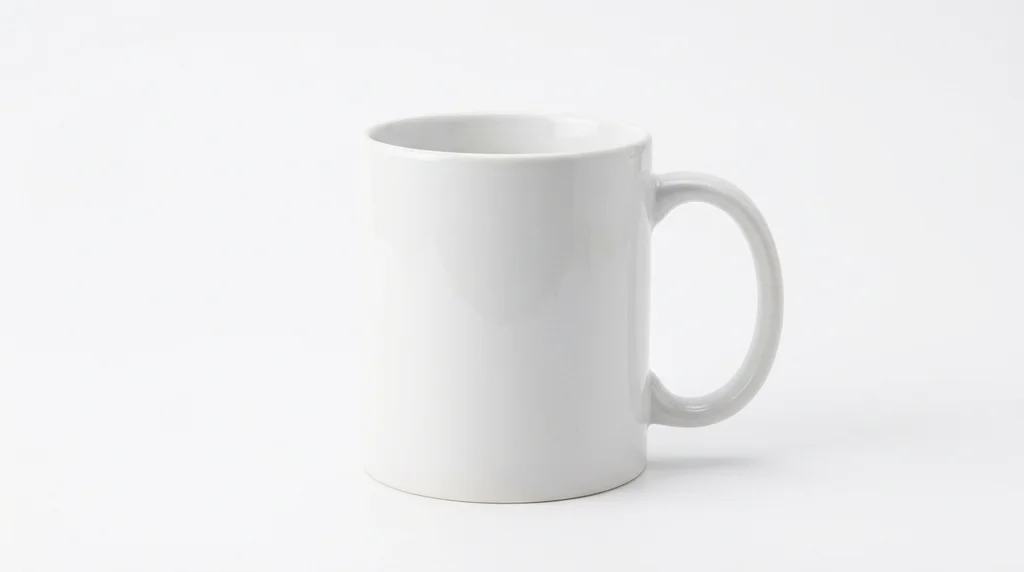
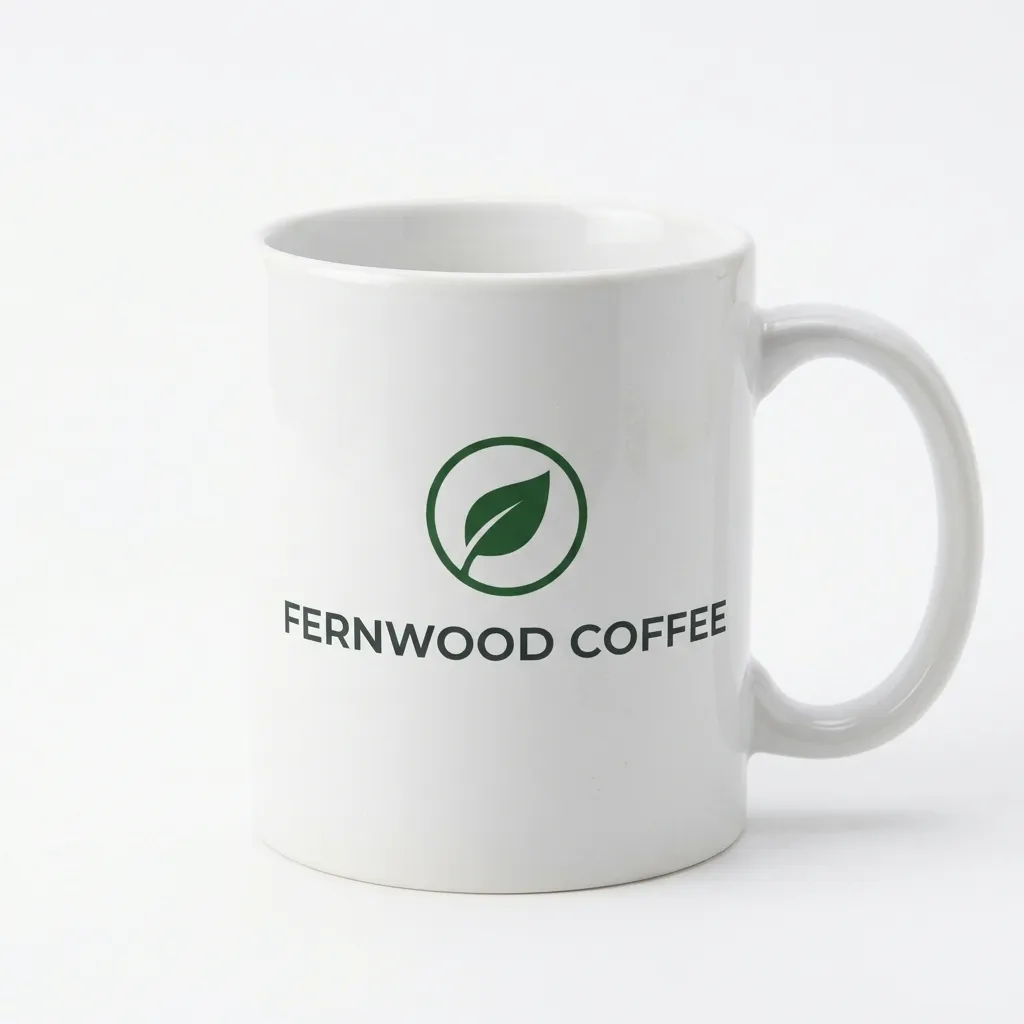
Wraps your own logo onto a photo of a plain mug at a realistic size and curve. You need the logo file and a photo of the mug.
Wraps your own logo onto a photo of a plain mug at a realistic size and curve.
Use the two attached images: the first is my logo, the second is a plain mug. Keep the logo's exact shapes, colours and proportions. Place it centred on the side of the mug at a realistic size, wrapped to the curve so it foreshortens towards the edges, with the mug's own texture and lighting showing faintly through it. Keep the mug, the background and the light exactly as in the second photo. Add a clean contact shadow. Sharp focus on the logo, aspect ratio 1:1. Nothing printed beyond the logo, no watermark, no hands.
Merges two people from two separate photos into one cafe scene under a single light.
You fill in setting · add both photos
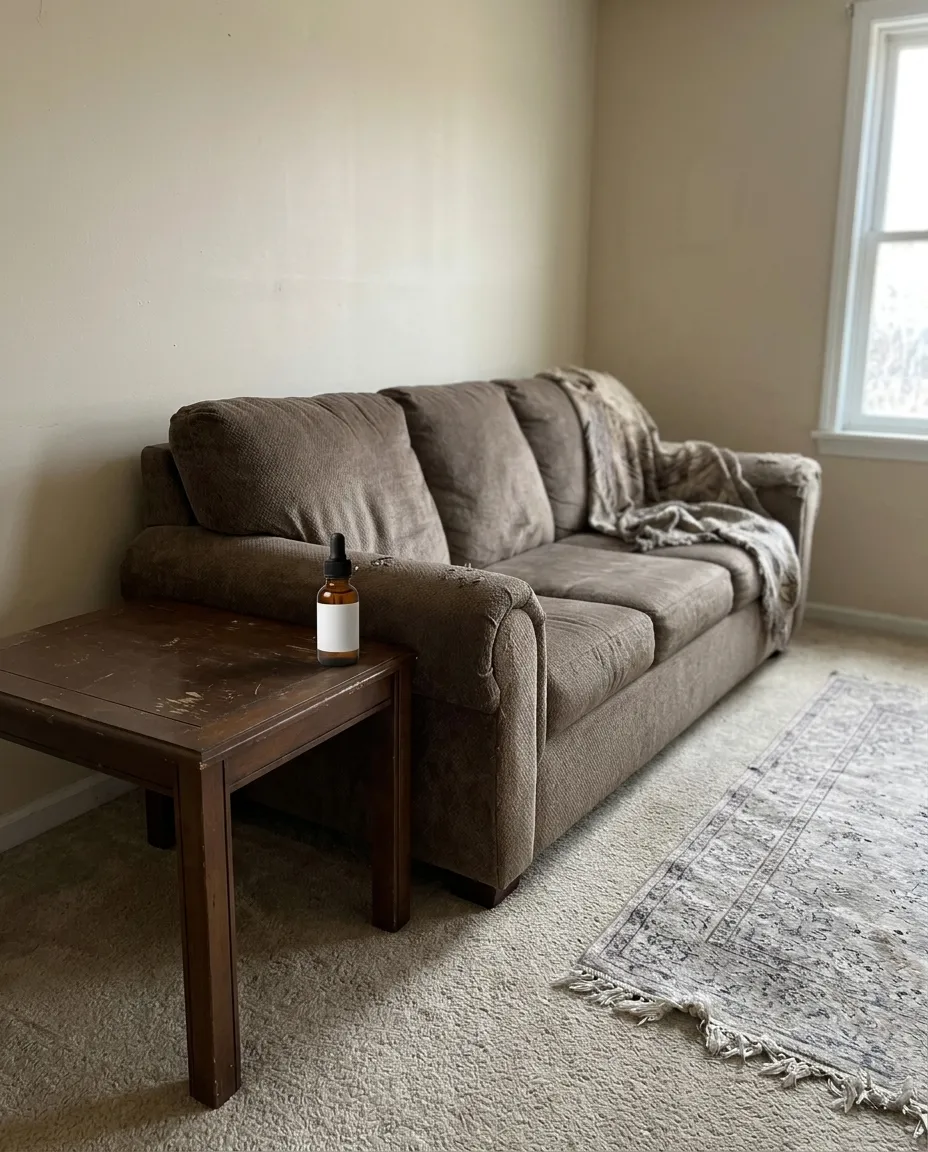
Drops your product from one photo into a room from another at a believable size and light.
You fill in surface · add both photos
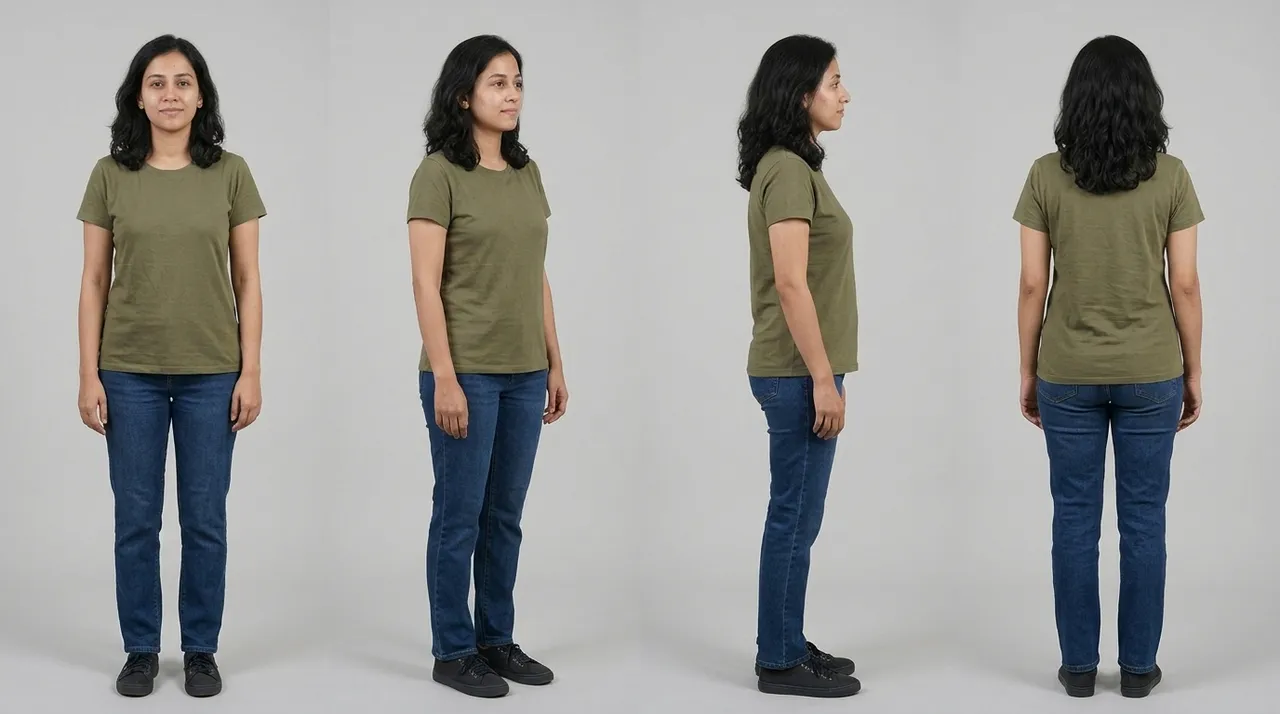
Builds a four view character sheet from one photo, with an identical face and outfit in every panel.
You fill in colour · add your photo
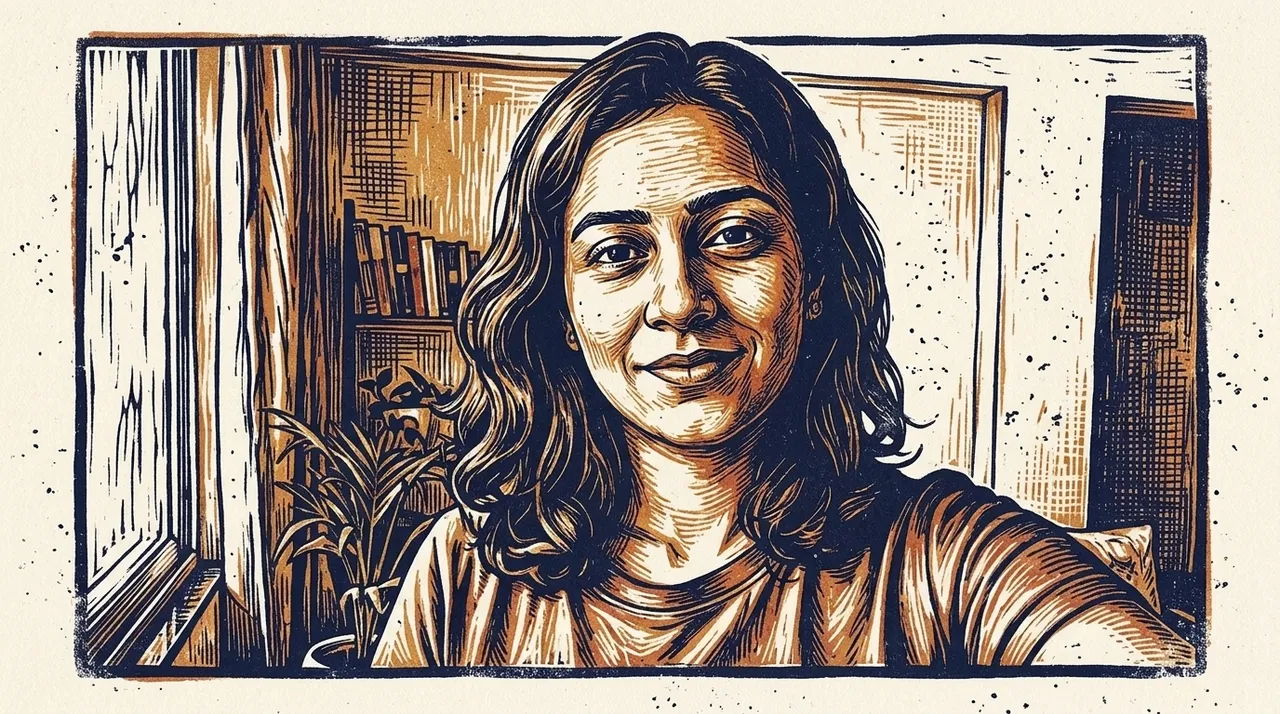
Repaints your photo in the style of a reference image without copying anything in it.
Ready to paste · add both photos
Puts a garment from a second photo onto the person in the first, with the pose and body unchanged.
Ready to paste · add both photos
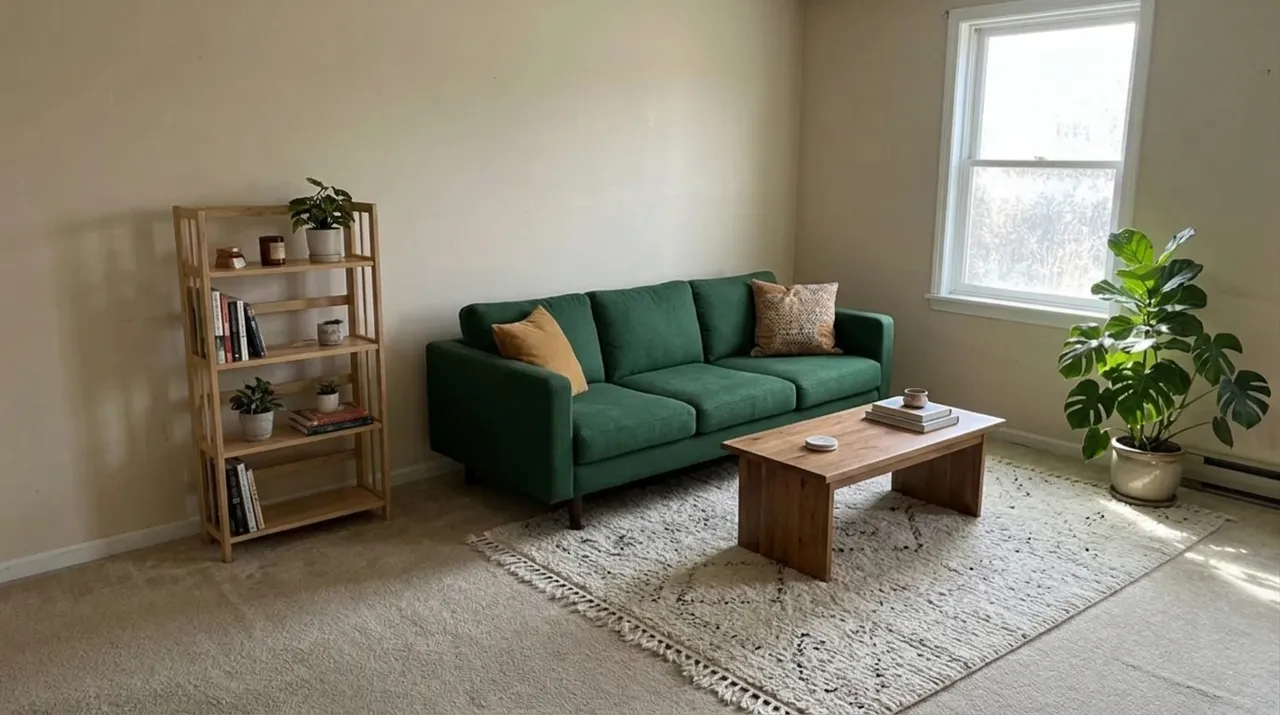
Replaces the furniture in a photo of your room while the walls, windows and camera angle stay fixed.
You fill in colour · add your photo
One email a week: the best new prompts and one short guide. Confirm by email and get the free Prompt Cheat Sheet (PDF). Unsubscribe any time. Privacy policy