Describe your track, its sections and two or three themes, and get a numbered set of image prompts in one shared style, ordered to follow the music, with each image linked to the next by a color or shape so the cuts flow. Use it for a visualizer, a lyric-free music video or a reel.
What you get
Describe your track, its sections and two or three themes, and get a numbered set of image prompts in one shared style, ordered to follow the music, with each image linked to the next by a color or shape so the cuts flow.
What you need
5 blanks to fill in: genre, mood and tempo, for example slow… for example 3 minutes: quiet intro… two or three, for example impossible… for example Midjourney, Leonardo… for example 12
Best inAny chat modelAlso works in ChatGPT, Claude, Gemini 239 words
Prompt · November 14, 2026
I want you to act as an art director planning still images for a music montage with no plot. The images will be cut together to one track, so they need one look and an order that follows the music.

Track: [genre, mood and tempo, for example slow ambient electronic, dreamy]
Length and sections: [for example 3 minutes: quiet intro, build, peak, fade-out]
Themes: [two or three, for example impossible future cities, deep-sea gardens]
Image tool and format: [for example Midjourney, Leonardo, ChatGPT; 16:9 or 9:16]
Number of images: [for example 12]

1. Write one style line, covering medium, palette, lighting and lens, that every prompt will repeat word for word.
2. Assign the images to the track's sections. Quiet sections get calm, open compositions; the peak gets the densest, brightest ones.
3. Write each prompt complete on its own, so I can paste it alone: subject, setting, composition, then the style line, then the aspect ratio in the tool's own syntax.
4. Give each image one carry-over from the one before it, such as a color, a shape or a direction of movement, and name it in a short note under the prompt.
5. End with the order as a list of numbers and how many seconds each image stays on screen to fill the track.

Don't put text, logos, real people or living artists' names in any prompt. If my themes clash, say which one to drop.
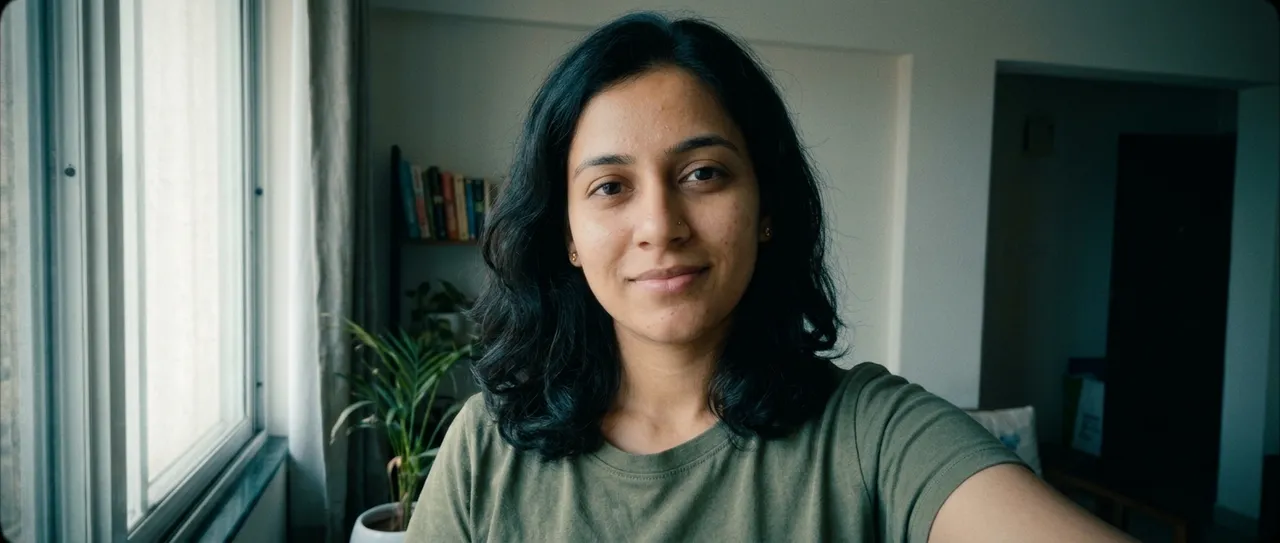
Regrades your photo like a feature film: teal shadows, warm skin, lifted blacks and a widescreen crop.
Ready to paste· add your photo
Gemini
Weekly
New prompts in your inbox
One email a week: the best new prompts and one short guide. Confirm by email and get the free Prompt Cheat Sheet (PDF). Unsubscribe any time. Privacy policy